Clayts
Creator
-
Joined
-
Last visited
Never
-
 I Took on The IMPOSSIBLE Vaduz SaveView the full article
 -
 Dominating League Two With My Own Custom Club (Three Counties FC)View the full article
 -
 Is this the Hardest Save in Football Manager?View the full article
 -
 I Started The IMPOSSIBLE Vaduz Challenge on FM26View the full article
 -
 The Board Just Sold My Player?! (Three Counties FC)View the full article
 -
 How To Enjoy Football Manager AgainView the full article
 -
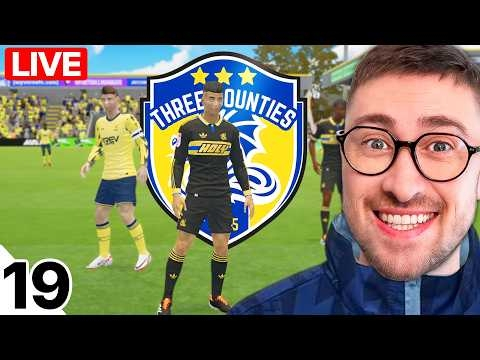 New Signings, New Season (Three Counties FC)View the full article
 -
 I Rebuild My Local Team until They Win the Champions League (FULL SERIES)View the full article
 -
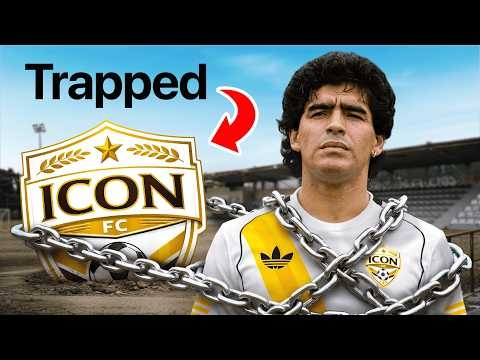 I Trapped The Greatest Players of All Time on a Non-League TeamView the full article
 -
 Can I Win the Champions League with my Local Team in 10 Seasons?View the full article
 -
 My Custom Club Made it Professional! (Three Counties FC)View the full article
 -
 I Started An Impossible Challenge With My Local ClubView the full article
 -
 I Rebuild My Local Team until They Win the Champions LeagueView the full article
 -
 Winning Leagues With My Custom Club?! (Three Counties FC)View the full article
 -
 Your FM26 Saves Are InsaneView the full article