
Tom FM
Creator
-
Joined
-
Last visited
Never
-
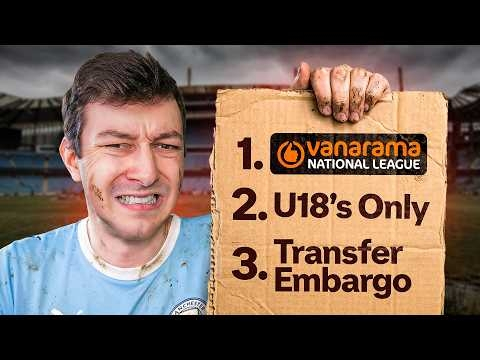 I Manage Man City but the 115 Charges are ActiveView the full article
 -
 We Confessed Our Worst Football Manager SinsView the full article
 -
 I Built The Fastest Team in Football ManagerView the full article
 -
 Can a Team of Free Agents win the Champions League?View the full article
 -
 Winning a Ballon d’Or with a Random WonderkidView the full article
 -
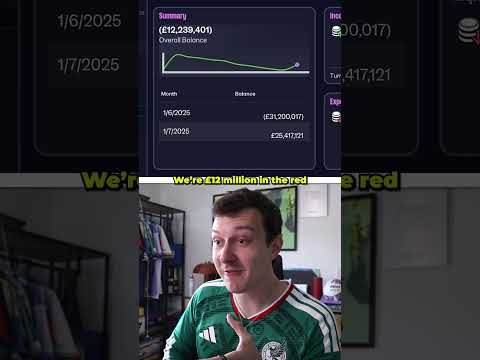 This Snake Bankrupt my Football Club...View the full article
 -
 I Fix Germany's Broken Football ClubView the full article
 -
 My Assistant Manager Did My Transfers. It Was a Bad Idea...View the full article
 -
 I Become a Football Club OwnerView the full article
 -
 I Rebuild Coventry City in the Premier LeagueView the full article
 -
 I Let My Assistant Manager Make Every DecisionView the full article
 -
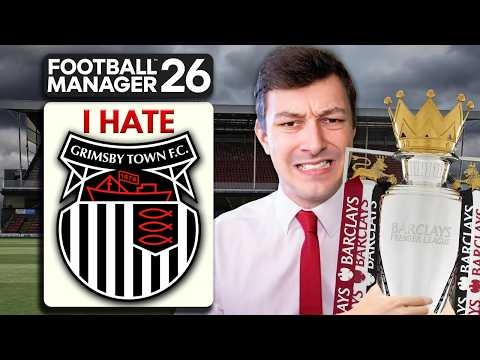 I Rebuild The Team I Hate...View the full article
 -
 I Built a Wonderkid With a Random Number GeneratorView the full article
 -
 What if Every World Cup Semi-Final was Reversed?View the full article
 -
 The Ultimate Football Manager ChallengeView the full article