





Tom FM
Creator
-
Joined
-
Last visited
Never
Everything posted by Tom FM
-
 The Secret Weapon That Almost Took Wales to a World Cup Semi FinalView the full article
 -
 The REJECTS World CupView the full article
 -
 Did Germany Take Drugs to Win the World Cup?View the full article
 -
 This is the Most Violent Match in World Cup HistoryView the full article
 -
 Why Wasn't There a World Cup Final in 1950?View the full article
 -
 What is the Biggest Ever World Cup Upset?View the full article
 -
 Why Did Scotland Refuse to Play at the 1950 World Cup?View the full article
 -
 Why Were India disqualified from the 1950 World Cup?View the full article
 -
 I Simulated The World Cup 100 TimesView the full article
 -
 Why Brazil Should Have 6 World CupsView the full article
 -
 Why Did Only 15 Nations Play in the 1938 World Cup?View the full article
 -
 This Team Travelled to the World Cup and Didn't PlayView the full article
 -
 Why Didn't Uruguay Play in the 1934 World Cup?View the full article
 -
 How Many World Cups Can I Win in 24 Hours?View the full article
 -
 Why Were 2 Balls Used at the 1930 World Cup Final?View the full article
 -
 Why Did Uruguay Host The First World Cup?View the full article
 -
 Why Did Only 13 Teams Compete in the 1930 World Cup?View the full article
 -
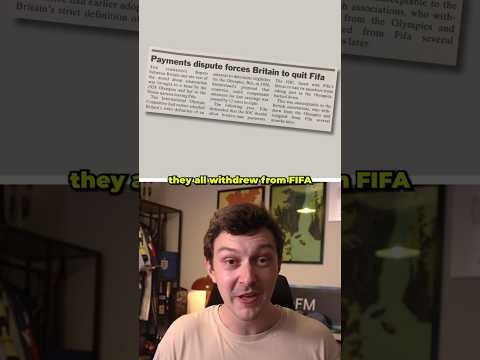 Why Did The World Cup Start?View the full article
 -
 Can I Win the World Cup With the Worst Nation?View the full article
 -
 The World Cup, But Only The Worst NationsView the full article
 -
 I Try the NEW World Cup Mode In FM26View the full article
 -
 Can I Win The Champions League with the Worst Team?View the full article
 -
 Can I Destroy Arsenal Without Getting Sacked?View the full article
 -
 Can I Win the Premier League with a Non-League Team in 10 Seasons?View the full article
 -
 What if Football Had a 100 Year Global Transfer Ban?View the full article
