




Tom FM
Creator
-
Joined
-
Last visited
Never
Everything posted by Tom FM
-
 Football Manager Creator Draft TournamentView the full article
 -
 I Trapped the Best Wonderkids on the Worst National TeamView the full article
 -
 I Takeover Nottingham Forest For 1 Season Only (Full Movie)View the full article
 -
 We Stole FM26's Best WonderkidsView the full article
 -
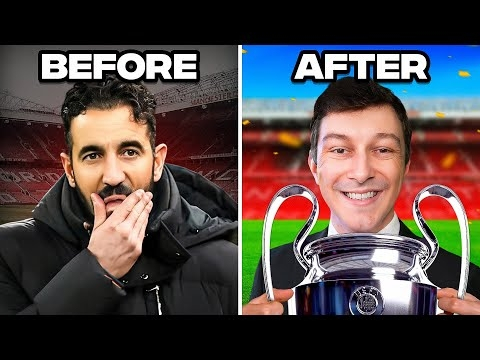 I Rebuild Man Utd for 5 Seasons After Ruben AmorimView the full article
 -
 I'm Addicted to this Football Management GameView the full article
 -
 Twin Wonderkids Race to Win a TrophyView the full article
 -
 UCL League Phase With Our Slovakian TeamView the full article
 -
 I Created Perfect Twin WonderkidsView the full article
 -
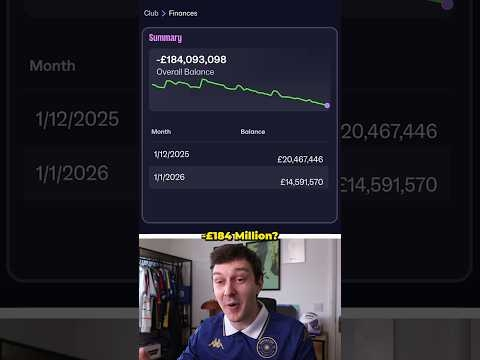 I Joined a Bankrupt Football ClubView the full article
 -
 UCL Qualifying RoundsView the full article
 -
 10/10 Transfer WindowView the full article
 -
 Summer Transfer SpecialView the full article
 -
 FM26 AI is RIDICULOUSView the full article
 -
 How I Became The Greatest Manager Of All Time (Full Movie)View the full article
 -
 FM26 has Hidden Secrets...View the full article
 -
 Can I Win 5 Trophies in 5 Seasons?View the full article
 -
 We Just Bottled the Champions League Final...View the full article
 -
 How I Dominated Europe in FM26View the full article
 -
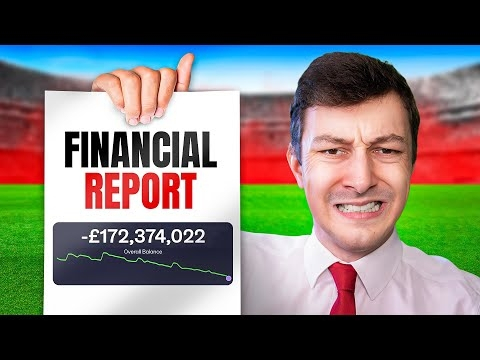 I Takeover a Bankrupt Football ClubView the full article
 -
 Can I Become The Greatest Manager of All Time?View the full article
 -
 Can We Win Our First League Title?View the full article
 -
 I Got an Insane Youth IntakeView the full article
 -
-
