





Lollujo
Creator
-
Joined
-
Last visited
Never
Everything posted by Lollujo
-
 We Sacrificed La Liga For THISView the full article
 -
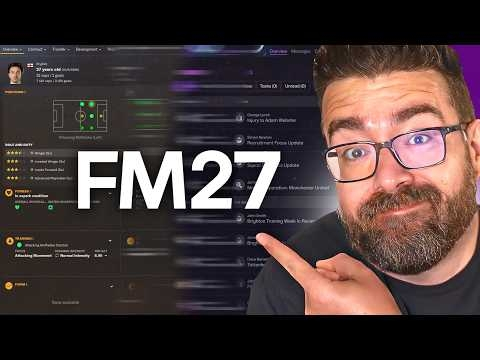 FM27 Has ONE Job: Bring Back the FM24 PlayersView the full article
 -
 Fine. We'll Just Win The Champions League.View the full article
 -
 Okay... We Might Have A ProblemView the full article
 -
 No More Excuses... We HAVE To Win It NowView the full article
 -
 We Just Spent £125 MILLION On A Striker?!View the full article
 -
 Can We Knock Man City Out Of Europe?!View the full article
 -
 Can We Knock Chelsea Out Of Europe?!View the full article
 -
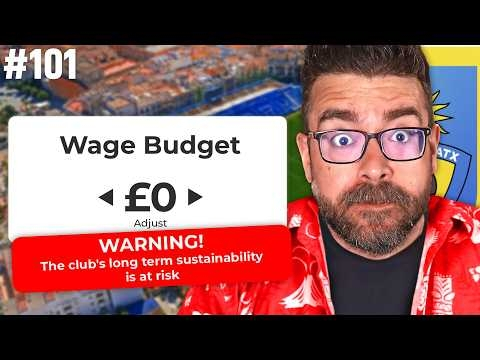 We Can't Afford New Players. I'm Buying Them Anyway.View the full article
 -
 100 Episodes Later... We're Playing Arsenal & RomaView the full article
 -
 10 Years Later... He's BACKView the full article
 -
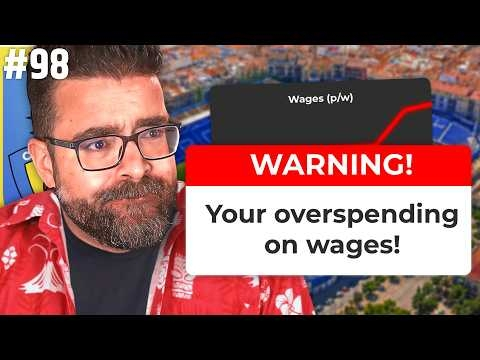 Can We FINALLY Fix The Wage Cap?!View the full article
 -
 Can We Win La Liga AGAIN?!View the full article
 -
 Man Utd Stand Between Us And The Final.View the full article
 -
 Bayern Away. Real Madrid Away. HELP.View the full article
 -
 One Mistake... And We're OutView the full article
 -
 We've Got Money... But We Can't Spend ItView the full article
 -
 We're Finally Home!View the full article
 -
 Can We Beat Manchester City?View the full article
 -
 Our Squad Is Illegal... AGAIN?!View the full article
 -
 Our New Stadium Isn't Ready...View the full article
 -
 Don't lose to Real Madrid... and we're champions.View the full article
 -
 180 Minutes From History...View the full article
 -
 The Table Is Lying...View the full article
 -
 The Biggest Week In Club History...View the full article
