





Lollujo
Creator
-
Joined
-
Last visited
Never
-
 FM27 Is Bringing Back Features We Should Never Have LostView the full article
 -
 FM27’s Newgens Might Finally Look HumanView the full article
 -
 FM27 Is Finally Making Tactics MatterView the full article
 -
 FM27’s New Tactical Tweaks Could Be a Game ChangerView the full article
 -
 FM27 Is Bringing Match Day to LifeView the full article
 -
 FM27 Is Finally Fixing What FM26 BrokeView the full article
 -
 I Went Back To Andratx 5 Years Later...View the full article
 -
 Football Manager 27 Is Fixing My Biggest Problem With FM26View the full article
 -
 Win This... And The Save Is COMPLETEView the full article
 -
 TWO Games From The Champions League Final...View the full article
 -
 We're Getting Dangerously Close AGAIN...View the full article
 -
 Here We Go AGAIN... Can We Finally Win It?!View the full article
 -
 Can We Win La Liga AGAIN?!View the full article
 -
 Man Utd AND Napoli?! This Champions League Is BRUTALView the full article
 -
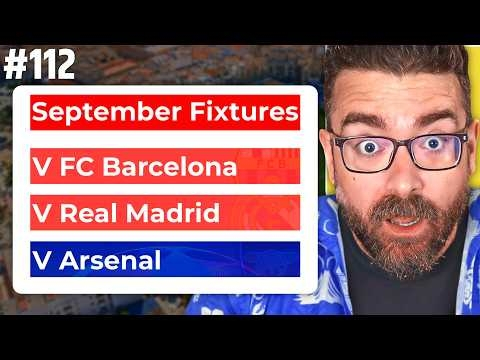 Barcelona, Real Madrid AND Arsenal?!View the full article
