




CaptainGoodspeed
Creator
-
Joined
-
Last visited
Never
-
 LAST LAP DRAMA CAUSES CHAOS! | Ultimate F1 Career Mode #87 | F1 Career ChallengeView the full article
 -
 BACK TO OUR BEST!! | EA FC 27 Newcastle Career Mode #22View the full article
 -
 Can Federer End Nadal’s 66-Match Clay Streak? | TIEBREAK RivalsView the full article
 -
 A BRAND NEW F1 MANAGEMENT GAME! | Team Principal: A Racing Manager First Look (2010 Season Mod)View the full article
 -
 FIGHTING FROM THE BACK! | Ultimate F1 Career Mode #86 | F1 Career ChallengeView the full article
 -
 January Has Become a DISASTER! | EA FC 27 Newcastle Career Mode #22View the full article
 -
 FEDERER'S CLAY COMEBACK! | Tiebreak Career ModeView the full article
 -
 January Has Become a DISASTER! | EA FC 27 Newcastle Career Mode #21View the full article
 -
 WE'RE BACK IN MALAYSIA! | Ultimate F1 Career Mode #85 | F1 Career ChallengeView the full article
 -
 FORM OF CHAMPIONS? Newcastle Are Flying!! | EA FC 27 Newcastle Career Mode #20View the full article
 -
 Federer vs Nadal at the 2006 ATP Finals | TIEBREAK RivalsView the full article
 -
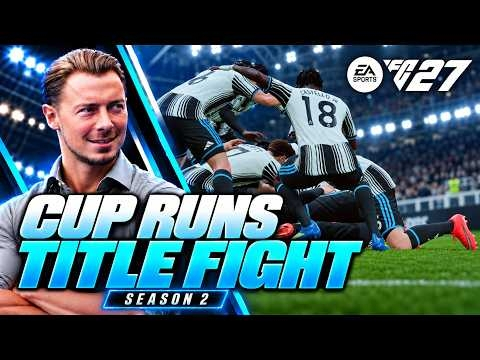 CUP RUNS & A TITLE FIGHT! | EA FC 27 Newcastle Career Mode #19View the full article
 -
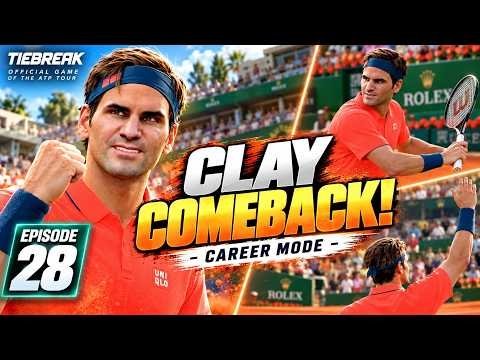 FEDERER'S CLAY COMEBACK! | Tiebreak Career ModeView the full article
 -
 OUR BIGGEST WIN YET! | EA FC 27 Newcastle Career Mode #17View the full article
 -
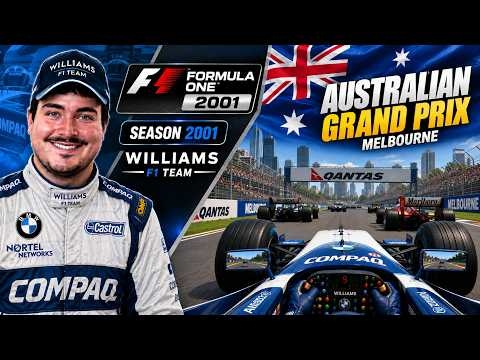 Can We FIGHT for the TITLE? 2001 SEASON BEGINS | Ultimate F1 Career Mode #84 | F1 Career ChallengeView the full article
