Jump to content
View in the app

A better way to browse. Learn more.

Football Manager Graphics

A full-screen app on your home screen with push notifications, badges and more.

To install this app on iOS and iPadOS
  1. Tap the Share icon in Safari
  2. Scroll the menu and tap Add to Home Screen.
  3. Tap Add in the top-right corner.
To install this app on Android
  1. Tap the 3-dot menu (⋮) in the top-right corner of the browser.
  2. Tap Add to Home screen or Install app.
  3. Confirm by tapping Install.

Entries in this blog

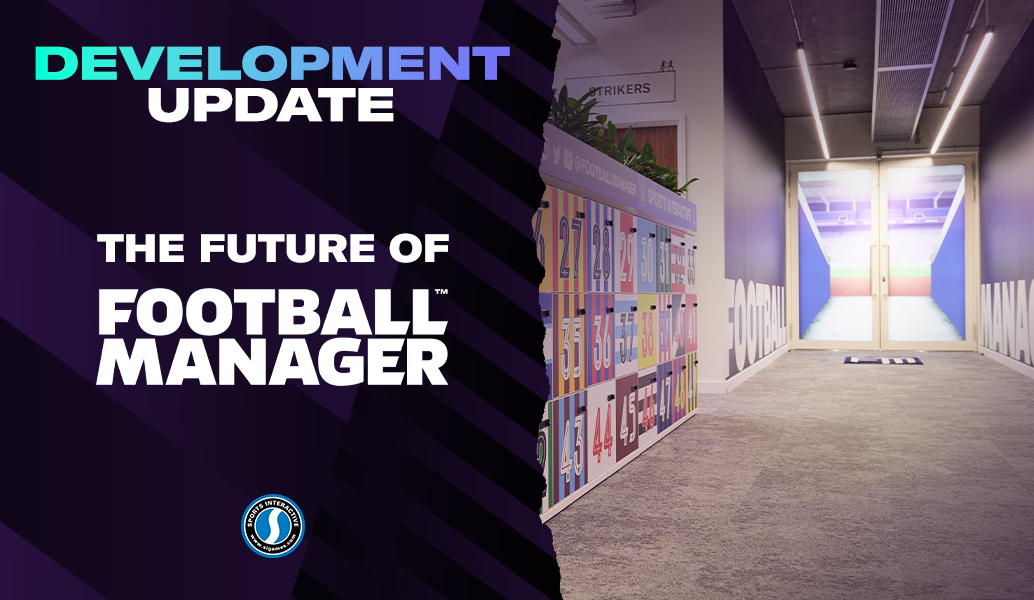
This blog is one that I have been looking forward to writing and we’re delighted to finally be able to update you all on the future direction of Football Manager. I’m going to talk about FM23, FM24, and in a first for us as a studio, look a bit further ahead beyond the next iteration of the game to one of the biggest changes in our history. And there’s a lot to talk about so, whilst I apologise for the length, I hope you find it an interesting insight into what we’ve been up to at the studio.

Important Information

Terms & Conditions

Configure browser push notifications

Chrome (Android)
  1. Tap the lock icon next to the address bar.
  2. Tap Permissions → Notifications.
  3. Adjust your preference.
Chrome (Desktop)
  1. Click the padlock icon in the address bar.
  2. Select Site settings.
  3. Find Notifications and adjust your preference.