Jump to content
View in the app

A better way to browse. Learn more.

Football Manager Graphics

A full-screen app on your home screen with push notifications, badges and more.

To install this app on iOS and iPadOS
  1. Tap the Share icon in Safari
  2. Scroll the menu and tap Add to Home Screen.
  3. Tap Add in the top-right corner.
To install this app on Android
  1. Tap the 3-dot menu (⋮) in the top-right corner of the browser.
  2. Tap Add to Home screen or Install app.
  3. Confirm by tapping Install.

Entries in this blog

SET PIECES REFRESH AND COACHES DEBUT Whether they’re a potent source of goals or one of your team’s key defensive strengths, set pieces are an integral aspect of every football match and every manager’s tactical approach. Many elite clubs have added set piece specialists to their coaching teams in recent seasons as they seek to find that extra 1% to help them edge out their most fierce rivals. Their arrival on the scene has led to many of you making suggestions on our forums and s
TRUER FOOTBALL MOTION, MATCH AUTHENTICITY & POSITIONAL PLAY Matchdays are the moments that get the adrenaline flowing in every Football Manager career. They’re where tactical visions come to life, underdog stories are written and players win a lifelong place in your heart with their heroics. With every release of Football Manager, our Match team strive to make those moments feel closer to a perfect simulation of real-world football. In FM24, the most complete version in the se
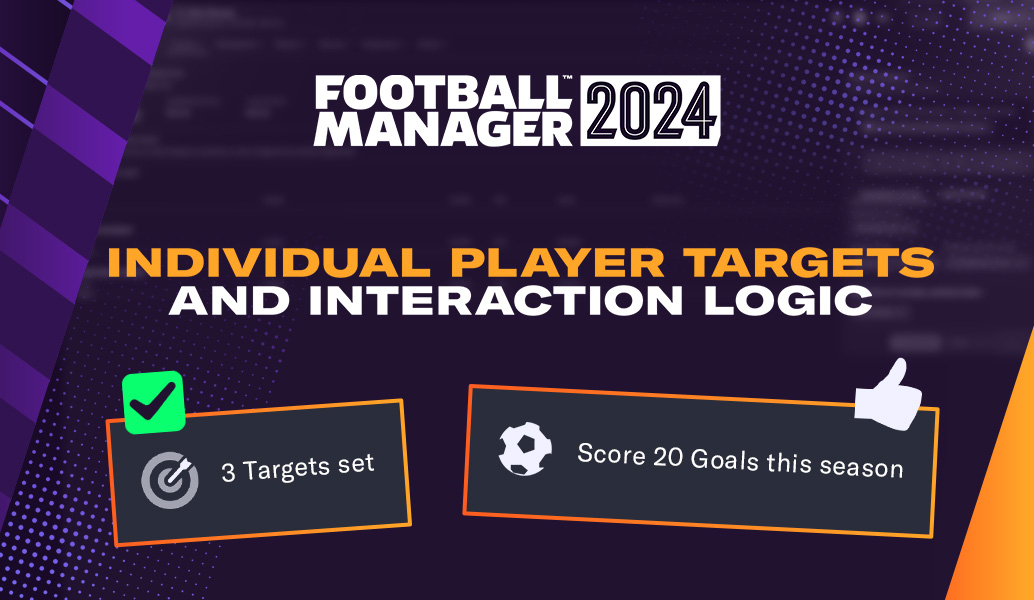
Whether it’s your team scoring for the tenth game in a row, your robust defence keeping another clean sheet or your top prospect realising their potential, there’s nothing more satisfying than watching a plan come together in Football Manager. There can, sometimes, be bumps on the path to glory. Slumps in form, standards dropping in training and player unhappiness can derail your plans and force a rethink in your approach. So, in Football Manager 2024, you can now inspire your players

Important Information

Terms & Conditions

Configure browser push notifications

Chrome (Android)
  1. Tap the lock icon next to the address bar.
  2. Tap Permissions → Notifications.
  3. Adjust your preference.
Chrome (Desktop)
  1. Click the padlock icon in the address bar.
  2. Select Site settings.
  3. Find Notifications and adjust your preference.