




Skip to content
View in the app

A better way to browse. Learn more.

Football Manager Graphics

A full-screen app on your home screen with push notifications, badges and more.

To install this app on iOS and iPadOS
  1. Tap the Share icon in Safari
  2. Scroll the menu and tap Add to Home Screen.
  3. Tap Add in the top-right corner.
To install this app on Android
  1. Tap the 3-dot menu (⋮) in the top-right corner of the browser.
  2. Tap Add to Home screen or Install app.
  3. Confirm by tapping Install.

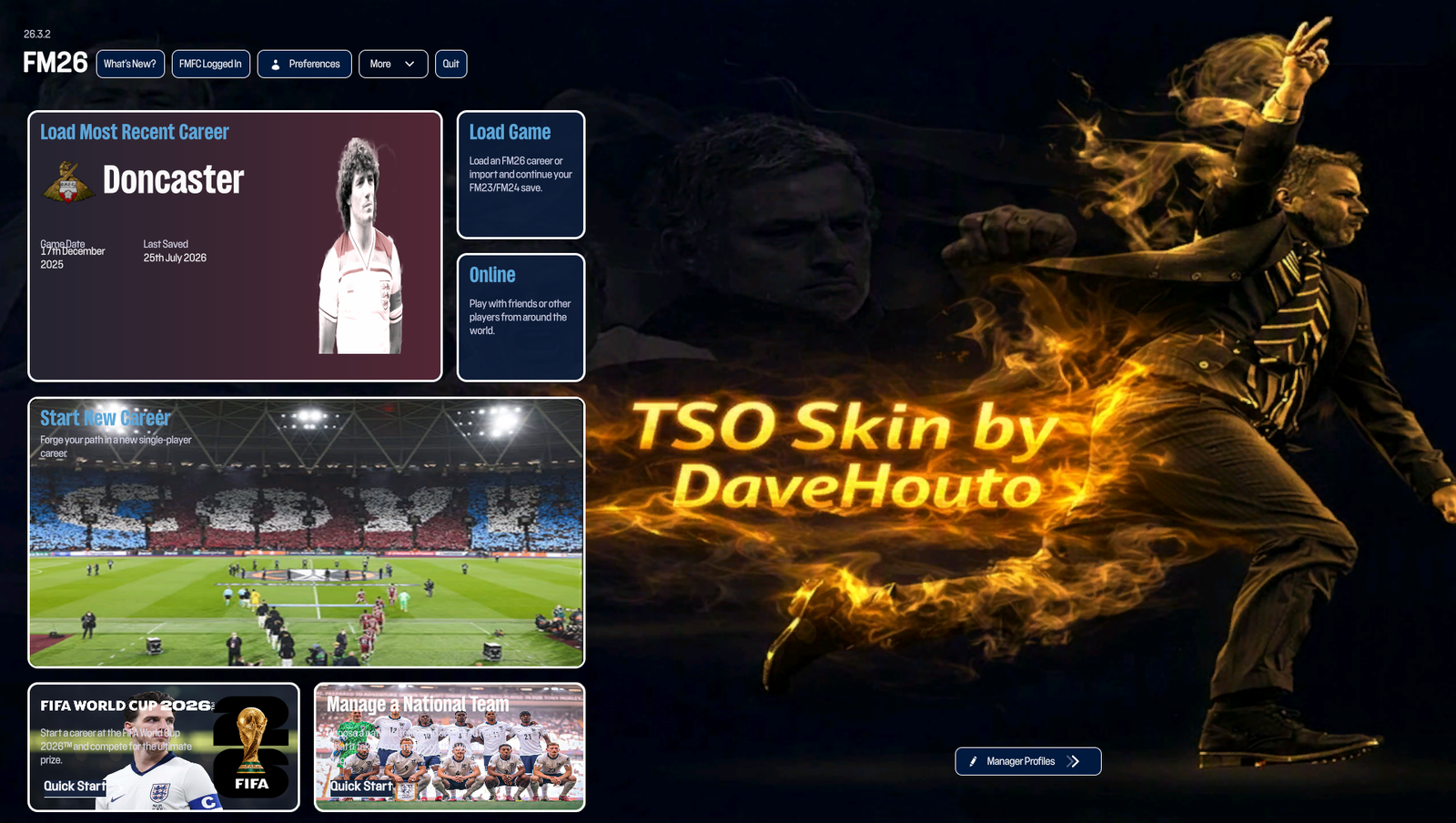
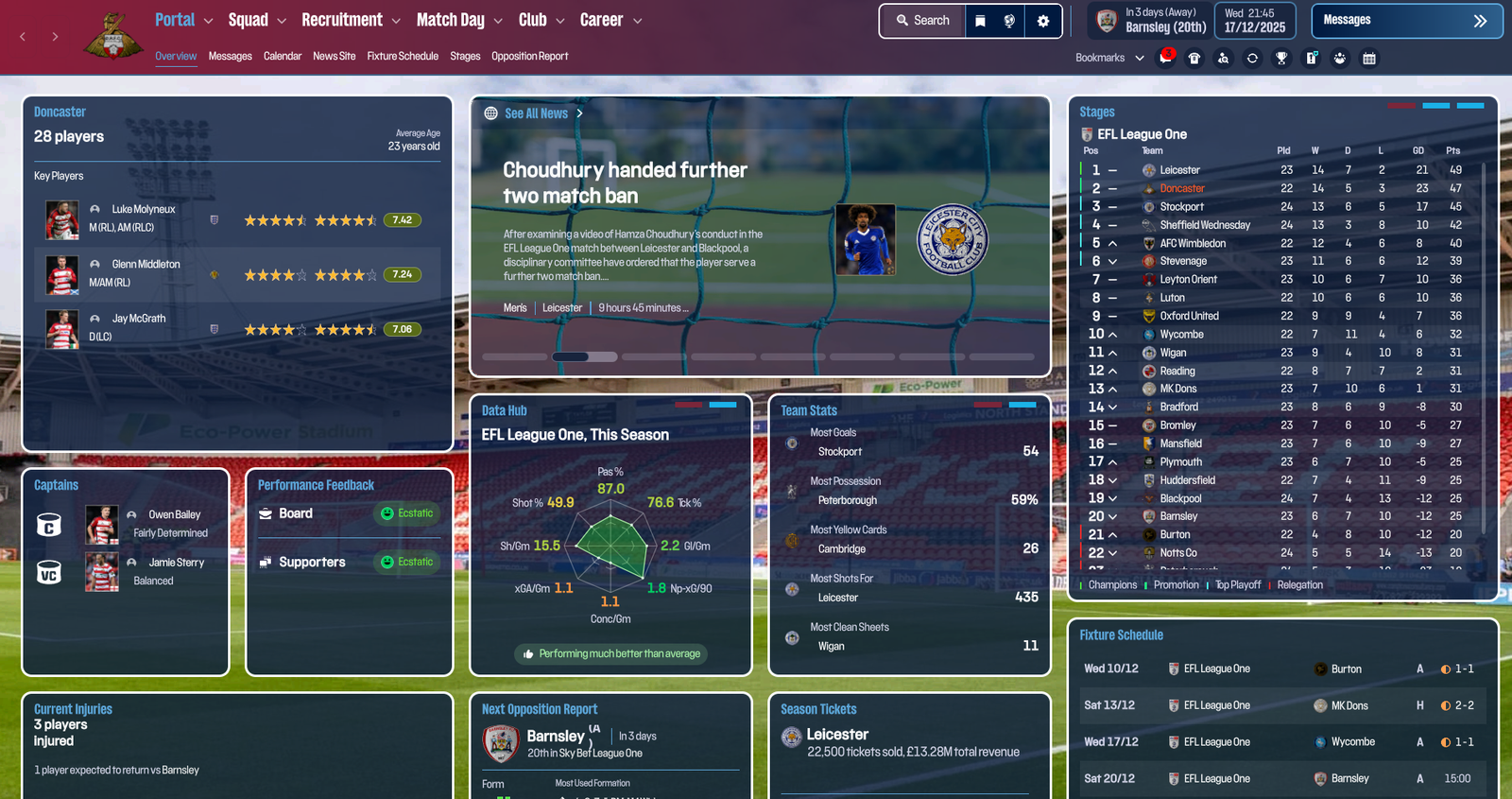
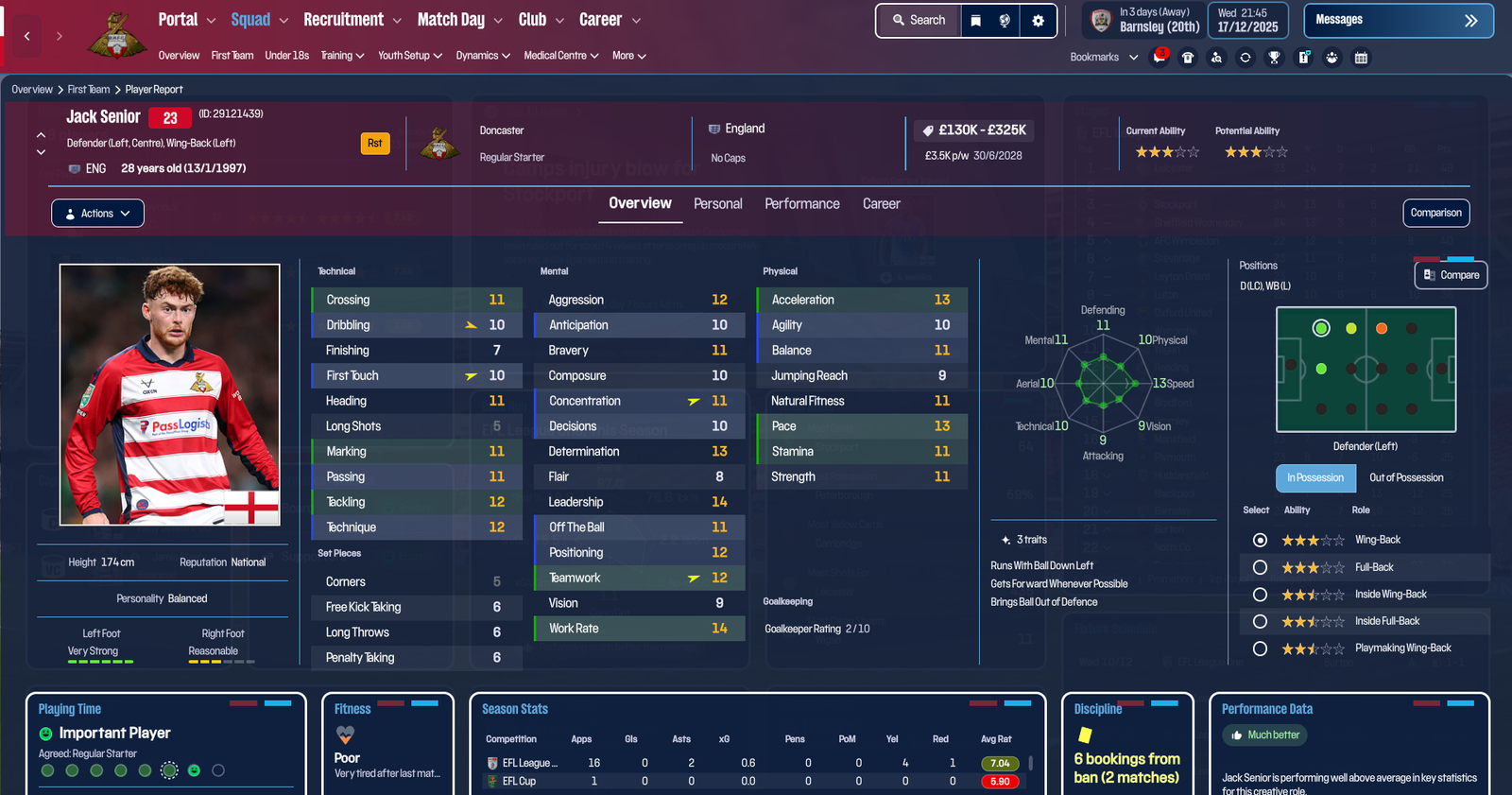
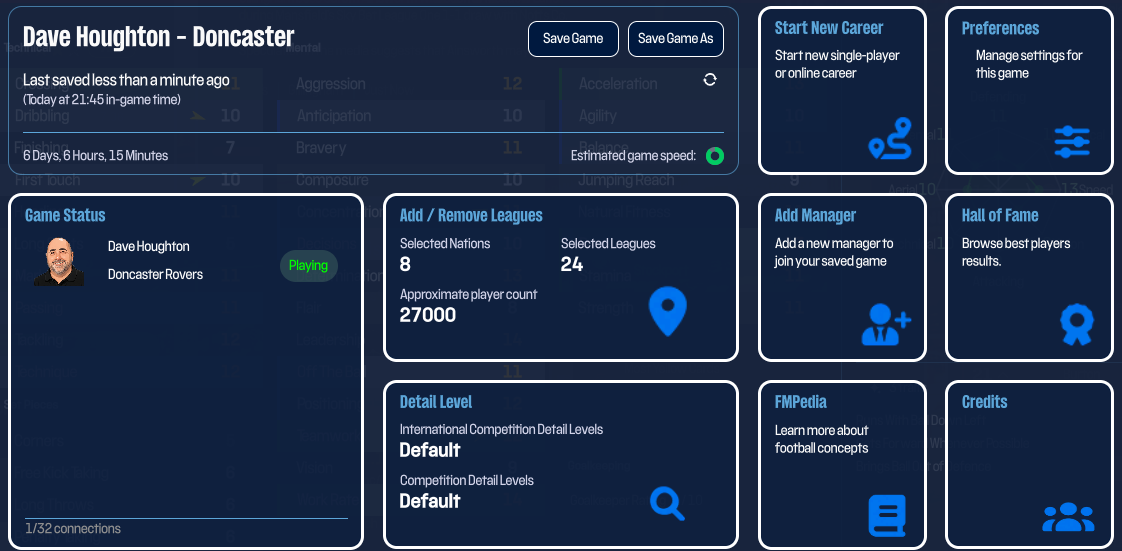
The Special One FM26 Skin v6 6.1

(0 reviews)

8 Screenshots

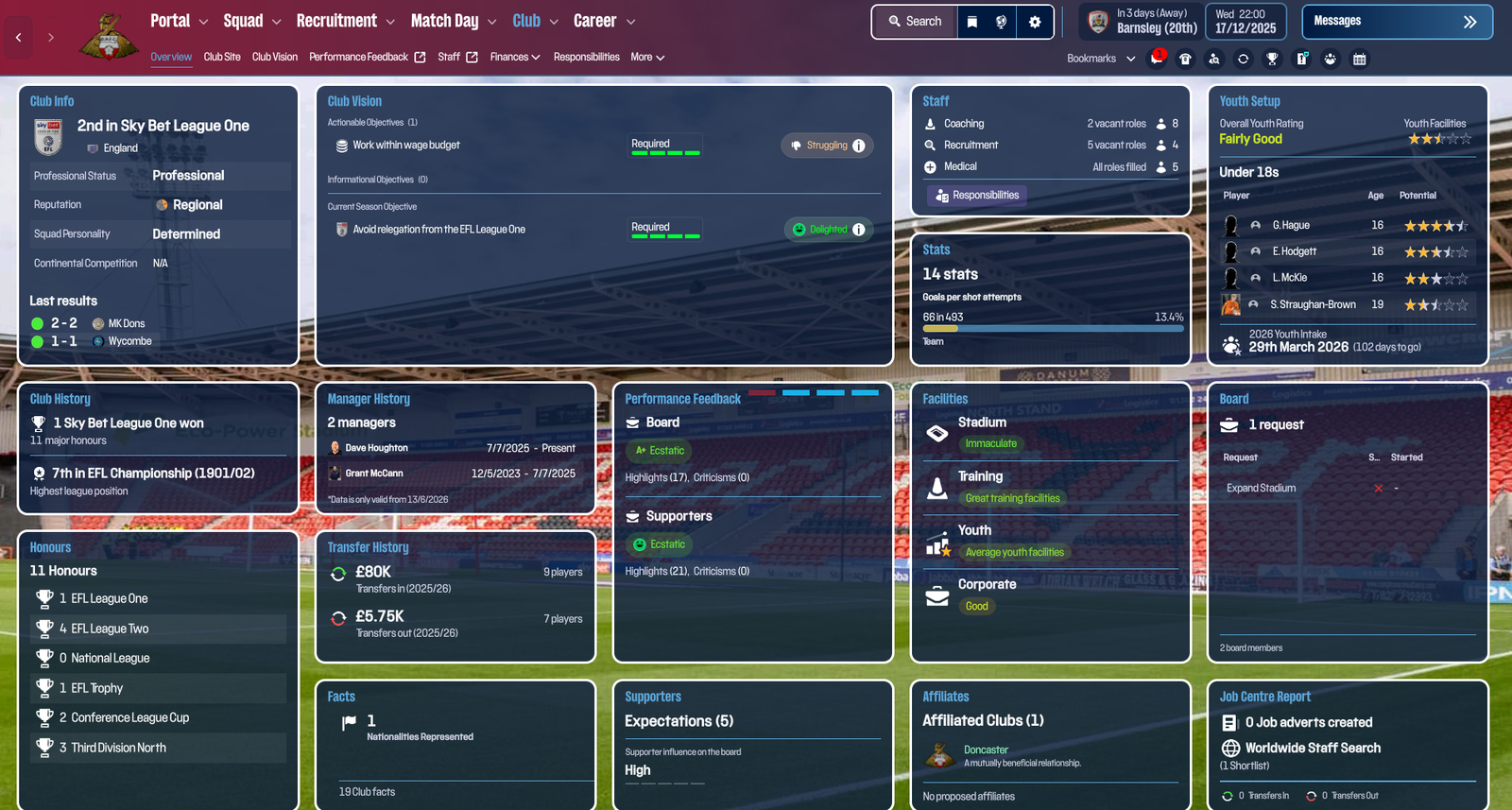
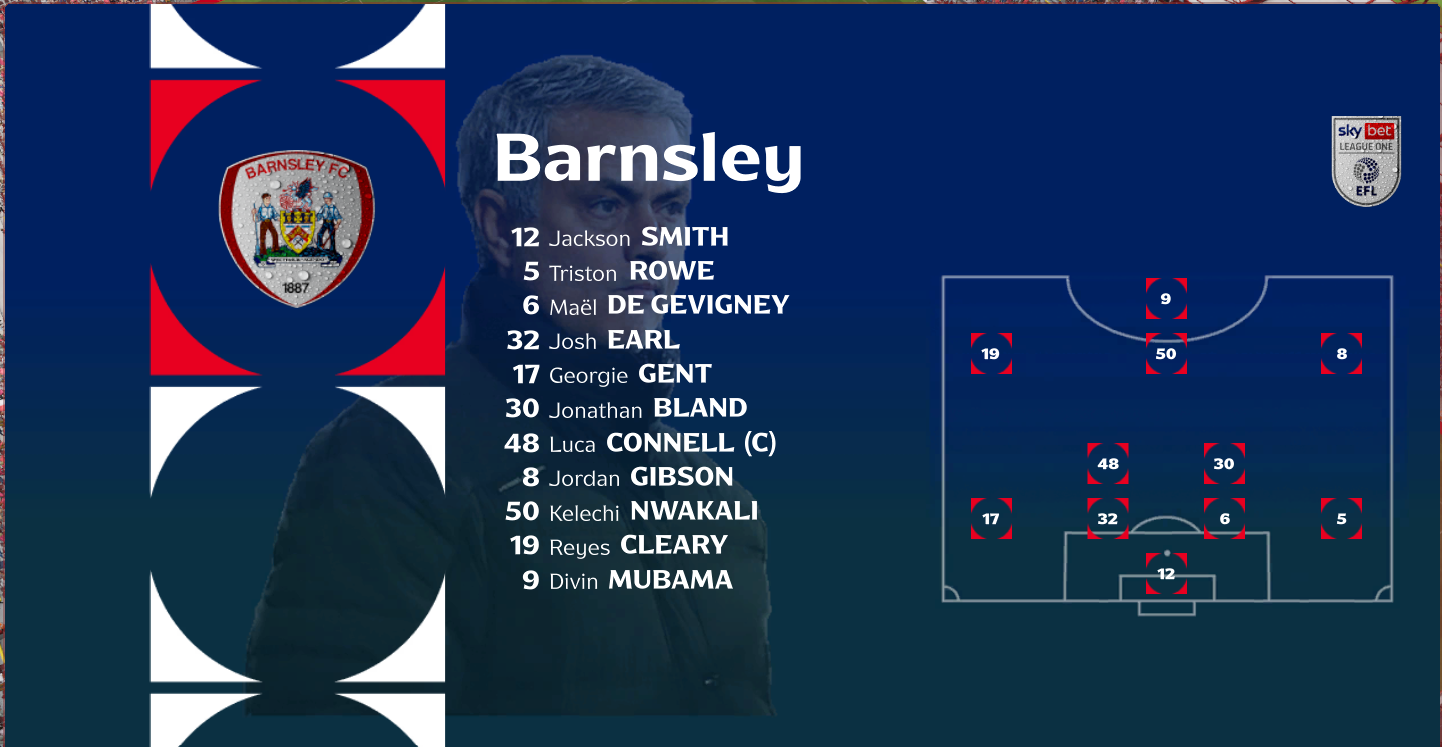
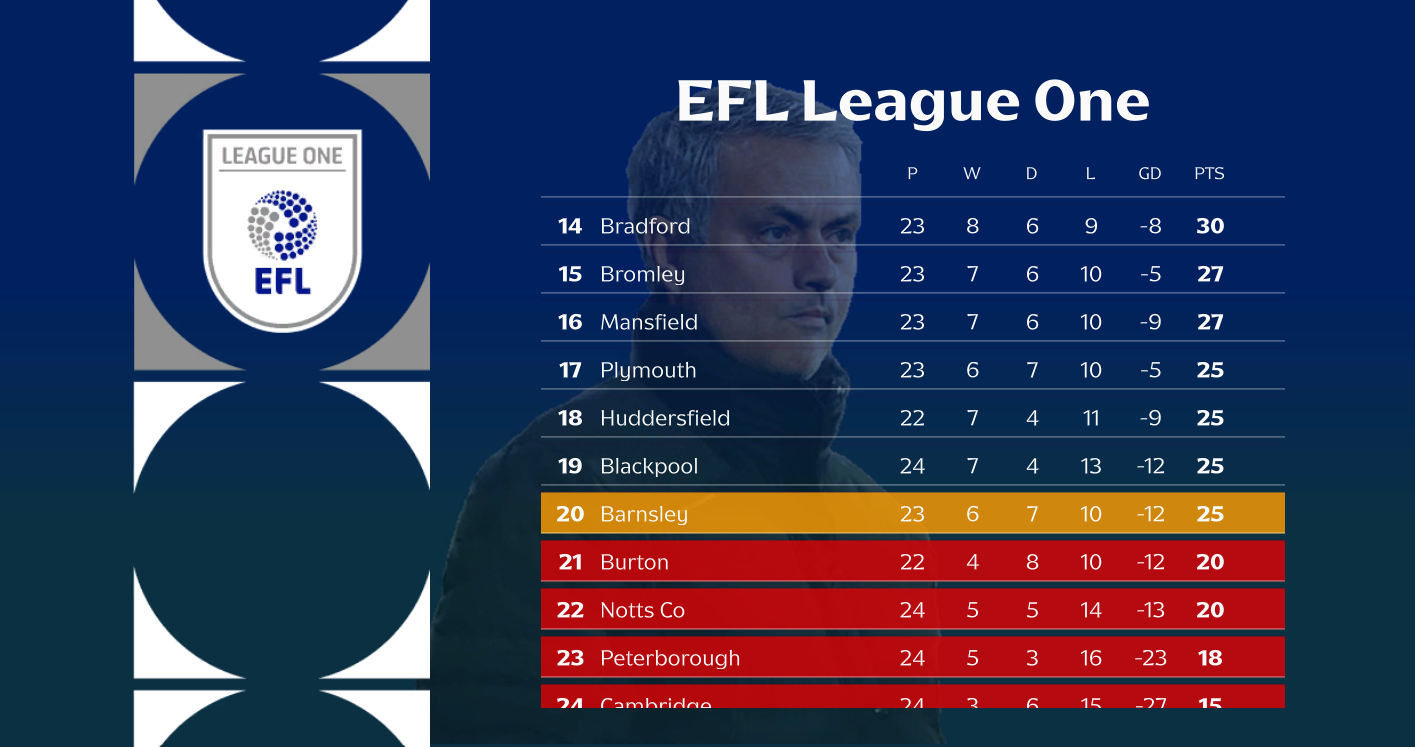
TSO FM26 skin version 6.1 - Update 26.3.2 compatible

  
Supported Platforms: Windows only


Edited by DaveHouto
version number showing twice in the title

What's New in Version 4.2.6

Released

Updated tile colors with hover color

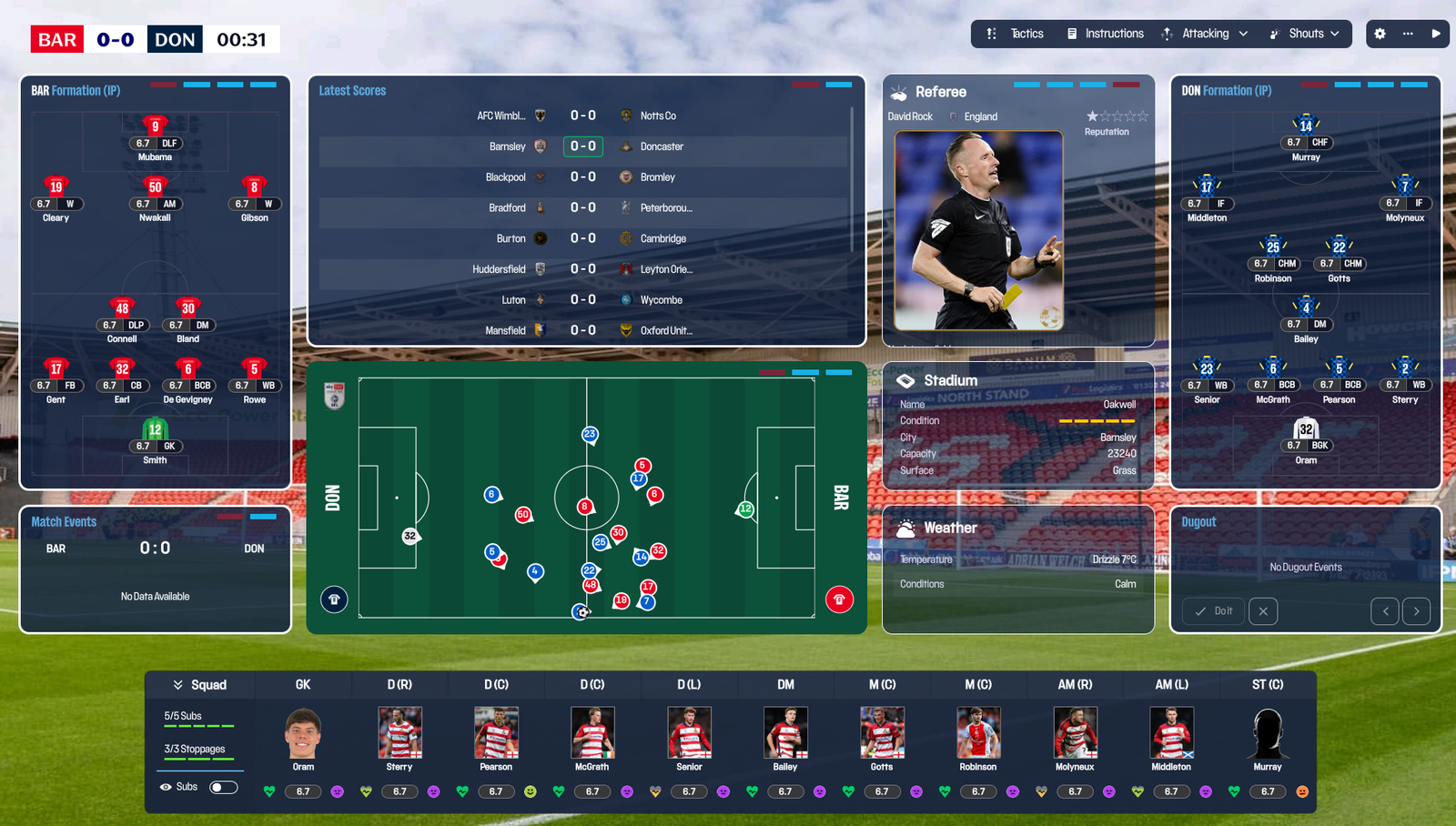
Player images throughout squad, tactics and matchday

Scoreboard added to the top left

Navigation menu colors added for selected, hover and clicked on.

Color changes on matchday navigation buttons.

User Feedback

Join the conversation

You can post now and register later. If you have an account, sign in now to post with your account.

Guest
  • This will not be shown to other users.

  • Your review Required
    Add a review...

Account

Navigation

Search

Search

Configure browser push notifications

Chrome (Android)
  1. Tap the lock icon next to the address bar.
  2. Tap Permissions → Notifications.
  3. Adjust your preference.
Chrome (Desktop)
  1. Click the padlock icon in the address bar.
  2. Select Site settings.
  3. Find Notifications and adjust your preference.