




Jump to content
View in the app

A better way to browse. Learn more.

Football Manager Graphics

A full-screen app on your home screen with push notifications, badges and more.

To install this app on iOS and iPadOS
  1. Tap the Share icon in Safari
  2. Scroll the menu and tap Add to Home Screen.
  3. Tap Add in the top-right corner.
To install this app on Android
  1. Tap the 3-dot menu (⋮) in the top-right corner of the browser.
  2. Tap Add to Home screen or Install app.
  3. Confirm by tapping Install.

FM23 Continents Background Pack 1.0.0

(1 review)

7 Screenshots

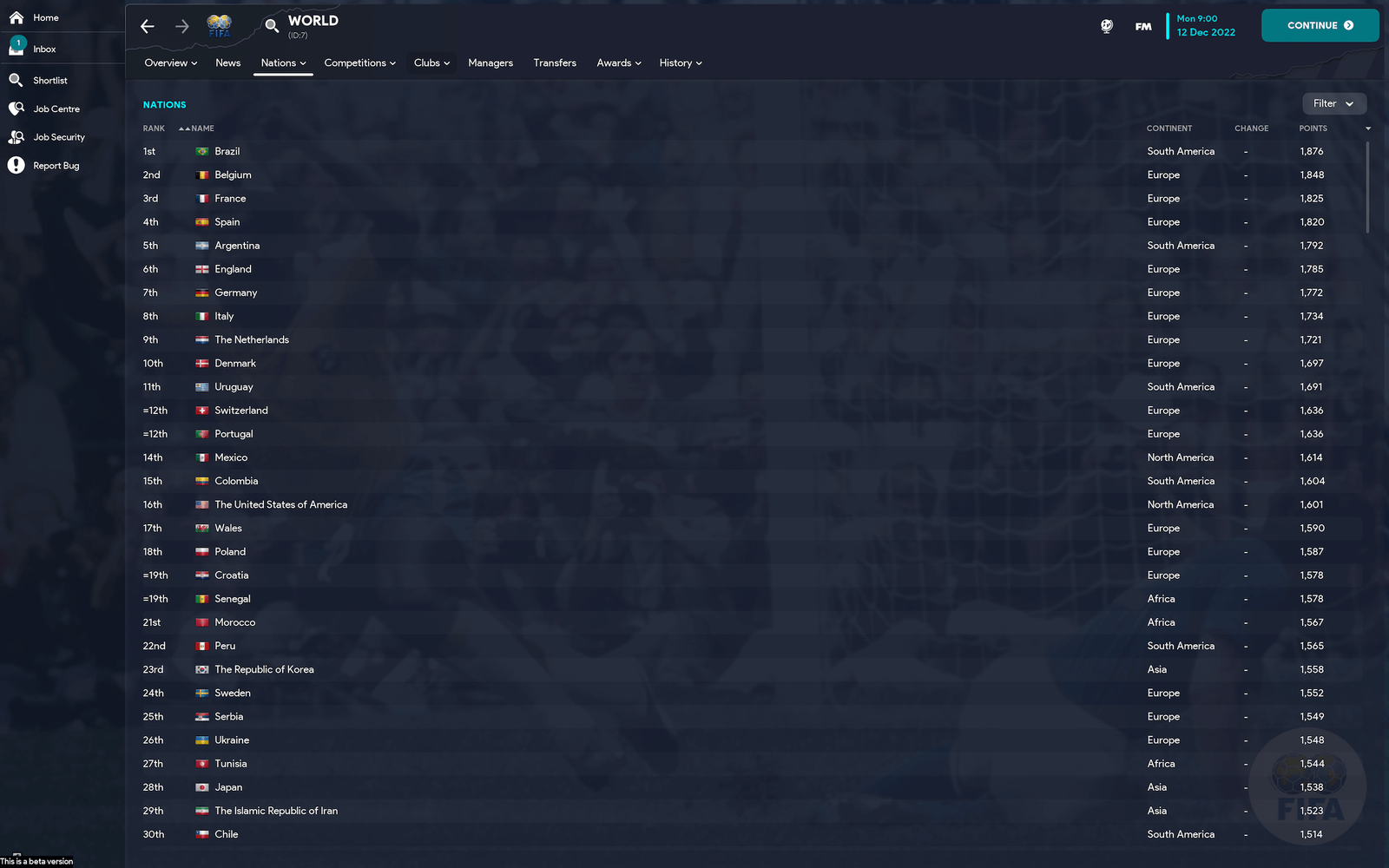
It covers every continent in the world with a legend from years gone by.


Steps to add to your game;

1. Download File

2. Unzip and place here: ‎⁨ 

[PC] Documents⁩ ▸ ⁨Sports Interactive⁩ ▸ ⁨Football Manager 2023 ▸ ⁨graphics⁩ ▸ ⁨backgrounds⁩ ▸ ⁨continent

[MAC] Users ▸ YOURNAME ▸ Library ▸ Application Support ▸ Sports Interactive ▸ Football Manager 2023 ▸ graphics ▸ backgrounds ▸ continent

3. Go to preferences, ensure "Reload skin when confirming changes in Preference" is ticked (you may need to clear your cache too), click "Reload Skin" and click "confirm" (bottom right).

Screenshots are for reference only, ignore the quality loss, that’s just the Apple Preview ruining them to fit them under the 10mb forum post limit, they are high quality in-game.

User Feedback

Create an account or sign in to leave a review


That Roger Mila background is giving me flashbacks and also showing my age! Italia '90 🇮🇹 🤣

Great pack!

Important Information

Terms & Conditions

Configure browser push notifications

Chrome (Android)
  1. Tap the lock icon next to the address bar.
  2. Tap Permissions → Notifications.
  3. Adjust your preference.
Chrome (Desktop)
  1. Click the padlock icon in the address bar.
  2. Select Site settings.
  3. Find Notifications and adjust your preference.