




Jump to content
View in the app

A better way to browse. Learn more.

Football Manager Graphics

A full-screen app on your home screen with push notifications, badges and more.

To install this app on iOS and iPadOS
  1. Tap the Share icon in Safari
  2. Scroll the menu and tap Add to Home Screen.
  3. Tap Add in the top-right corner.
To install this app on Android
  1. Tap the 3-dot menu (⋮) in the top-right corner of the browser.
  2. Tap Add to Home screen or Install app.
  3. Confirm by tapping Install.

7 Screenshots

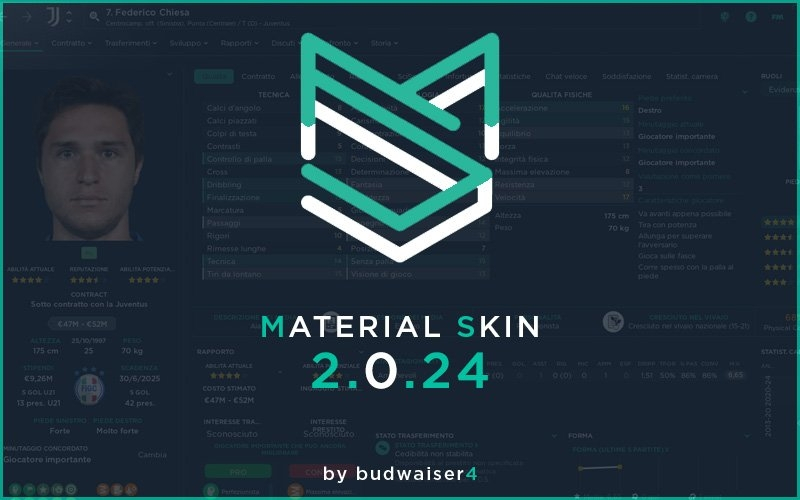
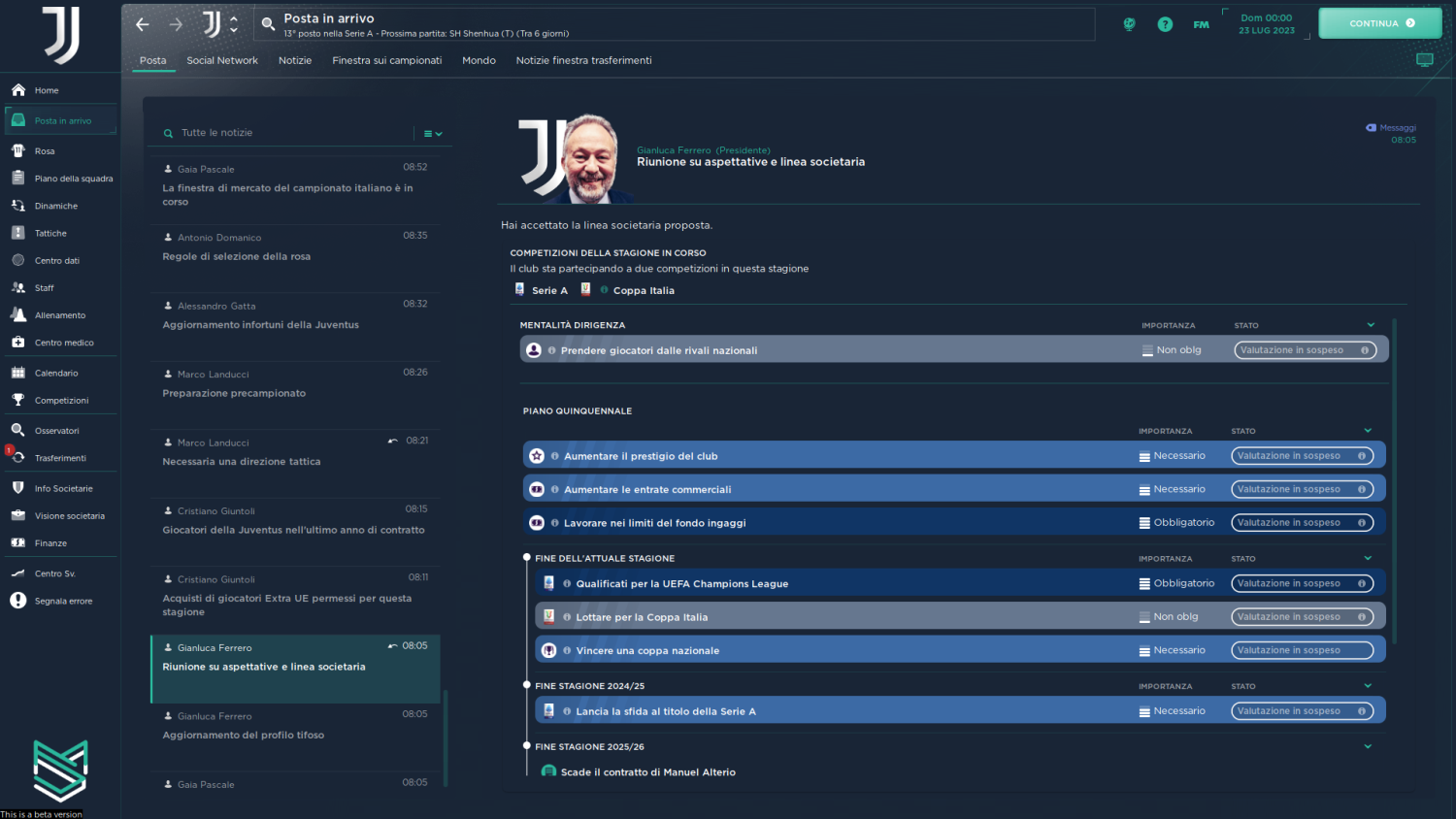
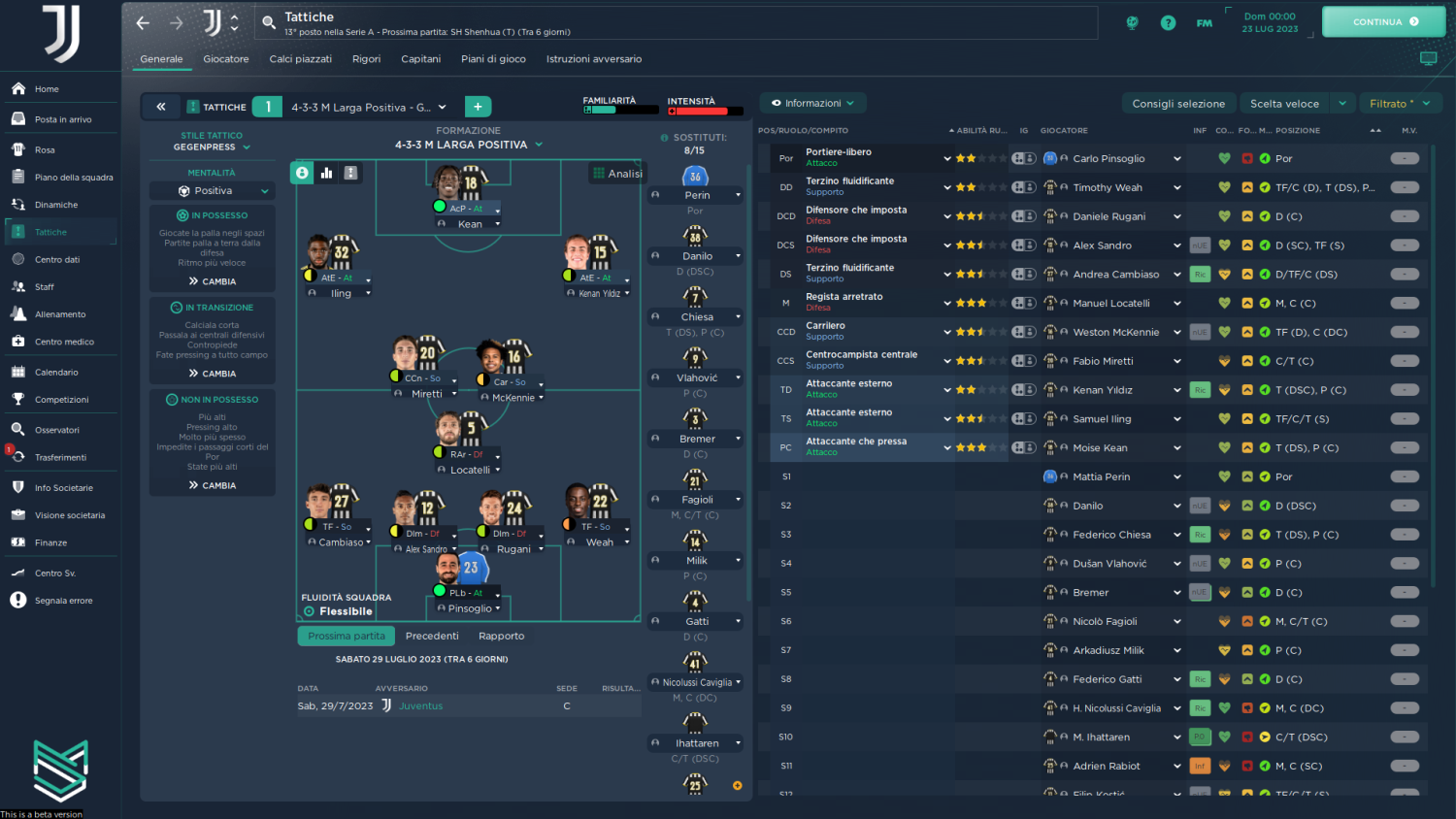
Material Skin FM24

v 1.01
Fixed bug of person, staff search dialog not showing

v1.02
Fixed bug dialog in main menu
Fixed transfer budget in scouting centre

v1.03
Fixed condition hearts not updated during the match
Fixed some small graphical bugs during the match

v1.04
Fixed overview panel for small screen
Fixed sidebar for small screen with only icons
Updated the titlebar

v1.05
Fixed overlay background to increase/decrease overlay
Updated buttons in main menu
Fixed scout recommendations grade in scouting centre

v2.0
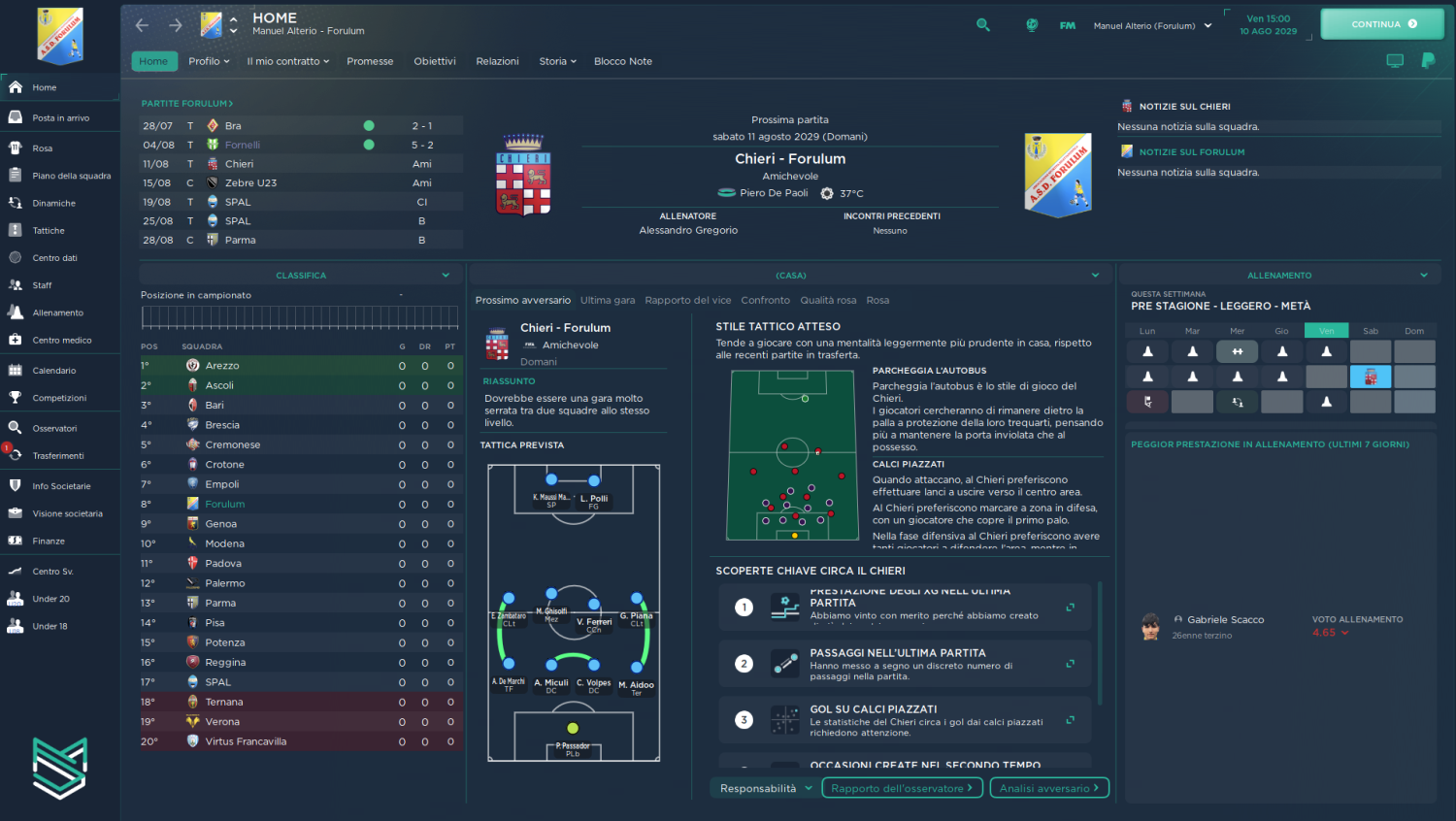
Updated manager home panel
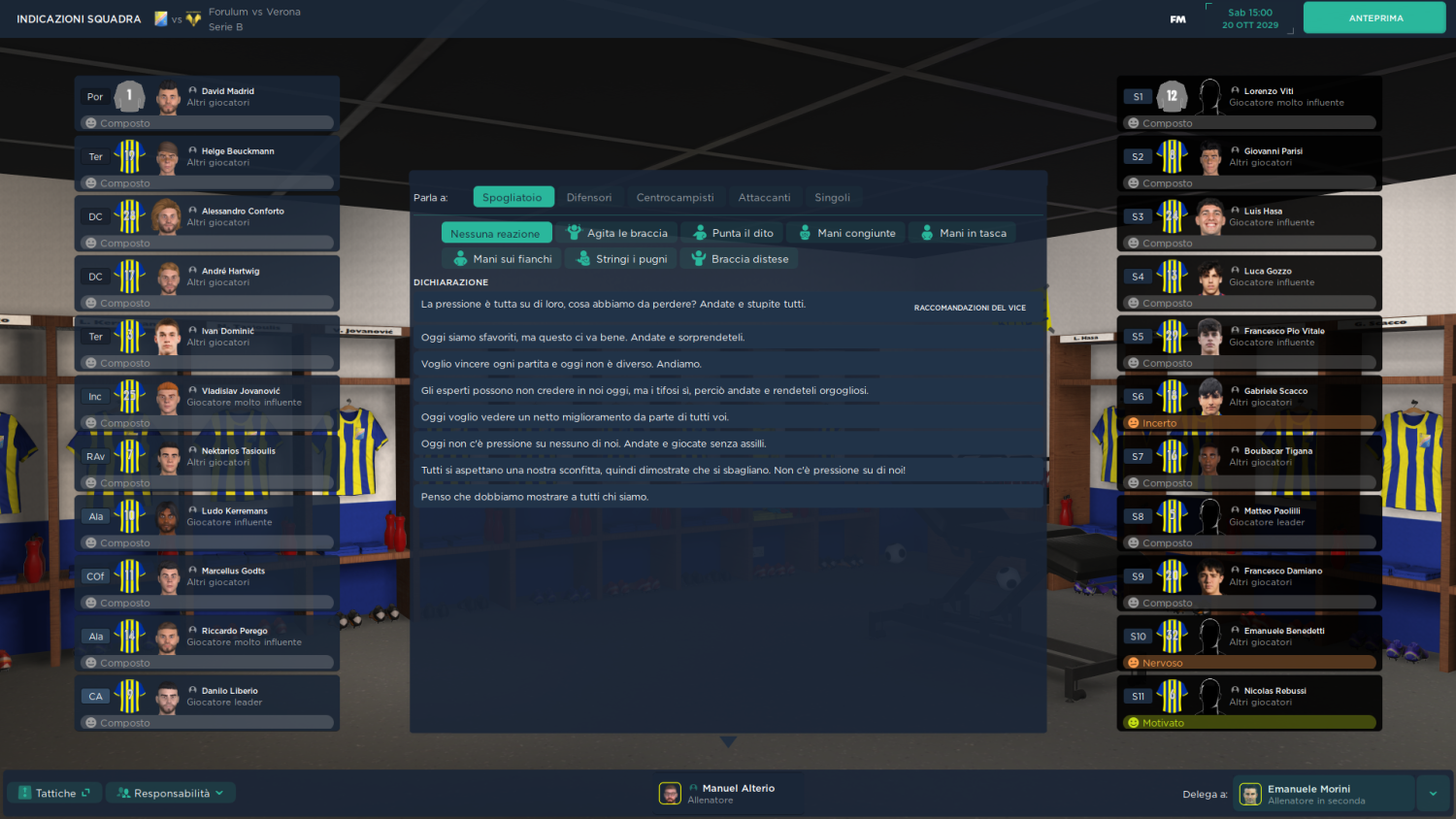
Updated squad indication prematch
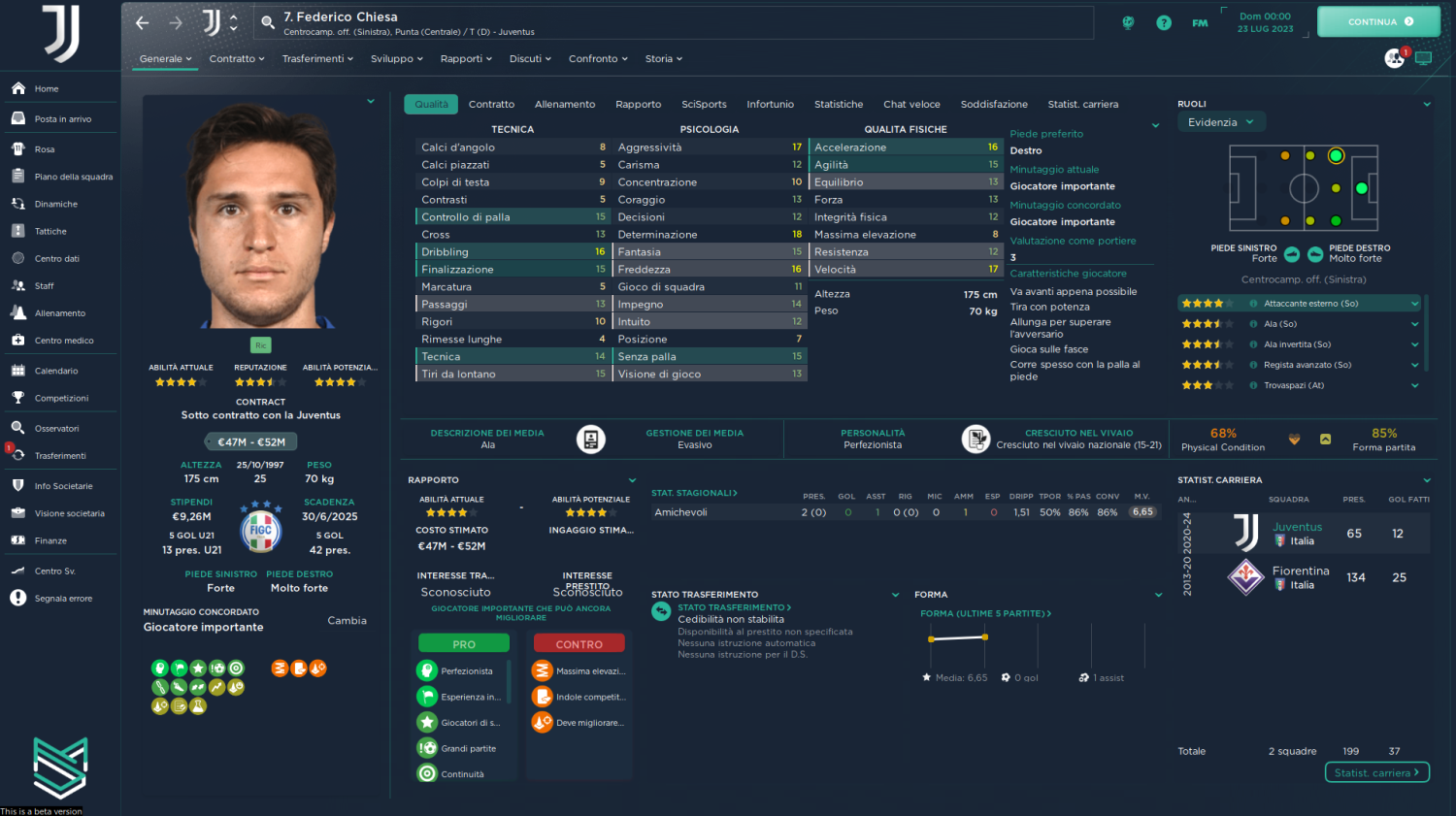
Added preferred foot in tactics
Fix buttons "talk to" in the squad indication prematch
Added background to "continue" button in match
Other small fixes

v2.0.1
Fixed main menu on monitor 2k and 4k (thanks to user Juankamelot)

If you notice any bugs write me in private and I will try to solve ASAP.

DONATION
https://paypal.me/manuelalterio


User Feedback

Join the conversation

You can post now and register later. If you have an account, sign in now to post with your account.

Guest
  • This will not be shown to other users.
  • Your review Required
    Add a review...


Super clean.  Really gentle colour scheme.  Very easy to use!


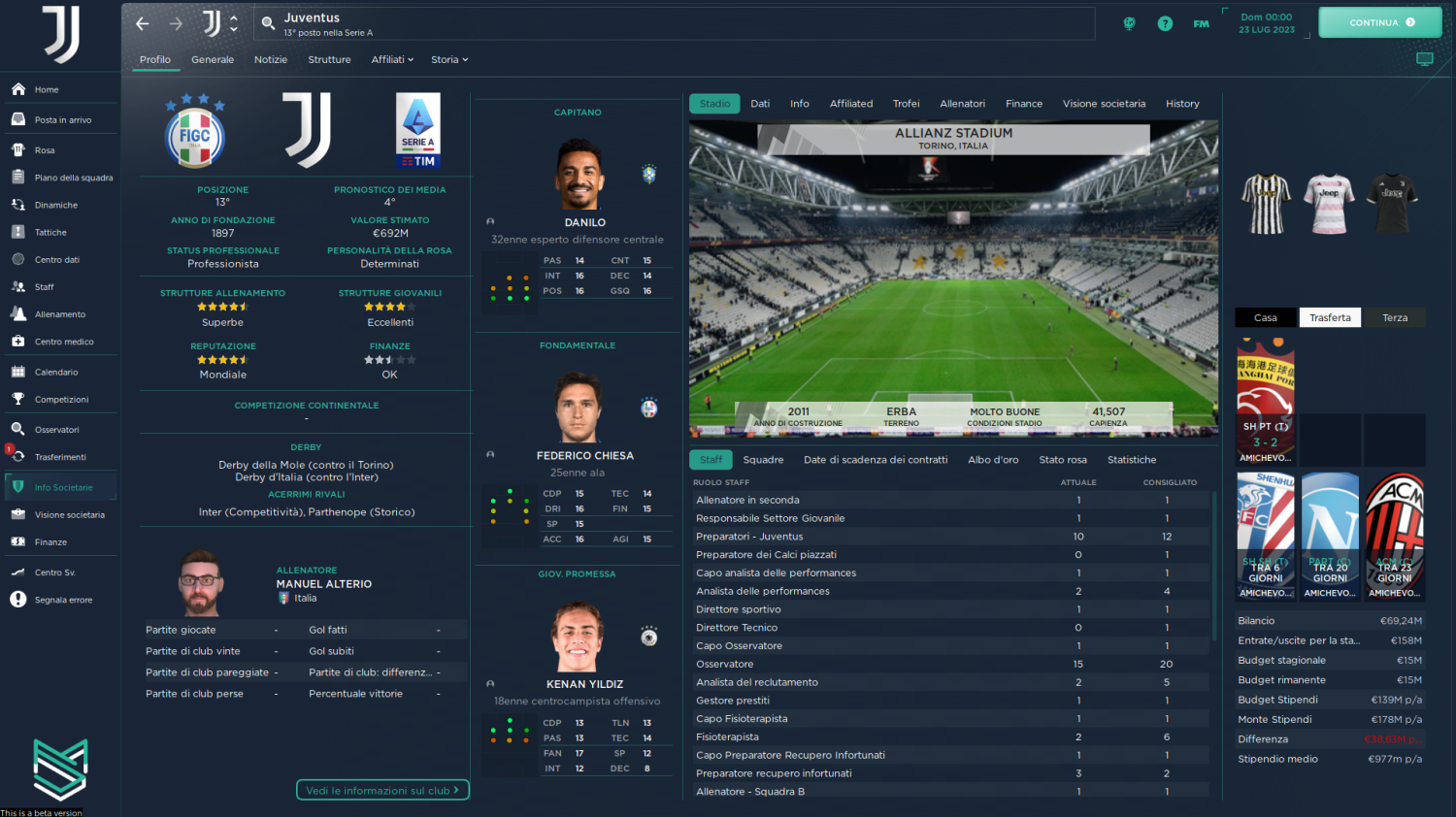
What I like about this skin the most is the clean look and how it displays logos and kits so well.

Excellent work as always by @budwaiser4 👏👏👏

Important Information

Terms & Conditions

Account

Navigation

Search

Configure browser push notifications

Chrome (Android)
  1. Tap the lock icon next to the address bar.
  2. Tap Permissions → Notifications.
  3. Adjust your preference.
Chrome (Desktop)
  1. Click the padlock icon in the address bar.
  2. Select Site settings.
  3. Find Notifications and adjust your preference.