




FM ID
969
Nation
Greece
City
Thessaloniki
Founded
1914
Stadium
Kleanthis Vikelidis
Capacity
22,574
Reputation
6,250
Club Status
Professional
Gender
Male
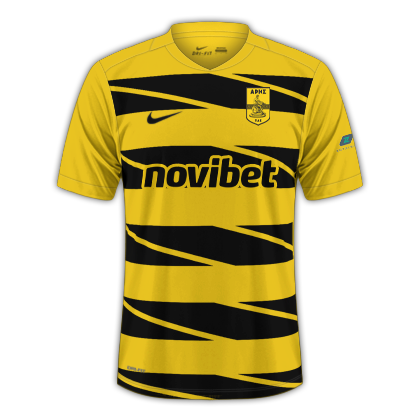
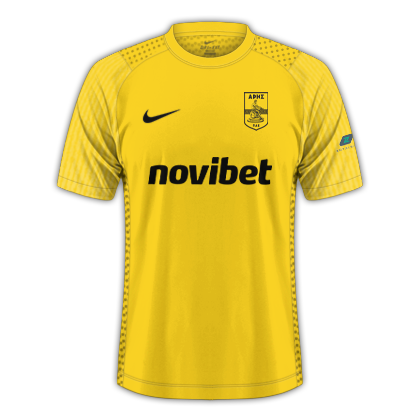
Aris Thessaloniki, also known as the "God of War" is one of the most historic and traditional football clubs in Greece. Founded on March 25, 1914, in the city of Thessaloniki, the club plays its home matches at the Kleanthis Vikelidis Stadium (also known as Harilaou), wearing its distinct yellow and black colors inspired by the Byzantine Empire. As one of the driving forces of Northern Greek football, Aris boasts a proud history that includes winning 3 Greek Championships (1928, 1932, 1946) and 1 Greek Cup (1970). In one of their greatest modern achievements, Aris did the unthinkable by eliminating the reigning tournament champions, Atlético Madrid, in the group stage. They defeated the Spanish giants 1–0 in Thessaloniki and pulled off a breathtaking 3–2 victory at the Vicente Calderón stadium in Madrid, qualifying for the knockout rounds after Christmas for the first time in their history.
+1

+1

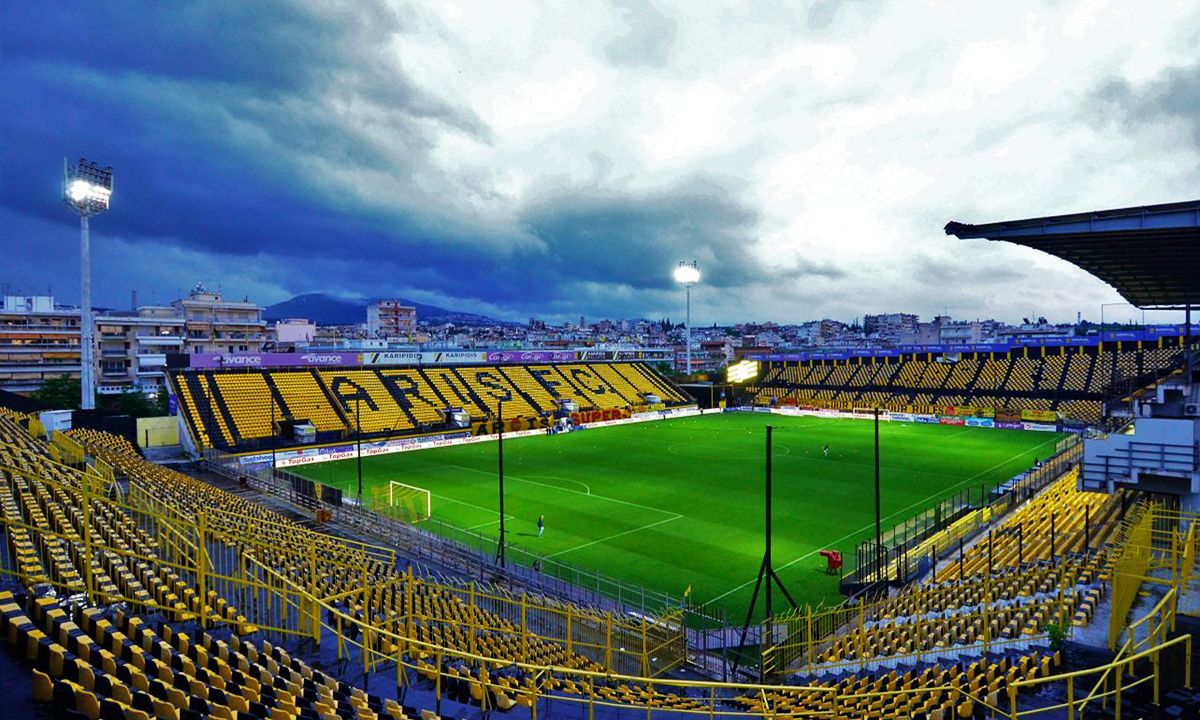
Kleanthis Vikelidis
22,574
·
Thessaloniki
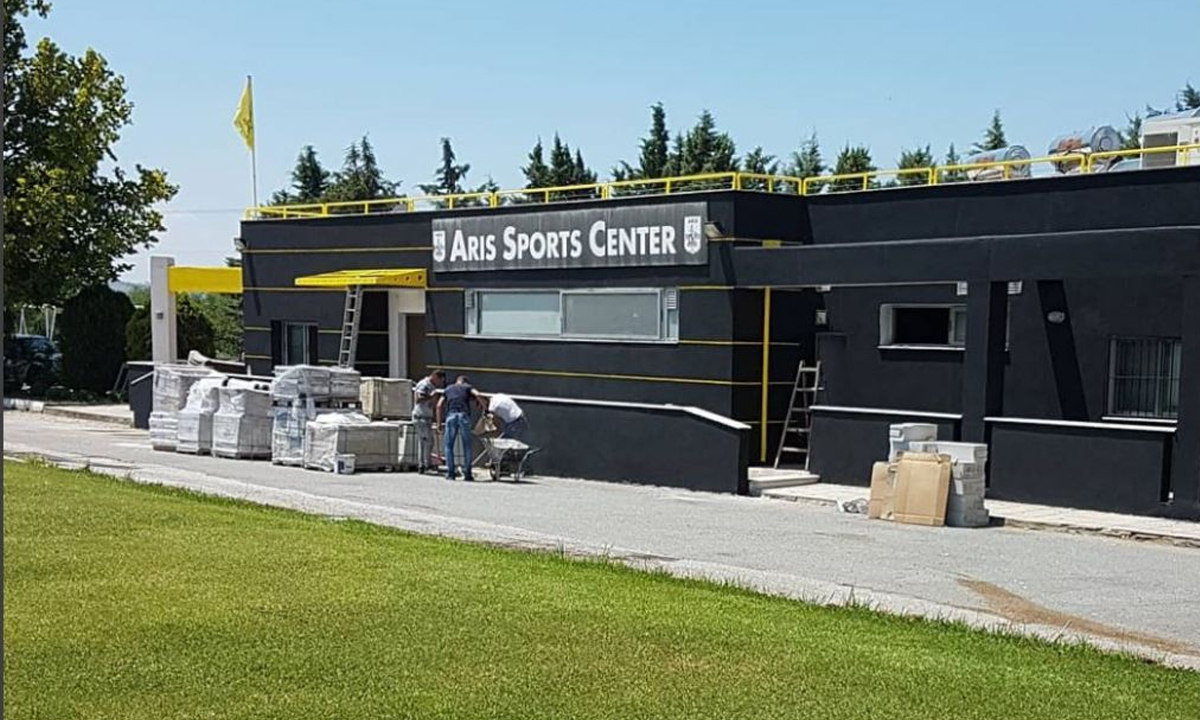
Dasygeneio
Thessaloniki
Aris Concept Stadium
Aris Futsal Arena
1,000