adosmon
Members
-
Joined
-
Last visited
Everything posted by adosmon
-
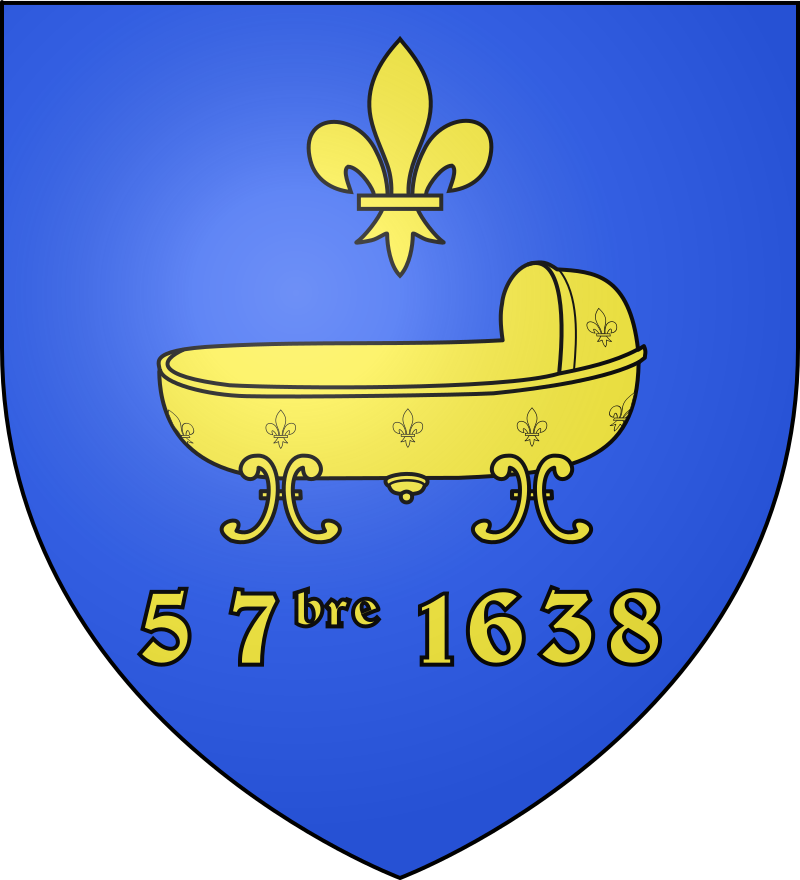
Hey there. I really want to do a career as Stade Saint-Germain but the club didnt really have a logo and only used the coat of arms of Saint-Germain-en-Laye. Could you please make the logo fit into FM, specifically removing the white shade and enhancing the colors? I would be really grateful for that
-
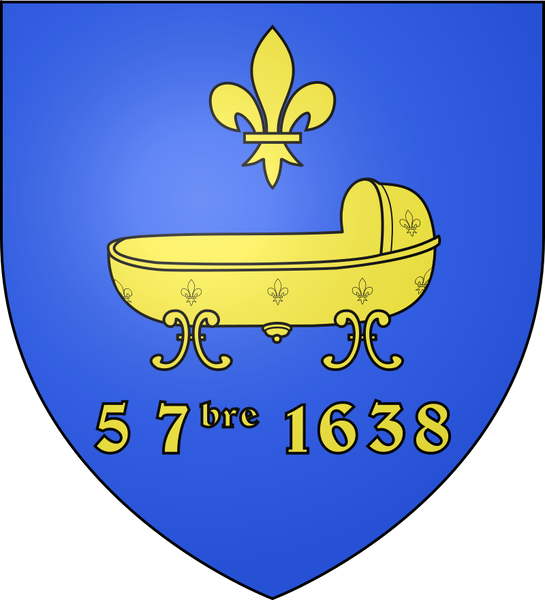
Hi there. last time I asked for something you did a really great job and im very thankful for that, as it was a great career in FM. I'd like to ask you to please try to make the logo of a local team look better. I'am mostly looking for a re-shade of the colors to darker ones, and maybe even change the size to a circle if you could. Thanks in advance.

-
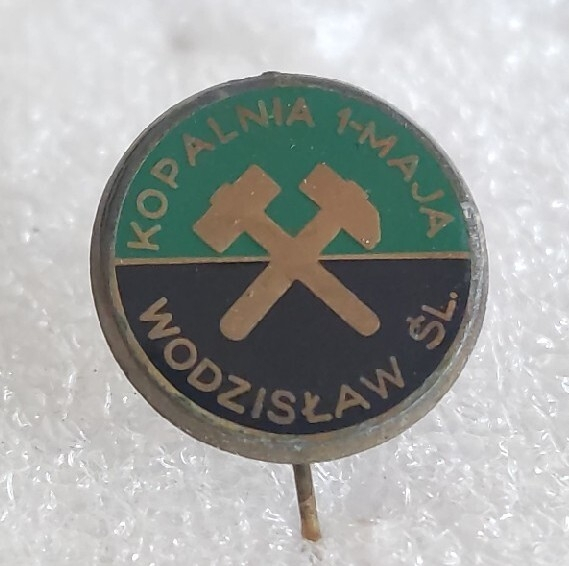
Hey there. It would be really nice if you could make a logo for a custom team called Górnik Wodzisław Śl. Its based off the image but the only difference would be the top not saying Kopalnia 1 Maja and instead Górnik itself. Thanks a lot in advance 🙂