AFKG
Members
-
Joined
-
Last visited
-
When they missed the reveal at the end of January, I knew something was up. It only grew with each passing day. Amazed how took them 1 week to tell something. 😞
-
Can you make Red Bull Santa Monica (it is city in Los Angeles County and where the Red Bull USA HQ is located).
-
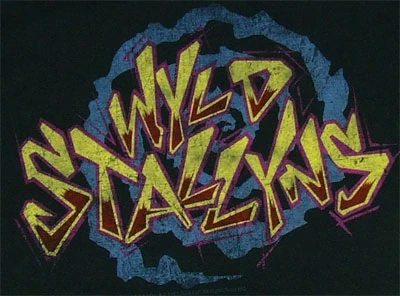
First-time poster, long time lurker. I have a special request (this one is a club in California): Team: San Dimas Wyld Stallyns (yes it is inspired by the Movie Bill and Ted) Type of Logo: Center section (bellow) Having two stallions, which represent Bill and Ted on each side (I had thought like Newcastle or any other way you think best). I want their "band" logo from the movie be predominant (either two examples bellow), but if you could be more sportsy as it represents a football club. Format whatever you like. Colors: The colors can be from the logo they have on the movies. Not that picky, whatever you feel looks good. Note Can you include somewhere their motto "Be excellent with each other and party on dudes"? That is it for now. Thank you for your time. Not the original (but like the edge of it) Or like this (original logo, but can you make it more vibrant?)