brN04
Members
-
Joined
-
Last visited
Everything posted by brN04
-
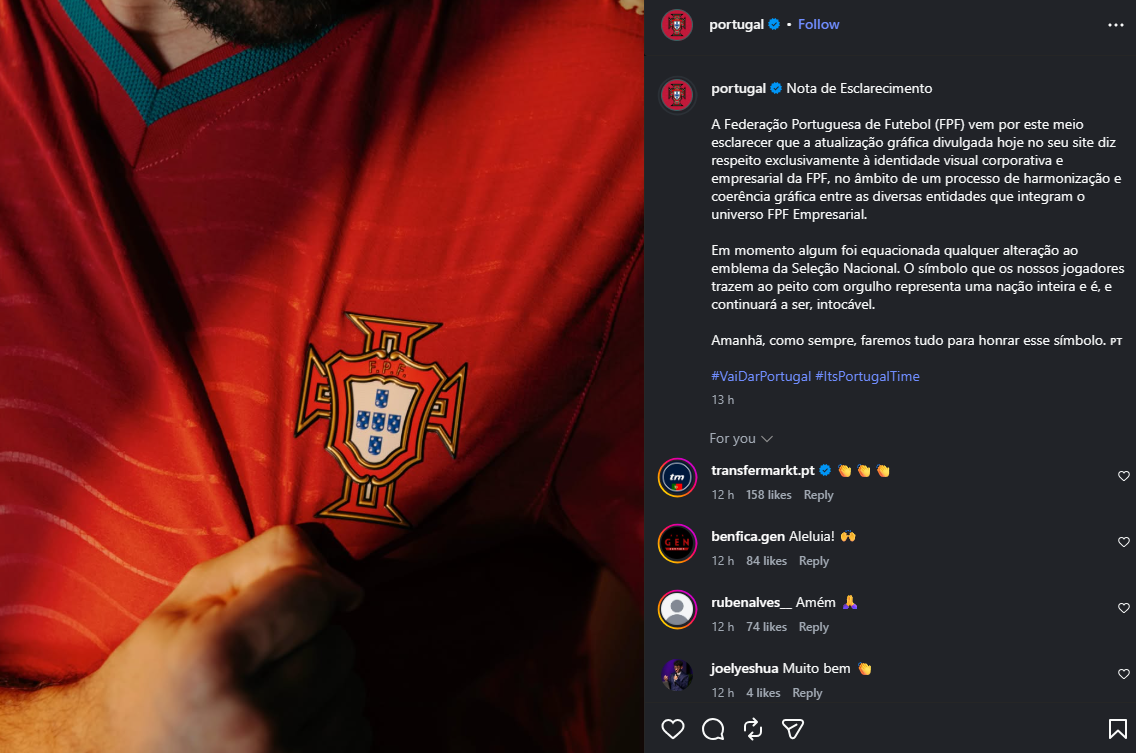
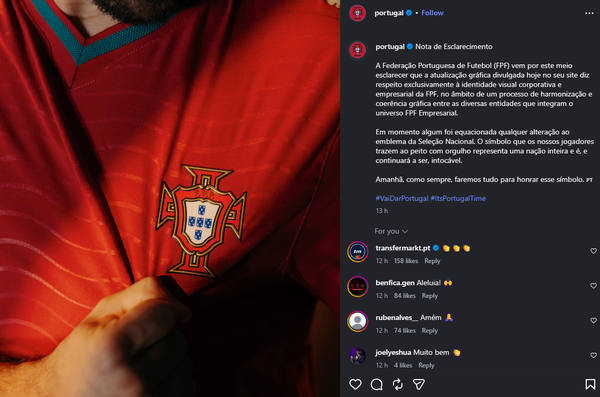
Hi, Sorry but that's incorrect. This logo (ID 788) applies only to marketing materials such as the website, official documents, etc., and has nothing to do with the Portuguese National Team. This change should not be taken into account for FM26. Source: https://www.instagram.com/p/DaQ_NfxRtak/ "Clarification Note The Portuguese Football Federation (FPF) hereby clarifies that the graphic update published today on its website pertains exclusively to the FPF’s corporate and business visual identity, as part of a process to ensure graphic harmonization and consistency among the various entities that make up the FPF Business universe. At no time was any change to the National Team’s emblem considered. The symbol that our players proudly wear on their chests represents an entire nation and is, and will remain, untouchable. Tomorrow, as always, we will do everything we can to honor that symbol.”
-
Sorry if I'm commenting in the wrong forum (I didn't found the correct one). In FMG Standard Logos 2025 the Benfica (ID: 1478), Sporting (ID: 1489) and Porto (ID: 1478) retro logos are with bad quality (blurry), any way to fix it?
-
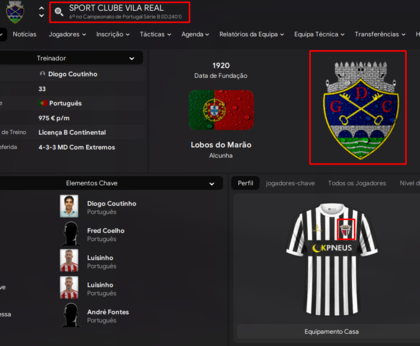
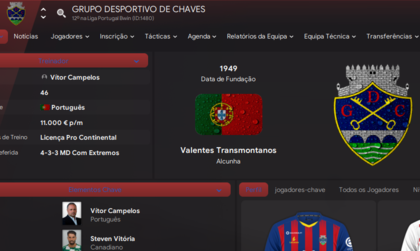
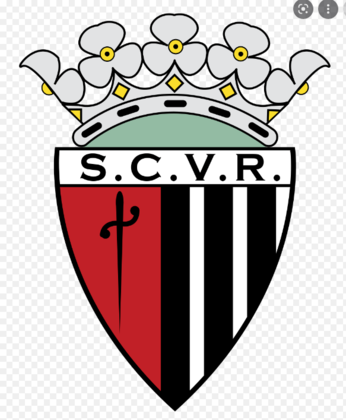
Hi! Please fix one logo in last division of Portugal! Sport Club Vila Real (ID: 2401) have a wrong logo! The logo he have belongs to Grupo Desportivo de Chaves (ID: 1480) which is correct The real logo of Sport Club Vila Real (ID: 2401) is this one: