Jump to content
View in the app

A better way to browse. Learn more.

Football Manager Graphics

A full-screen app on your home screen with push notifications, badges and more.

To install this app on iOS and iPadOS
  1. Tap the Share icon in Safari
  2. Scroll the menu and tap Add to Home Screen.
  3. Tap Add in the top-right corner.
To install this app on Android
  1. Tap the 3-dot menu (⋮) in the top-right corner of the browser.
  2. Tap Add to Home screen or Install app.
  3. Confirm by tapping Install.

vonreichsm

Members
  • Joined

  • Last visited

Everything posted by vonreichsm

  1. Hi, i wanted say again, that with your logo pack we can´t see the logos at the nationpanel: Only - and that i did - if you do a folder with teams: And the following xml:
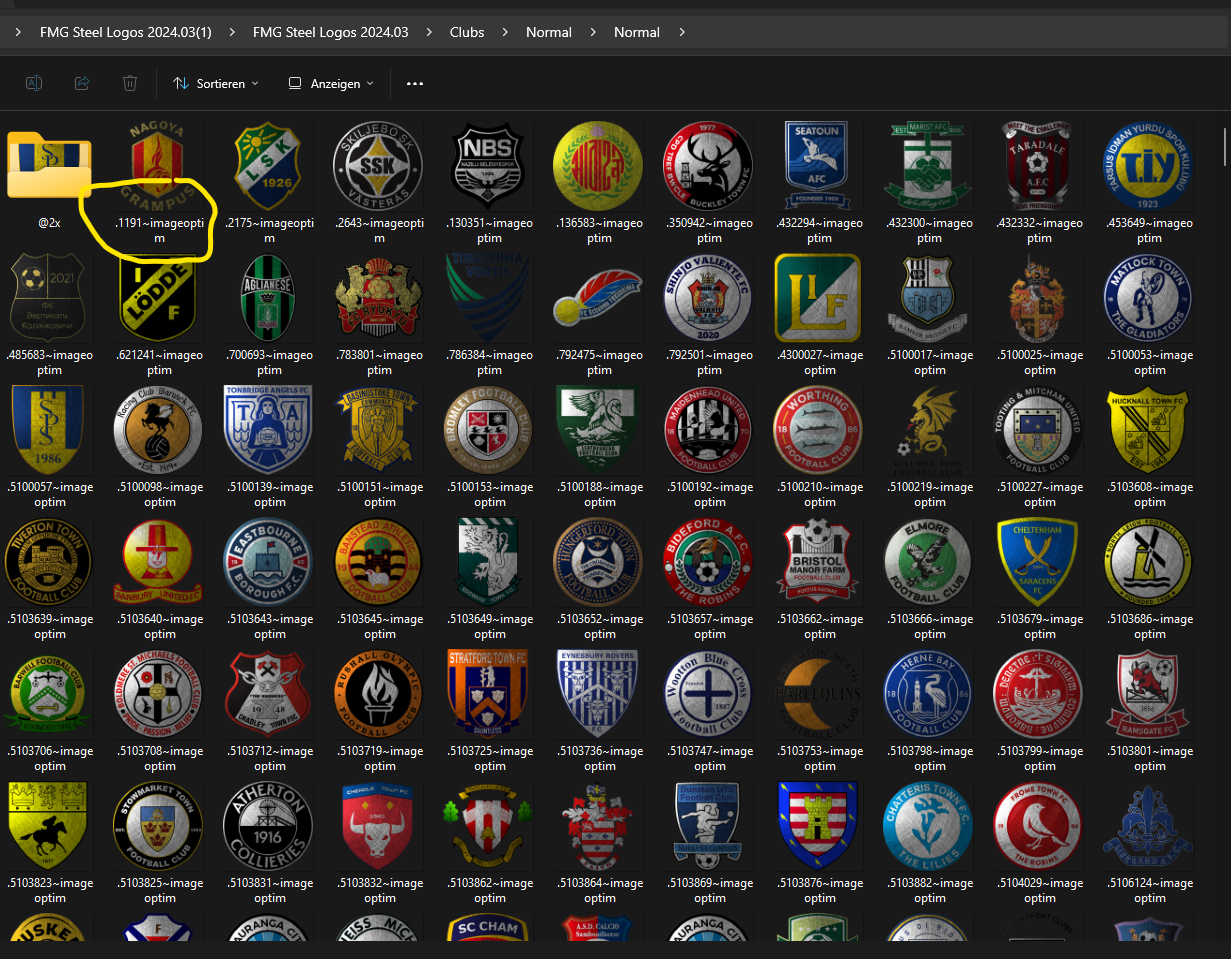
  2. OK. I did what you said. It extracted the file. One Question: Why is the new extracted folder smaller (have not so much files) than the old steel folder before the update for fm22?: Left is before the update for fm22 and right is the new two extracted files for fm22.
  3. I know you asked me. And i get the massage, that there is nothing to extract. Only if i selected the first part i get the massage i can extract. The second one will not extract. Didn´t know why. And as you see at my pictures, the second part of the download did not have the same symbol like the first part. Did you see? Something is wrong with my donloaded file.:( Have i the chance that you reupload the second part for me? I like your logos so much, but if i can´t download the updates i can´t use them.:(
  4. Didn´t work. Either winrar or 7zip. The second part can´t see that it could be extracted. Could it be that the fault is, that the second part called "*.zip.002?: Hope you can help. I´m using your logos since the beginning (2015?). And a lot issues if i want to extract the second part: It says, "the beginning of the archive is missing":
  5. Yes. I downloaded both parts. The first part is everything ok. The second part he can´t see a rar. Didn´t know why. Have anybody else this issue? This is part 1: This is part 2:
  6. Yes you are right. Than i didn´t know the issue. I downloaded it again and again and again. Everytime the same issue.

Important Information

Terms & Conditions

Configure browser push notifications

Chrome (Android)
  1. Tap the lock icon next to the address bar.
  2. Tap Permissions → Notifications.
  3. Adjust your preference.
Chrome (Desktop)
  1. Click the padlock icon in the address bar.
  2. Select Site settings.
  3. Find Notifications and adjust your preference.