WorkTheSpace
Creator
-
Joined
-
Last visited
Never
-
 3 Season Defining Games... | FM26 Zero to Hero Club 7 #18View the full article
 -
 I Re-Signed A Club Legend! | FM26 Zero to Hero Club 7 #17View the full article
 -
 £100,000,000 In The Bank? | FM26 Zero to Hero Club 7 #16View the full article
 -
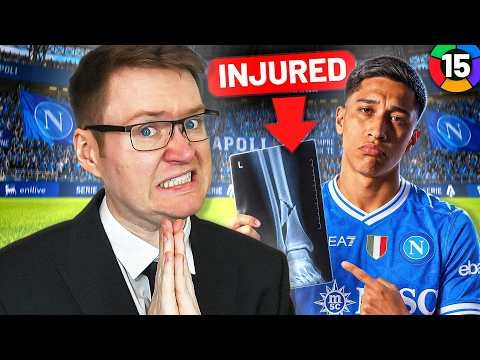 Are You Having a Jara-ffe? | FM26 Zero to Hero Club 7 #15View the full article
 -
 My National Team Career Starts NOW! | FM26 Zero to Hero Club 7 #14View the full article
 -
 The Series HAS To Change Before FM27... | FM26 Zero to Hero Club 7 #13View the full article
 -
 My 2 Season Old Mistake Is Coming Back to Haunt Me | FM26 Zero to Hero Club 7 #12View the full article
 -
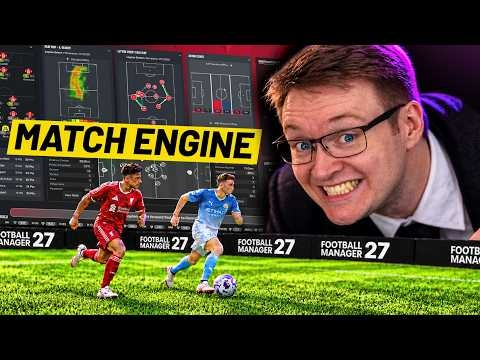 FM27 Just Made Matches WAY More Interesting...View the full article
 -
 There Are MORE Bugs... | FM26 Zero to Hero Club 7 #11View the full article
 -
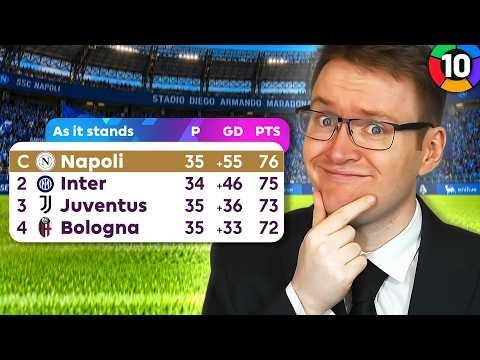 THE MOST DRAMATIC END OF SEASON EVER | FM26 Zero to Hero Club 7 #10View the full article
 -
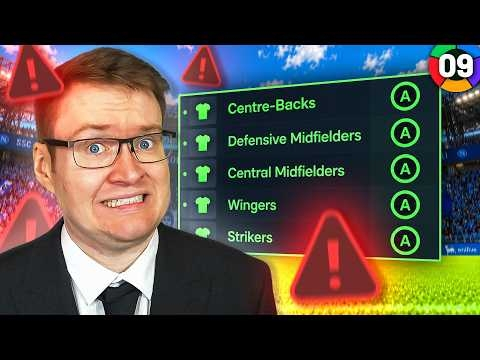 World-Class Youth Intake... But There's A Problem | FM26 Zero to Hero Club 7 #9View the full article
 -
 Football Manager 27 Is Changing How Matches Look...View the full article
 -
 I Raided the January Market for 2 Bargains | FM26 Zero to Hero Club 7 #8View the full article
 -
 This Is The Best Team In The World... | FM26 Zero to Hero Club 7 #7View the full article
 -
 My New Striker Has One MAJOR Problem | FM26 Zero to Hero Club 7 #6View the full article