





Tom FM
Creator
-
Joined
-
Last visited
Never
Everything posted by Tom FM
-
 Winning the English Premier League with a WELSH TeamView the full article
 -
 The Frustrating Reason FM25 is Delayed AGAINView the full article
 -
 Watching a UCL Match in the Worlds Most Iconic StadiumView the full article
 -
 I Played the BEST Football Manager Mobile GamesView the full article
 -
 Football Manager 25 Just Got Announced. I'm Not Happy.View the full article
 -
 You Sent Me Your Funniest Football Manager MomentsView the full article
 -
 Football Shirt Manufacturer Gives Me An INSANE ChallengeView the full article
 -
 The BEST Regen I've EVER Seen in FM24View the full article
 -
 I Played the Lowest Rated Football Manager Mobile GamesView the full article
 -
 The RIDICULOUS Reason My Striker Refused To Be SoldView the full article
 -
 Football Manager 2025 is Delayed. Should we be Worried?View the full article
 -
 I Rebuild my Favourite Team until they win the Champions LeagueView the full article
 -
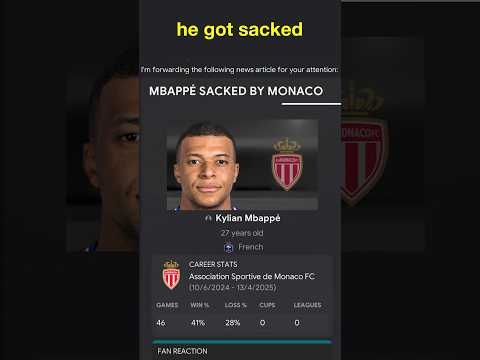 I Made Mbappe a Manager in FM24View the full article
 -
 Playing Football Manager with John TerryView the full article
 -
 I Rebuild Newcastle Until They Win The Champions LeagueView the full article
 -
 Harry Kane has LOST HIS MINDView the full article
 -
 How Long Can You Stay In VIP At A Football Stadium?View the full article
 -
 This Football Match is Worth £15,230,064View the full article
 -
 Watching a UCL Match in VIPView the full article
 -
 I Tried a VIP Champions League ExperienceView the full article
 -
 I Rebuild Ipswich Until They Win the Premier LeagueView the full article
 -
 Draft But I Can Only See LeaguesView the full article
 -
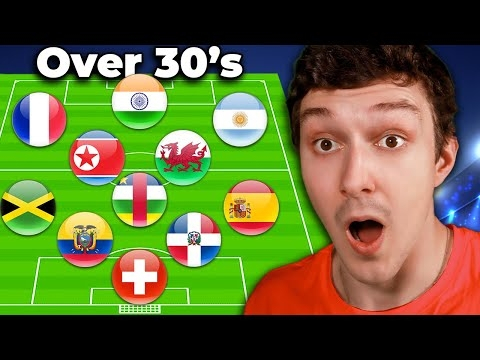 1 Amazing Over 30 Player From Every CountryView the full article
 -
 The Welsh Village hosting Champions League FootballView the full article
 -
 Watching Champions League Football in a Welsh VillageView the full article
