
Tom FM
Creator
-
Joined
-
Last visited
Never
Everything posted by Tom FM
-
 Watching a UCL Game in GibraltarView the full article
 -
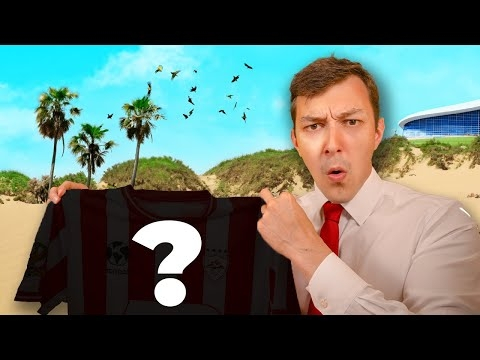 This is the most OUTRAGEOUS Challenge in Football ManagerView the full article
 -
 I Rebuild Liverpool for Life After KloppView the full article
 -
 Watching Champions League Football in Europe's SMALLEST CountryView the full article
 -
 1 Amazing Wonderkid From Every CountryView the full article
 -
 Draft But I Can Only See Club NamesView the full article
 -
 Euro 2024 But Over 30's ONLYView the full article
 -
 I Try Tennis Manager 2024View the full article
 -
 I Try Tennis Manager 2024View the full article
 -
-
 Euro 2024 But Only REJECTED PlayersView the full article
 -
 Going to 3 Euro 2024 Games in 50 Hours (Gone Wrong)View the full article
 -
 Euro 2024 but Only Players with ZERO CapsView the full article
 -
 Euro 2024 but Every Country is a LeagueView the full article
 -
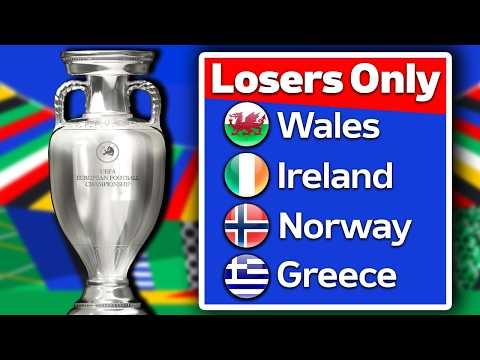 Euro 2024 but only Nations who FAILED to QualifyView the full article
 -
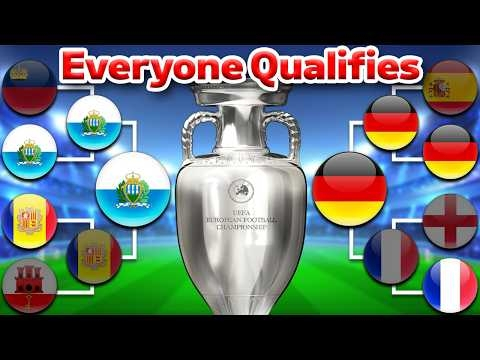 Euro 2024 but EVERYONE QualifiesView the full article
 -
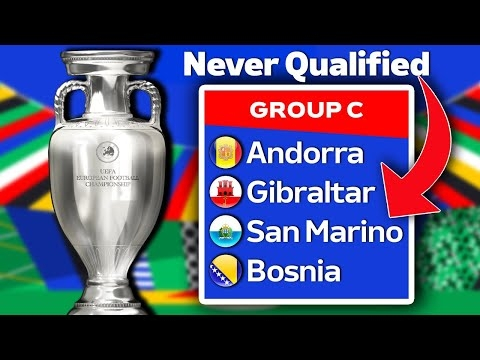 Euro 2024 but only Nations who have NEVER QualifiedView the full article
 -
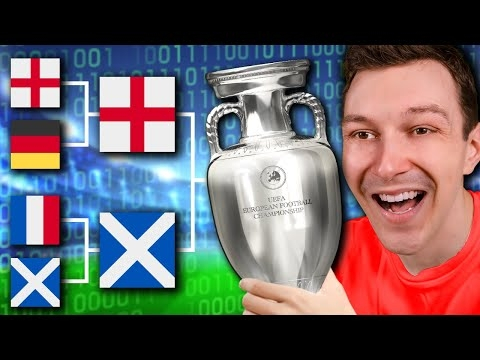 I Simulated Euro 2024 100 Times in Football ManagerView the full article
 -
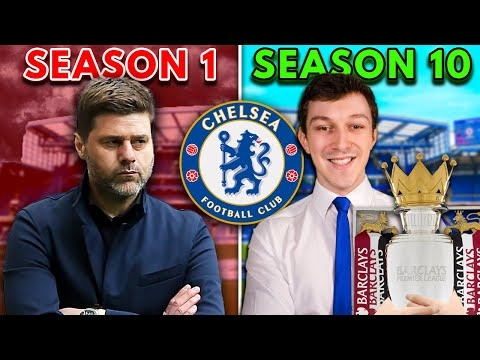 I Rebuild Chelsea for 10 Seasons after PochettinoView the full article
 -
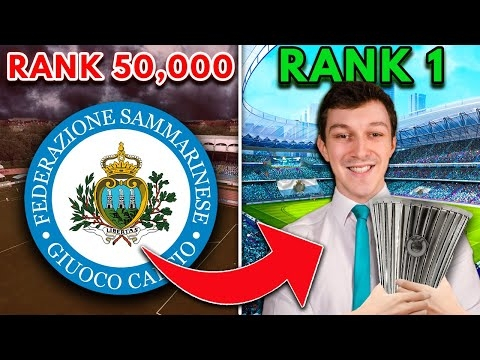 How I Took San Marino to European Glory (Full Movie)View the full article
 -
 Football, But Every Club is a CountryView the full article
 -
 Day 4 Trying to Beat the IMPOSSIBLE San Marino ChallengeView the full article
 -
 Day 3 Trying to Beat the IMPOSSIBLE San Marino ChallengeView the full article
 -
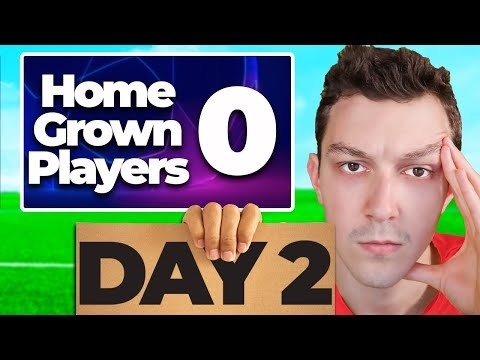 Day 2 Trying to beat the IMPOSSIBLE San Marino ChallengeView the full article
 -
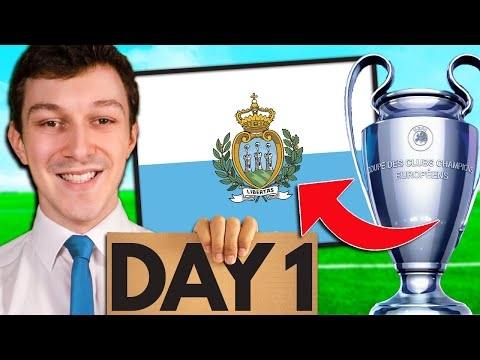 Day 1 Trying to Beat the IMPOSSIBLE San Marino ChallengeView the full article