





Tom FM
Creator
-
Joined
-
Last visited
Never
-
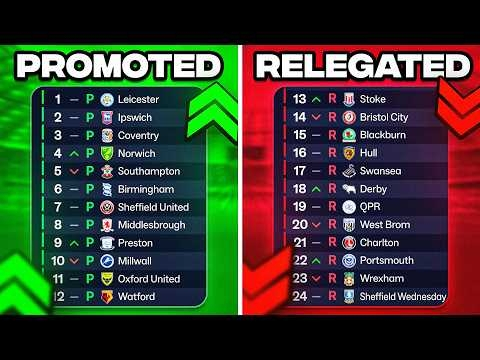 Every Team Gets Promoted or RelegatedView the full article
 -
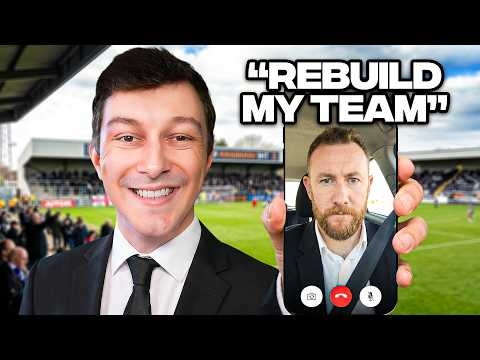 Comedian Challenges Me To Rebuild Their Football ClubView the full article
 -
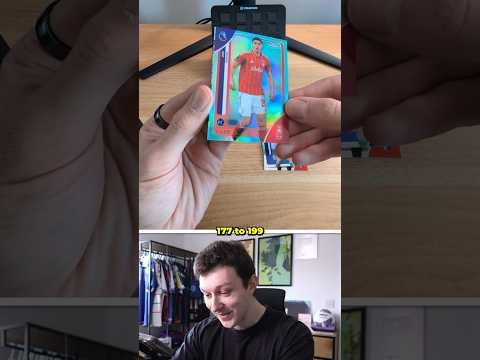 Can I Find a Salah Autographed Card?View the full article
 -
 I Rebuild A Fallen Champions League GiantView the full article
 -
 This is the Silliest Challenge in Football ManagerView the full article
 -
 I Try the Weirdest Football Game on SteamView the full article
 -
 Winning UCL With 1 Amazing Player For Every Shirt ColourView the full article
 -
 I Become the Agent of the Worst Player in the Premier LeagueView the full article
 -
 I Rebuild the Worst Team in the Premier LeagueView the full article
 -
 I Created Perfect Twin ManagersView the full article
 -
 New Season, New StarsView the full article
 -
 Our Biggest Transfer Window (Yet!)View the full article
 -
 I Become the Agent of my GirlfriendView the full article
 -
 Bottling the League TitleView the full article
 -
 How I Saved a Bankrupt Football ClubView the full article
