Jump to content
View in the app

A better way to browse. Learn more.

Football Manager Graphics

A full-screen app on your home screen with push notifications, badges and more.
To install this app on iOS and iPadOS
  1. Tap the Share icon in Safari
  2. Scroll the menu and tap Add to Home Screen.
  3. Tap Add in the top-right corner.
To install this app on Android
  1. Tap the 3-dot menu (⋮) in the top-right corner of the browser.
  2. Tap Add to Home screen or Install app.
  3. Confirm by tapping Install.

5 Screenshots

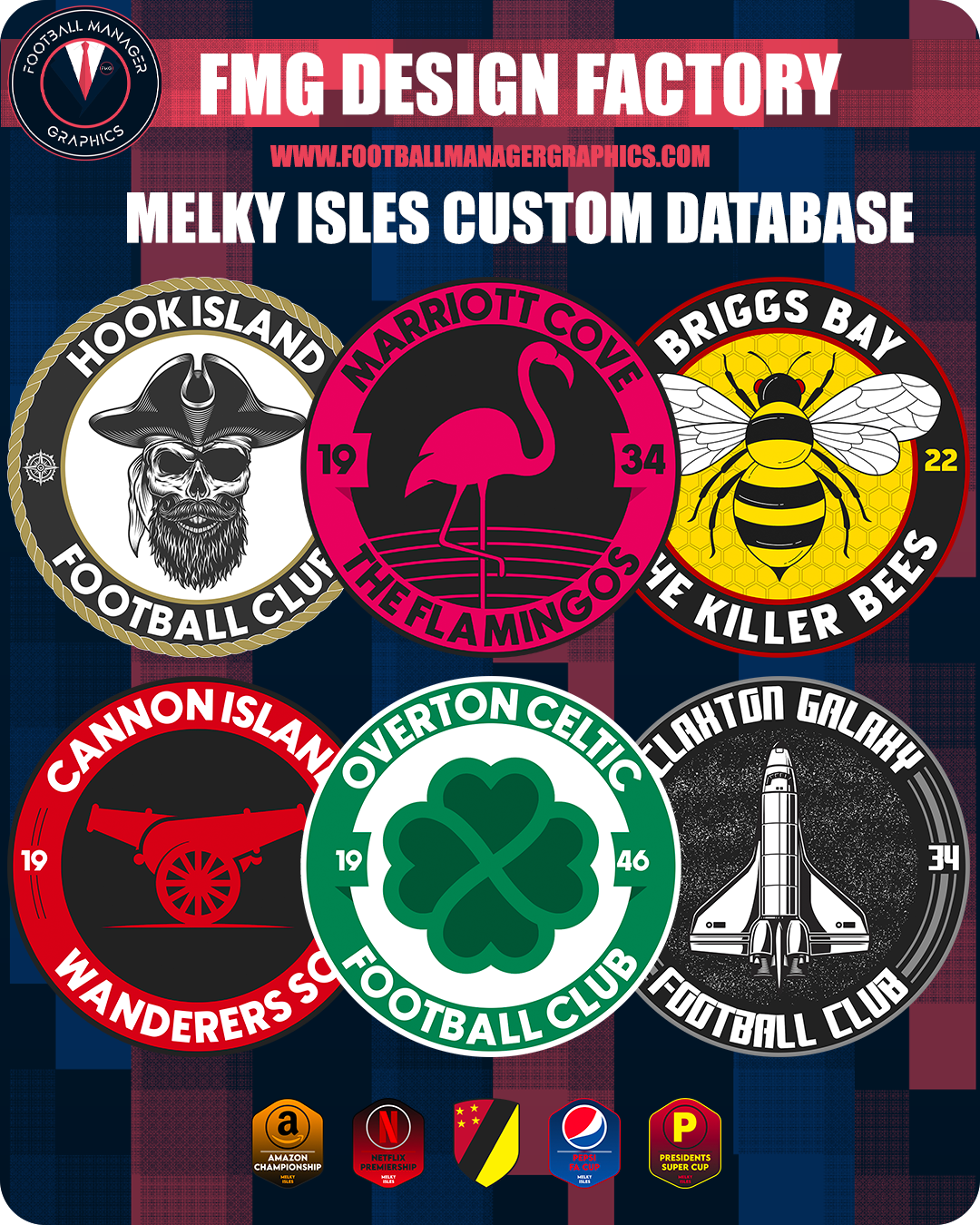
Melky Isles Logo Pack

This logo pack was made for the Melky Isles custom database by @minky79

User Feedback

Recommended Comments

  • Moderators

sorry its taken so long, mixture of feeling crap with working in retail for xmas

  • Moderators
On 21/12/2022 at 18:37, Derek said:

Thanks @minky79

I'll put all this together over the next few days.

Hope you feel better 👊

feeling better, just lost my voice lol

  • Moderators
On 21/12/2022 at 18:37, Derek said:

Thanks @minky79

I'll put all this together over the next few days.

Hope you feel better 👊

feeling better, just lost my voice lol

tatales

Members

hey can you guys reupload? im getting download errors @Derek @minky79

Join the conversation

You can post now and register later. If you have an account, sign in now to post with your account.

Guest
Add a comment...

Important Information

Terms & Conditions

Configure browser push notifications

Chrome (Android)
  1. Tap the lock icon next to the address bar.
  2. Tap Permissions → Notifications.
  3. Adjust your preference.
Chrome (Desktop)
  1. Click the padlock icon in the address bar.
  2. Select Site settings.
  3. Find Notifications and adjust your preference.