a31632
Moderators
-
Joined
-
Last visited
Everything posted by a31632
-
-
-
-
-
-
-
-
-
-
I added a little feature some time ago to show the substitutes in a "pop-over" screen, overlaying the team tactics instructions. I don't always need to see the substitutes in my tactics screen and it takes up extra space, but this way you can see them when you want to 😉 See screenshot where the right portion shows the "standard view" with no subs button clicked:
.thumb.png.37452f6443e9e9c8effdbad8712a600b.png)
-
I always use the picture of the manager that won the Champions League as the "default manager" in the main menu of my skin. With the "real" Champions League having only 4 managers in the mix now for the "new Main Menu" I have updated a few more managers pictures. So one of these 4 is going to be added to the new main menu:
.thumb.png.18444052a8a7346ccf082de694d2e137.png)
.thumb.png.01d38bf621c32e00affd8186733d2524.png)
.thumb.png.19e119b933c06306dde1b5acac90fe28.png)
.thumb.png.2a5a95aac8adf64fa1f3dad6c8a1835d.png)
-
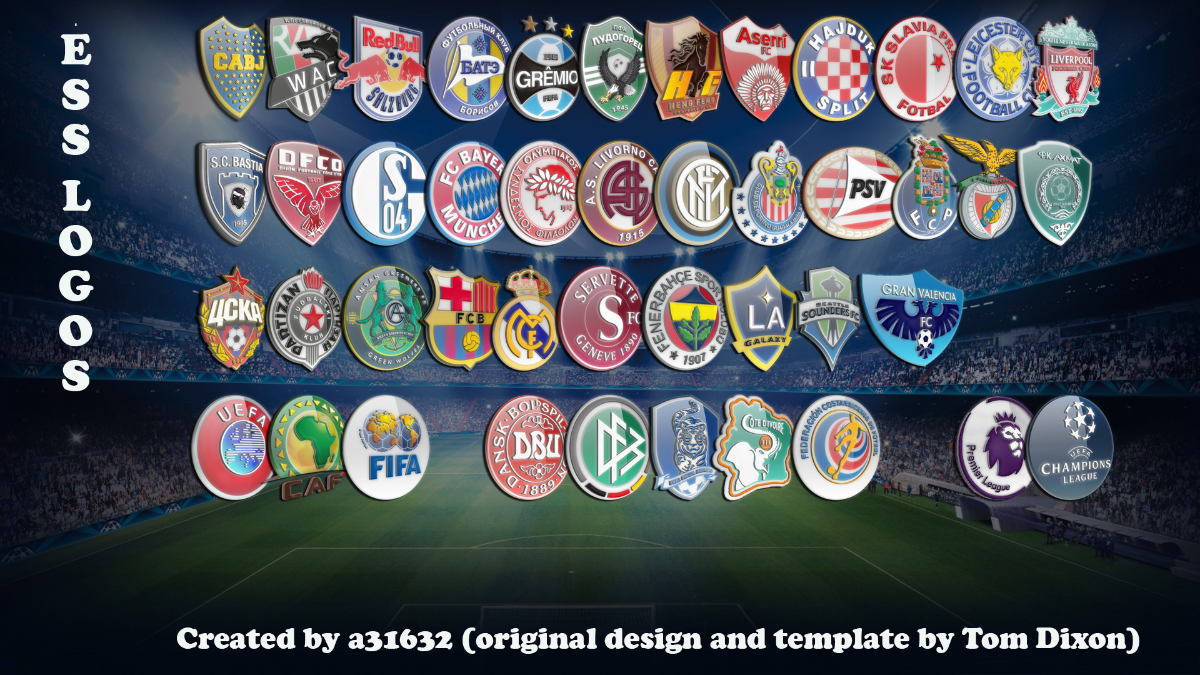
MEGAPACK 1.2.1 released as of April 22,2022.The pack now consists of over 7,400 club, nation and competition logo's, in this updated version another 2,400+ logo's were added.Special thanks for the major update goes to @Mano76jl who created almost all new logo's for the pack.Download link:https://mega.nz/file/bHxWALTD#GjcAQVVIi8GcqKy2JjxmmPZfHTs_-KKaqbpp1B4lnAw
-
Thanks for the feedback! Yes, with every new game I try to improve the skin more and more and it has evolved in a full transformation of the game. I have edited lots of panels almost all main panels have been edited. In the main menu I always stay true to the Champions League theme of the skin and it shows the current coach and last years coach of the CL winners. I thought it is a nice touch together with the title in the same font as the Champions League logo has.
-
-
-
MEGAPACK 1.2 released as of April 15,2022.The pack now consists of over 5,000 club, nation and competition logo's, in this version over 1,000 logo's were added.Special thanks for the major update goes to @Mano76jl who created almost all new logo's for the pack.Download link:https://mega.nz/file/uKwW1ZaK#ayHfhVQ8Txvgc-FLmDSE1eeUbEmQn-ppHpfHGLHRsvo
-
-
-
-
-
-
-
-
-



.png.934c9ae0be6b09d1a382574e588e1aa0.png)
.png.9e537682e802e2ea789f82f759aaccb4.png)
.png.a435d46079237d35d73bc39ebbf40abb.png)
.png.bfbc7537dab66fae459f2dd9fc478617.png)
.png.dbdba04b47f6f1466b790007c4f23c8f.png)