






shadow
Research Team
-
Joined
Everything posted by shadow
-
FC Sports Réunis Haguenau & FC SR Haguenau 2 ID - 2017 & 50082817 Entente Sportive Rochelaise ID - 2021 Le Touquet Athlétic Club Football ID - 2023 Limoges Football ID - 2000006844 Limoges Football Club ID - 2026 Club Sportif Meaux Académy Football ID - 2030 Union Montilienne Sportive Football ID - 2034 Etoile des Sports Montluçonnais Football ID - 2035 Sporting Club d'Orange ID - 2039 Garde Saint-Ivy Pontivy & Garde Saint-Ivy Pontivy 2 ID - 2042 & 2000003927 Football Club Bagnols Pont-Saint-Esprit ID - 2043 Club Olympique de Saint-Dizier ID - 2050 Stade Olympique Châtelleraudais ID - 2063 Stade Olympique Châtelleraudais ID - 2000340807 Thionville Football Club ID - 2065 Toulouse Fontaines Club ID - 2066 Union Sportive Ouvrière Normande de Mondeville & USON Mondeville 2 ID - 2073 & 50046837 Stade Raphaëlois ID - 2077





-
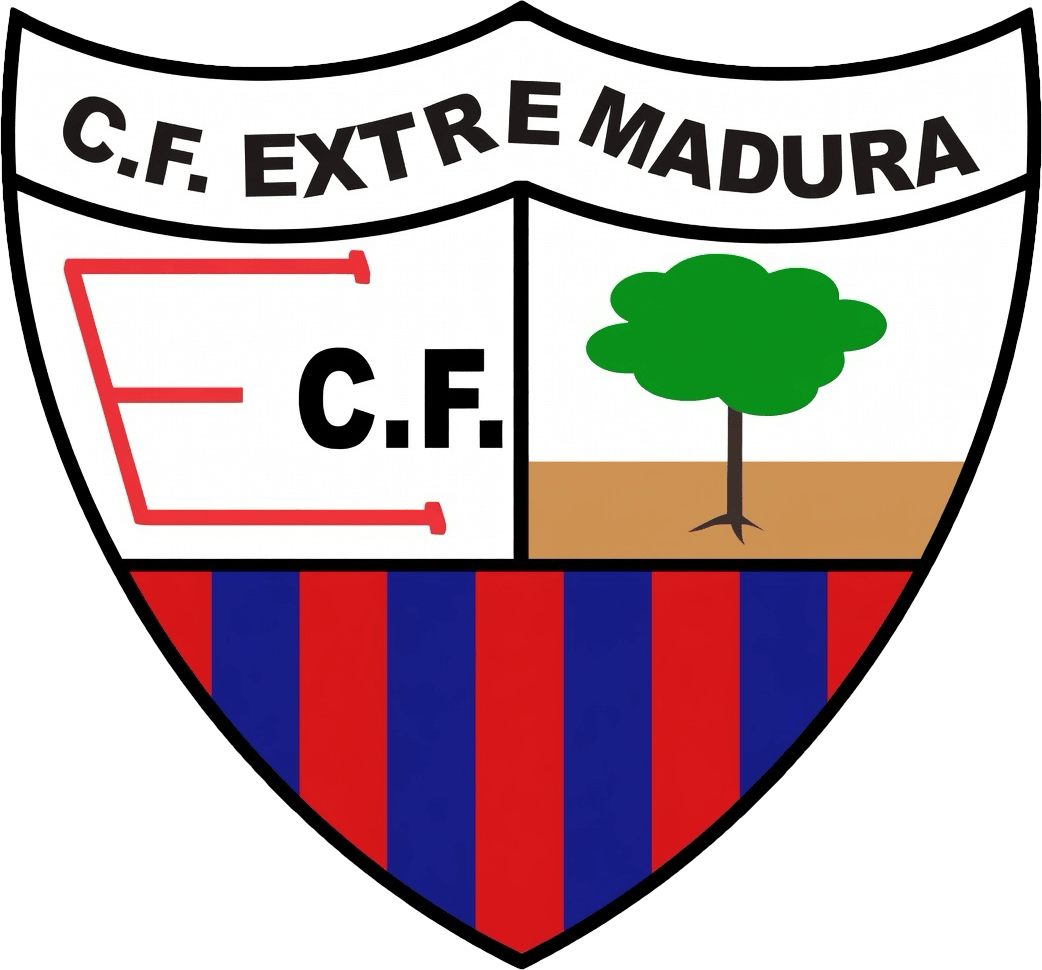
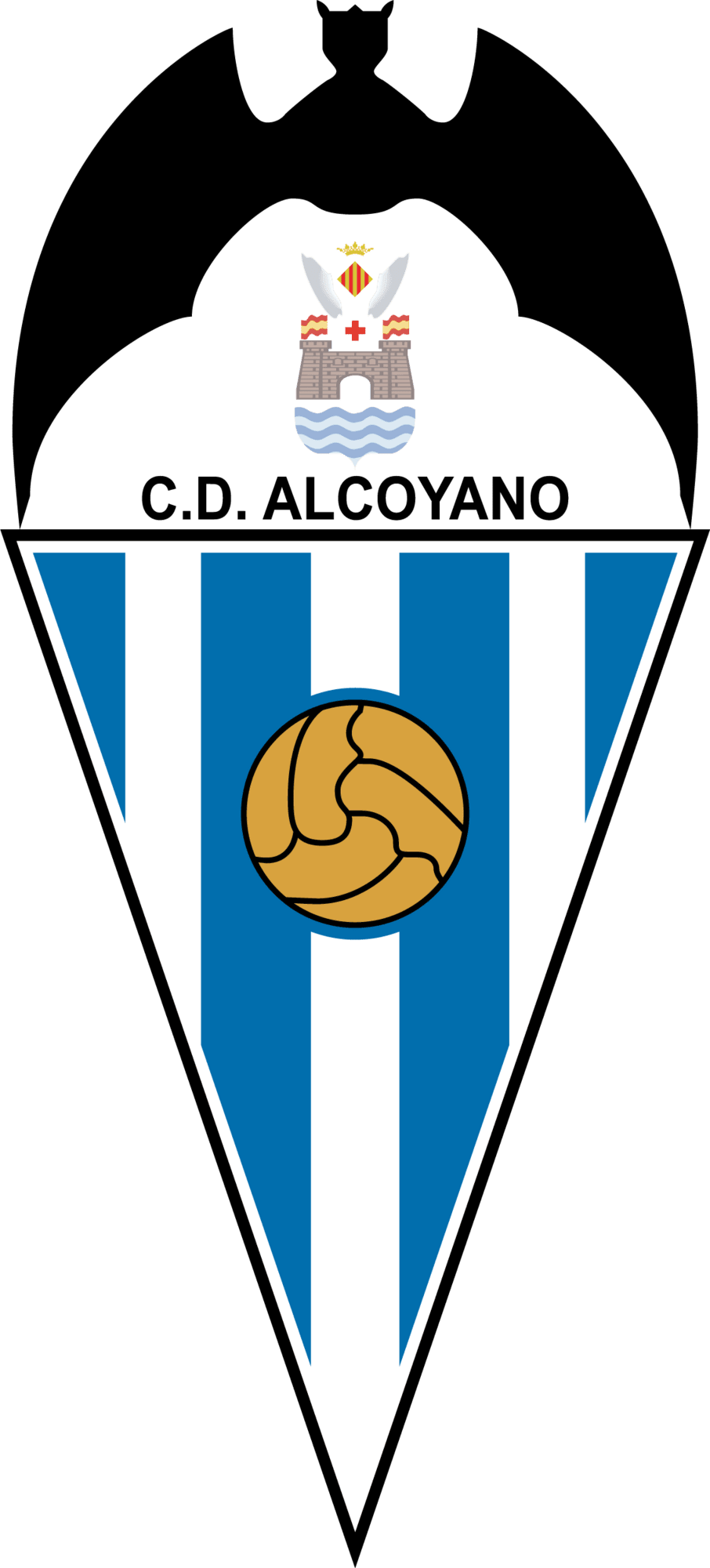
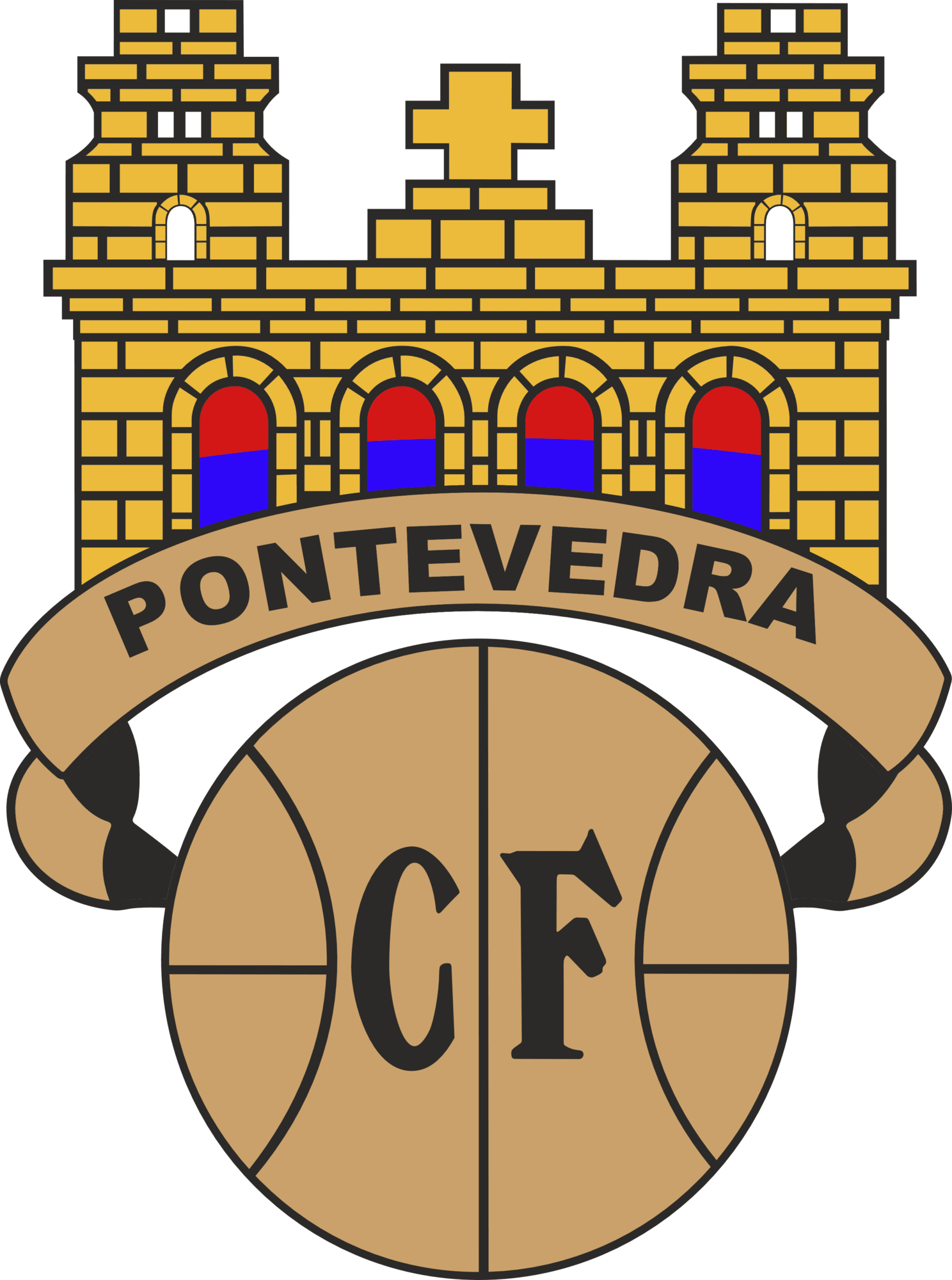
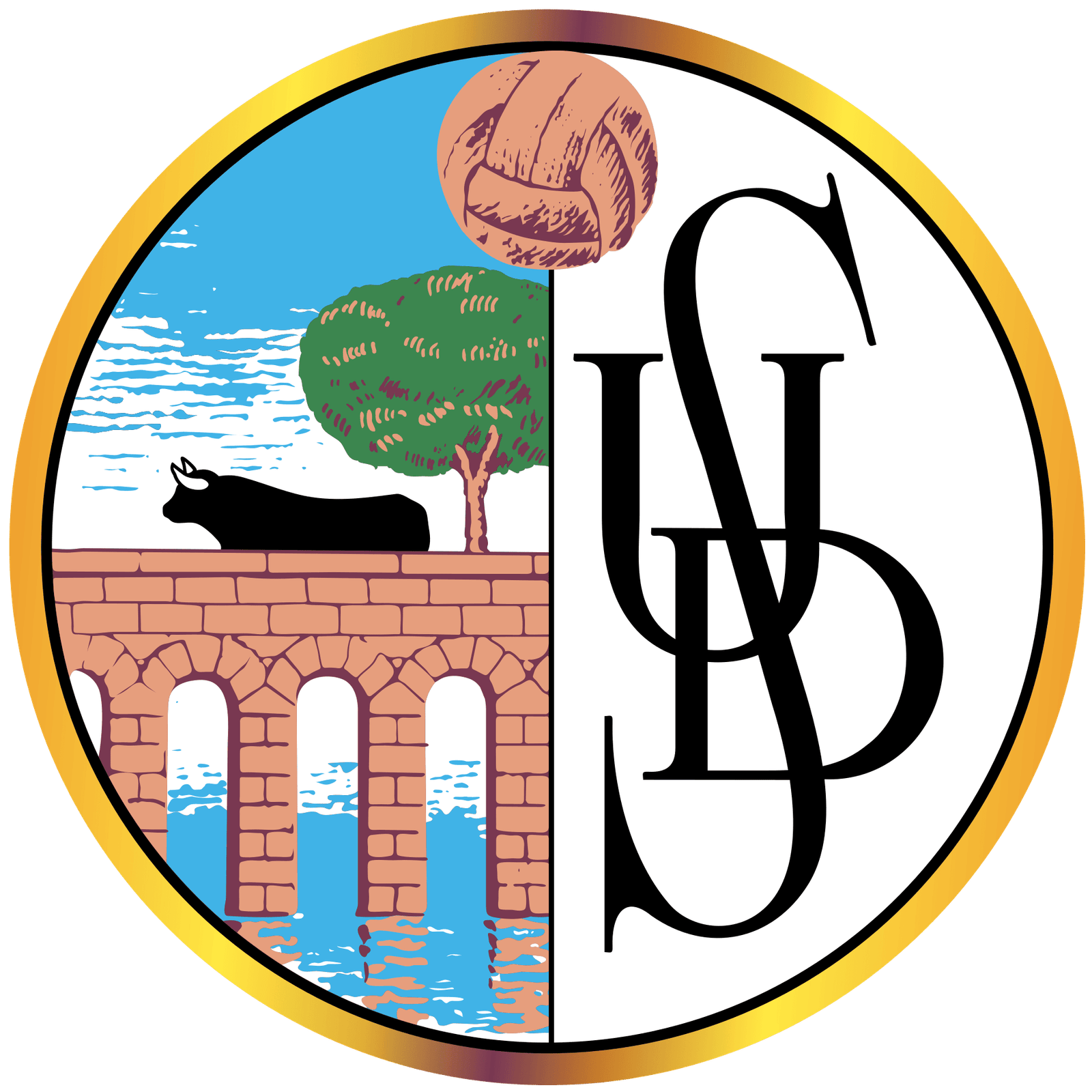
Lokomotiv Nizhniy Novgorod ID - 1526 Textilschik Kamyshin ID - 1531 Berwick Rangers ID - 1543 Balestier Central FC ID - 1604 FC LOKOMOTÍVA KOŠICE ID - 1618 FC Koper ID - 1632 Ajax Cape Town ID - 1642 Kaizer Chiefs Football Club ID - 1643 C.D. Badajoz SAD ID - 1677 Extremadura C.F. ID - 1681 C.D. Alcoyano ID - 1689 Pontevedra C.F. ID - 1723 U.E. Figueres SAD ID - 1766 U.D. Salamanca S.A.D. ID - 1768 Alnö IF ID - 1781 Hertzöga BK ID - 1799 Huddinge IF ID - 1800 Kiruna FF ID - 1810 Landskrona BoIS ID - 1811 Luleå FF ID - 1812 Ludvika FK ID - 1814 Lundby IF ID - 1815 Svenljunga IK ID - 1821 Torö FF ID - 1835 Östersund-Torvalla FF ID - 1845 Thai Farmers Bank ID - 1860 FC Karpaty Lviv ID - 1887 FC Kryvbas Kryvyi Rih ID - 1889 Nyva Vinnytsia ID - 1892 FC Spartak-2 Kalush ID - 1893 Tavria Simferopol ID - 1896 FC Spartak-KPU Zaporizhzhia ID - 1898 FC Veres Rivne ID - 1900 MetroStars [MLS] ID - 1908 Club Atlético Basáñez ID - 1914 Club Atlético Bella Vista ID - 1915 Racing Club Olympique Agathois ID - 1965 Association Sportive Evry Football ID - 1970 FC Béziers Méditerranée ID - 1977 Blagnac Football Club ID - 1978 Calais Racing Union Football Club ID - 1982 Union Sportive de Chantilly ID - 1986 Les Voltigeurs de Châteaubriant ID - 1987 Château-Thierry FC ID - 1989 Sporting Club Draguignan ID - 1998 I checked the logo (1619.png – club logo in clubs folder) and it does not appear to be in the Football Manager database. The logo is also not verified.










-
EMDSZ - Soproni LC ID - 1053 MOL Fehérvár FC ID - 1062 Hapoel Be'er-Sheva ID - 1085 Hapoel Beit-She'an (EXT) ID - 1086 Hapoel Haifa ID - 1087 Maccabi Herzliya ID - 1094 U.S. Alessandria Calcio 1912 ID - 1102 F.C. AlzanoCene 1909 ID - 1103 S.S.C. Ancona S.S.D. ID - 1104 Atletico Catania 3000 ID - 1107 Brescia Calcio ID - 1113 S.S.D. Casarano Calcio ID - 1117 Castel di Sangro Calcio ID - 1118 Cesena F.C. ID - 1120 U.S. Fiorenzuola 1922 ID - 1130 Giulianova Calcio ID - 1133 Atletico Roma ID - 1143 F.C. Lumezzane ID - 1145 S.S.D. Massese ID - 1146 Modena F.C. 2018 ID - 1147 F.C. S.S. Nola 1925 S.S.D. ID - 1152 Novara Calcio ID - 1153 A.C. Perugia Calcio ID - 1157 A.C. Prato S.S.D. ID - 1161 Reggina 1914 ID - 1165 A.S.D. U.S. Savoia 1908 ID - 1169 A.S.D. Sora Calcio 1907 ID - 1171 FC Schaan ID - 1207 FK Geležinis Vilkas ID - 1213 SK Panerys ID - 1215 Spora Luxembourg ID - 1229 Alternative FK Sileks Kratovo ID - 1237 FK Vardar Skopje ID - 1239 Club Atlético Celaya F.C. ID - 1252 FC Olimpia Bălţi ID - 1265 Abildsø IL ID - 1290 Byåsen Toppfotball ID - 1296 Bækkelagets SPK ID - 1297 Clausenengen FK ID - 1299 Egersunds IK Fotball ID - 1301 Elverum Fotball ID - 1305 Kjelsås IL ID - 1332 Faaberg Fotball Lillehammer ID - 1340 Nymark IL ID - 1364 Os Turn ID - 1369 Skeid Fotball ID - 1387 Trott IL ID - 1411 SK Vard Haugesund ID - 1416 Deportivo Sipesa ID - 1447 Dyskobolia Grodzisk Wielkopolski ID - 1466 Sporting Clube de Luanda ID - 1491 Taifa ID - 1492 Nadi Qatar ID - 1496 CF Brăila ID - 1499 FC Caracal ID - 1501 CF Sibiu ID - 1505 FC Progresul Bucureşti [Wrong logo] ID - 1509








 Sorry for the late response. This is correct. I’ve recreated the exact same logo and produced a remastered version with improved quality.Bromsgrove Rovers ID - 621
 The original image was pretty jagged, so I cleaned it up and restored it for better quality.
 Just completed a full restoration and remaster of this vintage Torpedo 2008 crest.
 Vendsyssel Forenede Fodboldklubber ID - 521 521 Vendsyssel Forenede Fodboldklubber.svg Hvidovre Idrætsforening ID - 524 524 Hvidovre Idrætsforening.svg Association Sportive Origine Arménienne de Valence ID - 829 Boldklubben Fremad Amager ID - 508 Nordvest Football Club ID - 522 Lundtofte Boldklub af 1934 ID - 532 Valby Boldklub ID - 564 Varde Idrætsforening ID - 565 Virum-Sorgenfri Boldklub ID - 570 Bromsgrove Rovers ID - 621 Huddersfield Town ID - 664 FC Martigues ID - 843 Dinamo Batumi ID - 891 Dinamo Tbilisi ID - 892 PAO Doxa Vyrona ID - 971





 R Stade Brainois (ID - 279) KV Eendracht Aalter (ID - 290) Royal Football Club Wetteren (ID - 281) 281 Royal Football Club Wetteren.svg KWS Club Lauwe (ID - 293) KVK Wellen (ID - 295) K Wezel Sport FC (ID - 296) KFC Zwarte Leeuw (ID - 300) Ataka-Aura Minsk (ID - 301) Lokomotiv Gorna Oryahovitsa (ID - 350) Spartak-S '94 Plovdiv (ID - 357) Olympique Mvolyé (ID - 396) San Pablo (ID - 402) Guangdong Winnerway (ID - 408) Sichuan Quanxing (ID - 415) Club Deportes Tolima S.A. (ID - 429) NK Zagreb (ID - 444) Alki Larnakas (ID - 455) Drnovice (ID - 466) Svarc Benesov (ID - 469) Hvězda Cheb (ID - 471) Brønshøj Boldklub (ID - 497)





 Oh, I had no idea you were still continuously updating both FM26 and FM24 logo packs. That is impressive. You must be very busy managing all of that. Thanks for clarifying about the small logos being included in the updates (2026.00, 2026.01, 2026.02, 2026.03). I appreciate the work that goes into maintaining compatibility for older versions as well. My suggestion was mainly just an idea to possibly save time in the future. For example, having small logos separated could help reduce manual reorganising, bandwidth usage, and time spent extracting specific sizes. It is great to hear that the packs are still being actively maintained. Thanks again for all the effort you put into this project. It is really appreciated.
- 3 comments
- 3 reviews
-
-

- 1
-
First of all, thank you for the incredible work on the Standard Logos Megapack and all the other logo packs you provide. The quality, consistency, and regular updates across your projects are truly appreciated by the Football Manager community. I would like to request the addition of dedicated “small” @2x logo folders for better compatibility with older Football Manager versions and legacy skins. Specifically, it would help to include separate folders structured like this: Clubs – @2x (50x36px) small (25x18px) logos folder Competitions – @2x (50x36px) small (25x18px) logos folder Confederations – @2x (50x36px) small (25x18px) logos folder Nations – @2x (50x36px) small (25x18px) logos folder Explanation The idea would be to create a clearly named “small” folder inside each main category, containing: @2x versions (50x36px) – for high DPI / retina support Standard small versions (25x18px) – for classic FM skins and older versions Having these separated from the main 512px (or larger) logos would: Improve compatibility with previous Football Manager versions Make installation easier for users who only need small logos Reduce manual reorganising of files Help skin creators maintain cleaner graphics folder structures I understand this would be a relatively small change and it may not be something that is likely to happen, but I wanted to suggest it in case it could be considered for a future update. Currently, users often need to manually sort or extract small logos from the pack, which can be time-consuming and confusing. Dedicated folders would make the process much smoother. Thanks again for your continuous work and updates, it’s greatly appreciated by the FM community! 🍺- 3 comments
- 3 reviews
VK Borchtlombeek - 236 KVV Overpelt Fabriek - 247.thumb.png.230bd6dbb2d8e9d9b5ff341090081fdc.png)
.thumb.png.ce0ee0c549fa1c48f86881c79b67ff95.png)

 191 – FC Eendracht Hekelgem (white text)
.thumb.png.f5995dbd6fc1a28f38109732860f854a.png) I found some cleaned-up, higher-quality logos for the following clubs (club name with FM ID): 185 – Union Entité Chapelloise 187 – KAV Dendermonde 190 – KFC Eeklo 191 – FC Eendracht Hekelgem 192 – KFC Eendracht Zele 196 – KFC Avenir Lembeek 197 – RLC Bastogne 204 – R Cappellen FC 215 – KFC Vigor Wuitens Hamme 220 – VC Lille United 221 – K Oxford Hemiksem 222 – Herk Sport Hasselt 225 – KFC Izegem 226 – Union SC Jemappes
I found some cleaned-up, higher-quality logos for the following clubs (club name with FM ID): 185 – Union Entité Chapelloise 187 – KAV Dendermonde 190 – KFC Eeklo 191 – FC Eendracht Hekelgem 192 – KFC Eendracht Zele 196 – KFC Avenir Lembeek 197 – RLC Bastogne 204 – R Cappellen FC 215 – KFC Vigor Wuitens Hamme 220 – VC Lille United 221 – K Oxford Hemiksem 222 – Herk Sport Hasselt 225 – KFC Izegem 226 – Union SC Jemappes






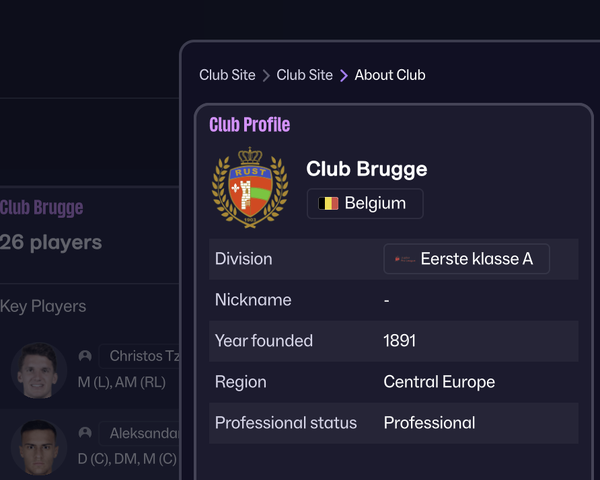
 I would like to report an issue with the Club badge included in the FMG Standard Logos Update 2026.02. Club name: Club Brugge FM Unique ID: 186 I am not sure if I am in the correct forum to report this error, but I wanted to bring it to your attention in case it needs verification or correction.
 Morvant Caledonia United ID - 5625306
 I get what you’re saying about waiting for more women’s logos before releasing the update. From what I’ve seen, though, most people still play the men’s leagues, so there’s naturally less focus and interest in the women’s side right now. That’s just how it is for many players, myself included. Maybe it would make sense to split the research into two separate threads (one for men’s and one for women’s clubs). It would probably make things easier to manage and let people focus on the part they’re most interested in. Personally, I only play the men’s leagues, so I don’t download women’s logo, kits or faces. It’s just personal preference, not anything against women’s football. Everyone has different interests and that’s fine. And honestly, I have to say, this thread has more communication and teamwork than Sports Interactive lately!Telford United ID - 726
.thumb.png.c9a559d62653d562e5a9ca64ac5d093c.png)
.thumb.png.5bb44050de330aa5fc7ed501670139a8.png) Atherstone United ID - 604
Atherstone United ID - 604 Alianza F.C. (New logo) 309345
 Deportes Melipilla - 130786 (Improvement)
 Ethnikos Achnas | 456






























































.png.d577426b12d29600e3c50cb9c0350154.png)
.png.2946fc7d099eec92f0f334442debf2ae.png)

.png.7843e8897c4c8a50ea7a8cc3d19f024d.png)






.png.c60b5c2e0321a92ea5038fca3a491216.png)
.png.9054dfc40792d7997bba0d7b39de34d7.png)
Important Information
Terms & Conditions
Account
Navigation
Search
Configure browser push notifications
Chrome (Android)
- Tap the lock icon next to the address bar.
- Tap Permissions → Notifications.
- Adjust your preference.
Chrome (Desktop)
- Click the padlock icon in the address bar.
- Select Site settings.
- Find Notifications and adjust your preference.
Safari (iOS 16.4+)
- Ensure the site is installed via Add to Home Screen.
- Open Settings App → Notifications.
- Find your app name and adjust your preference.
Safari (macOS)
- Go to Safari → Preferences.
- Click the Websites tab.
- Select Notifications in the sidebar.
- Find this website and adjust your preference.
Edge (Android)
- Tap the lock icon next to the address bar.
- Tap Permissions.
- Find Notifications and adjust your preference.
Edge (Desktop)
- Click the padlock icon in the address bar.
- Click Permissions for this site.
- Find Notifications and adjust your preference.
Firefox (Android)
- Go to Settings → Site permissions.
- Tap Notifications.
- Find this site in the list and adjust your preference.
Firefox (Desktop)
- Open Firefox Settings.
- Search for Notifications.
- Find this site in the list and adjust your preference.