





NassFas
Research Team
-
Joined
-
Last visited
Everything posted by NassFas
-
Scarborough Athletic (correct) - 30021186 logo.svg
-
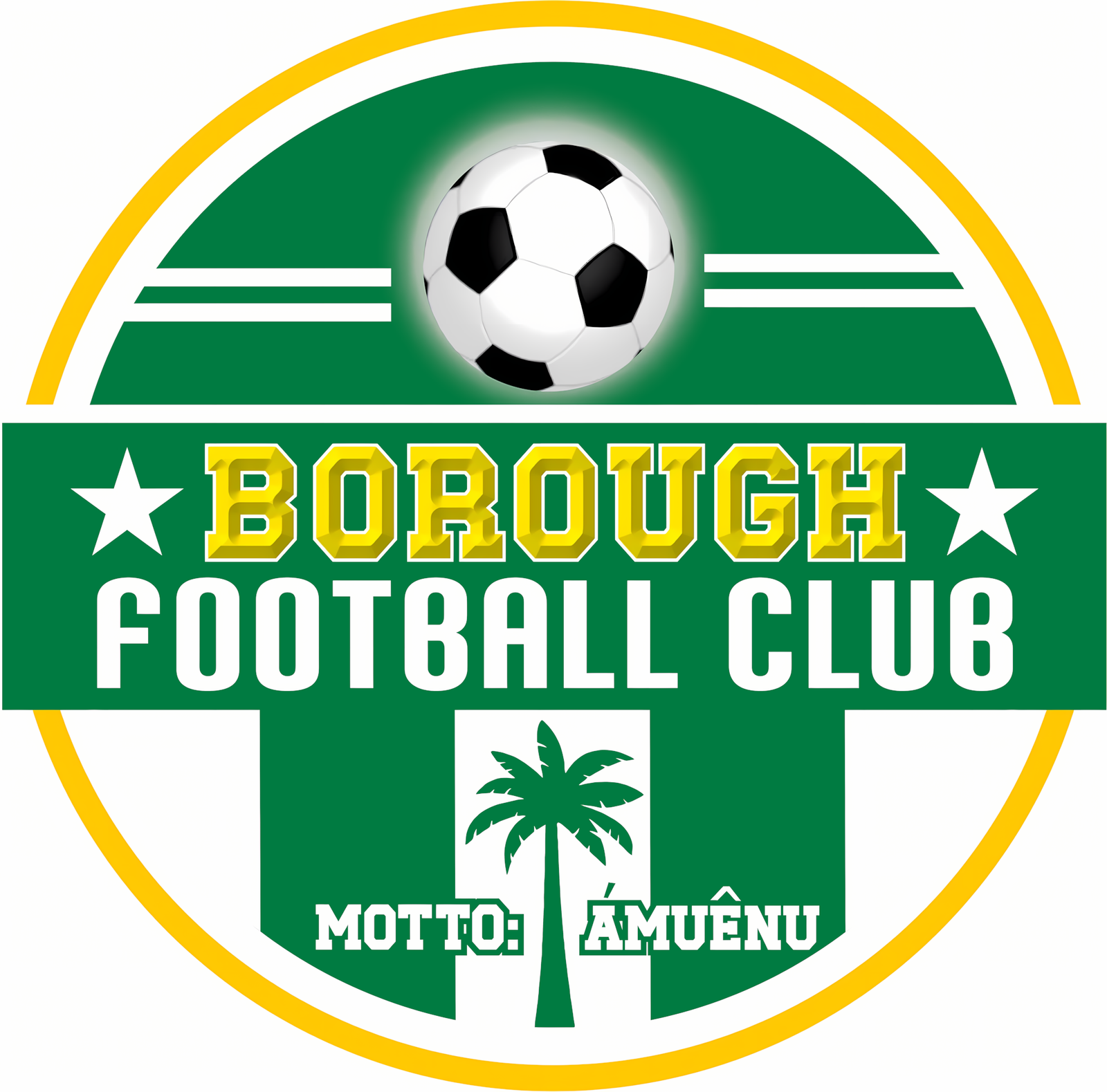
Global Pharma FC -> Borough FC In the DB the club is renamed but the ID is kept the same. SORT IT OUT SIBorough FC in Football ManagerBorough FC in Football Manager2000255662
-
Looks like it's based off the Palmerias badge

-
C.P. Alburquerque (new/current) - 7446410 HD but cropped Sourced from Macron
-
Not identical Used by social media:
-
Dorking Wanderers (improvement) - 29106539 Official Dorking Wanderers FC WebsiteThe latest Dorking Wanderers FC news, fixtures, results and club informationDWFC_logo.svg
-
Worthing (improvement) - 5100210 Official Worthing FC WebsiteThe latest Worthing FC news, fixtures, results and club informationworthing.svg
-
Weston-super-Mare AFC (correct) - 112031 Official Weston-super-Mare FC WebsiteThe latest Weston-super-Mare FC news, fixtures, results and club informationwsmafc.svg
-
https://www.instagram.com/hata_hirosi/ You can see a circular badge but it’s not clearly visible in any of the photos.
-
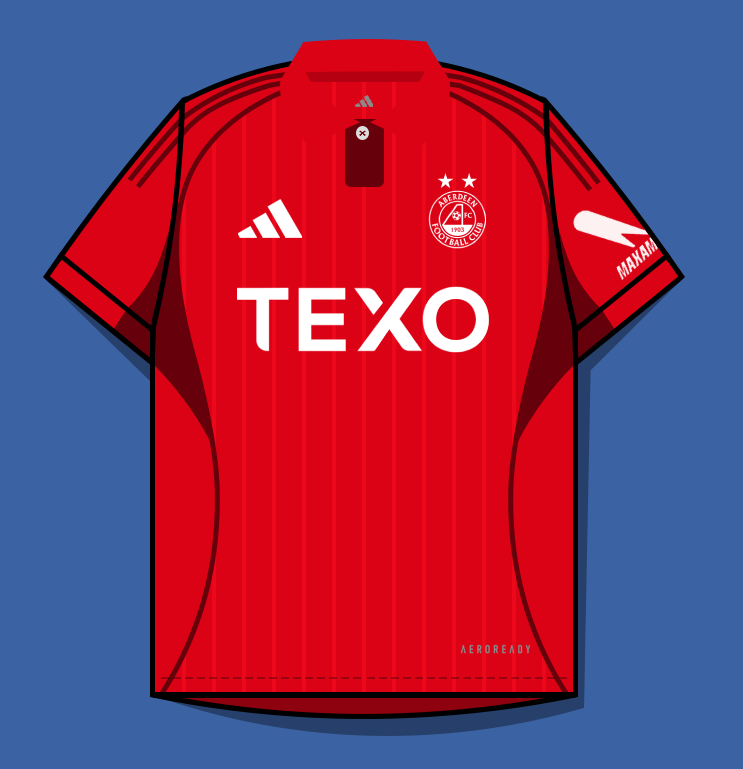
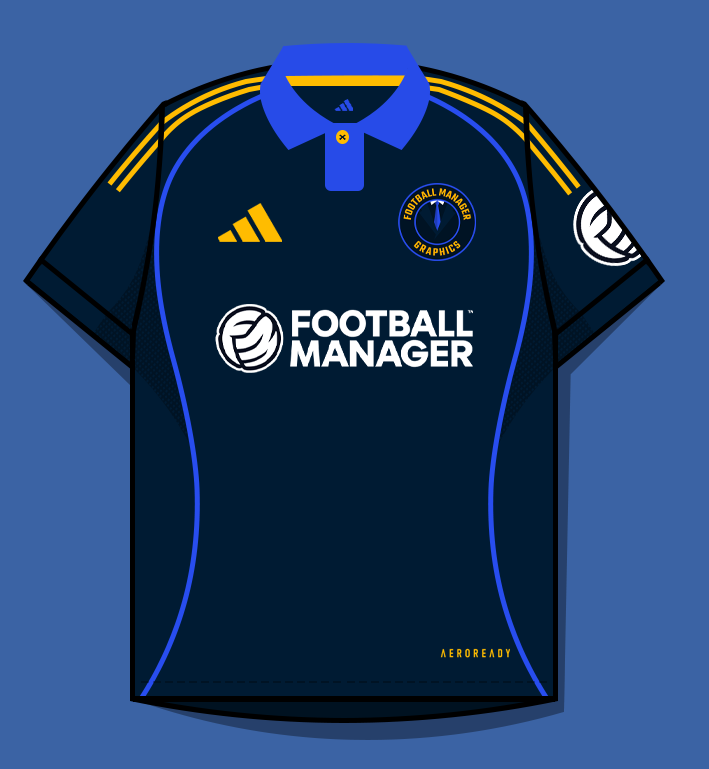
Yeah I'm doing Scotland D1 now. I've redownloaded and it's still a weird situation. 21 has no border, 22 does, 23 doesn't. I use Photopea, I'll try another app, or temporarily copy and paste from another template with the same collar. This is how the kit looks to me now.

-
Some of the collars in Adidas 21-40.psd don't have the black border. Example, preview: Inside I've attached the PSD too Aberdeen Home.psd


-
Bishop Auckland (improvement) - 610 Taken directly from their website Club-Badge-SVG.svg
-
Altrincham (improvement) - 601 Altrincham_FC_crest.svg https://altrinchamfc.com/blogs/news/an-update-altrincham-fc-crest-emblems Alts Altrincham_FC_crest.svg

-
Svendborg forenede Boldklubber (improvement) - 557 Taken directly from their website. sfb-logo.svg
-
Cercle de Joachim Sports Club (improvement) - 13105134 Current Mauritian champions. Use with/without stars is mixed. 4 stars is for their 4 league titles. Before 25/26 they exclusively used no stars.
-
Club Deportivo Popular Junior F.C. S.A. (new/current) - 419 The stars on the blue area are gone. Taken from their youtube channel
-
Solomon Kings (No ID, new OFC Professional League club) Taken directly from https://linktr.ee/SolomonKingsFCPhoenix Football Academy Marrakech - 2000351647Finn Harps (alt) - 1300918

 Charlotte Independence (improvement) - 20032874, 2000059612, 2000012730 AltUnion Sportive Taounate (correct) - 13165077 https://web.facebook.com/journalU.S.T.A This is the logo they use, unfortunately I couldn't find one in high resolution.Sourced directly from their website: Admira_Wacker_Bildmarke_2c_Red_Black_RGB.svg







Important Information
Terms & Conditions
Account
Navigation
Search
Configure browser push notifications
Chrome (Android)
- Tap the lock icon next to the address bar.
- Tap Permissions → Notifications.
- Adjust your preference.
Chrome (Desktop)
- Click the padlock icon in the address bar.
- Select Site settings.
- Find Notifications and adjust your preference.
Safari (iOS 16.4+)
- Ensure the site is installed via Add to Home Screen.
- Open Settings App → Notifications.
- Find your app name and adjust your preference.
Safari (macOS)
- Go to Safari → Preferences.
- Click the Websites tab.
- Select Notifications in the sidebar.
- Find this website and adjust your preference.
Edge (Android)
- Tap the lock icon next to the address bar.
- Tap Permissions.
- Find Notifications and adjust your preference.
Edge (Desktop)
- Click the padlock icon in the address bar.
- Click Permissions for this site.
- Find Notifications and adjust your preference.
Firefox (Android)
- Go to Settings → Site permissions.
- Tap Notifications.
- Find this site in the list and adjust your preference.
Firefox (Desktop)
- Open Firefox Settings.
- Search for Notifications.
- Find this site in the list and adjust your preference.