kumquat_s
Moderators
-
Joined
-
Last visited
-
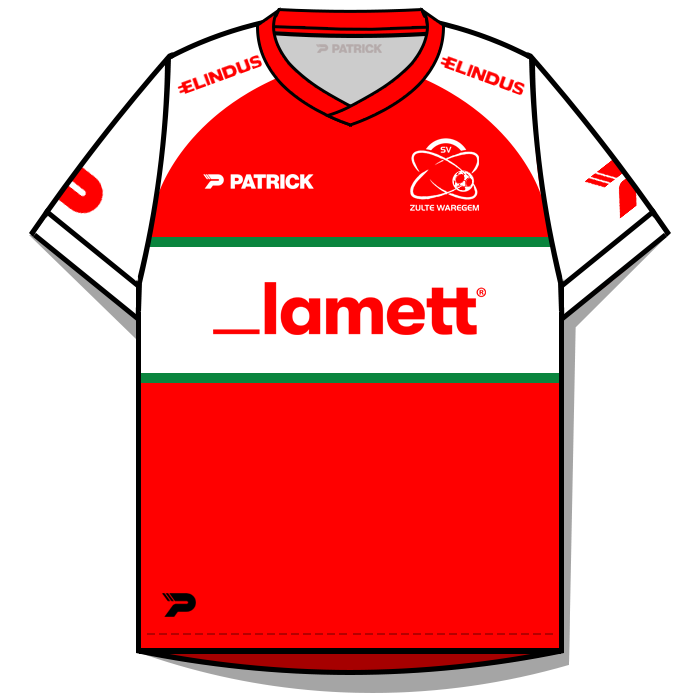
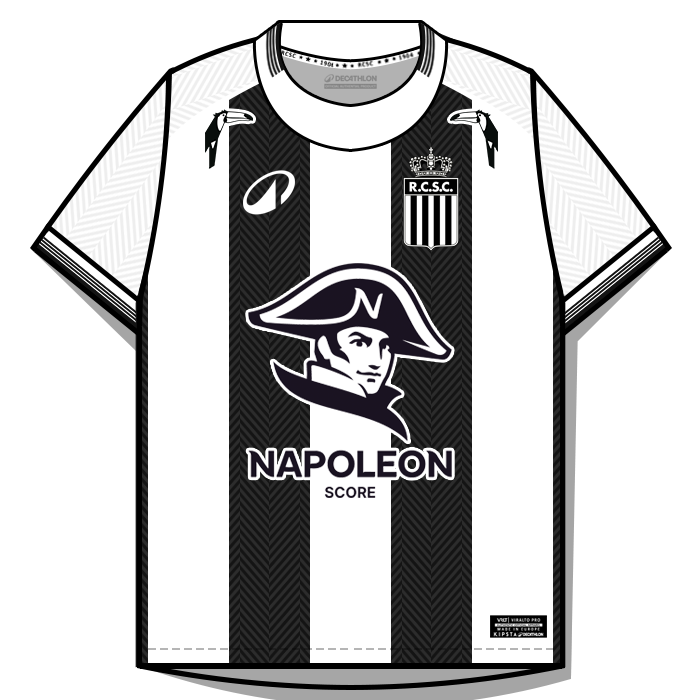
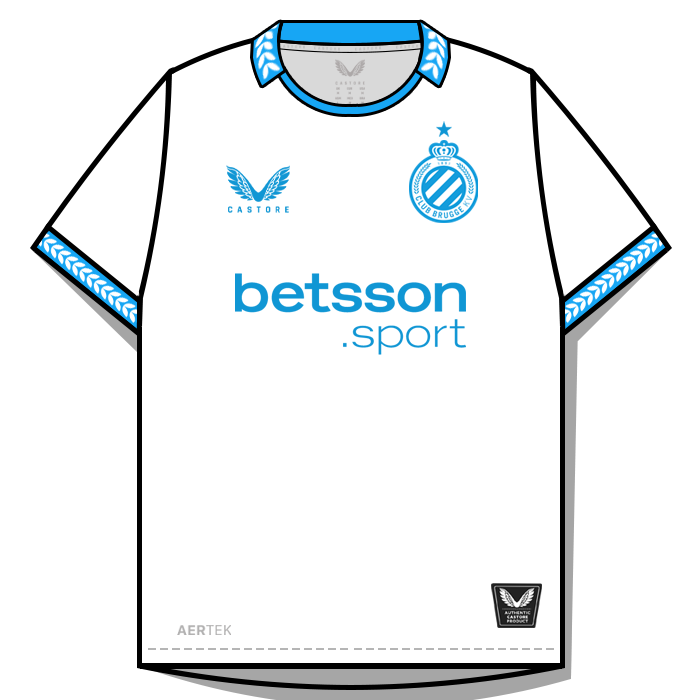
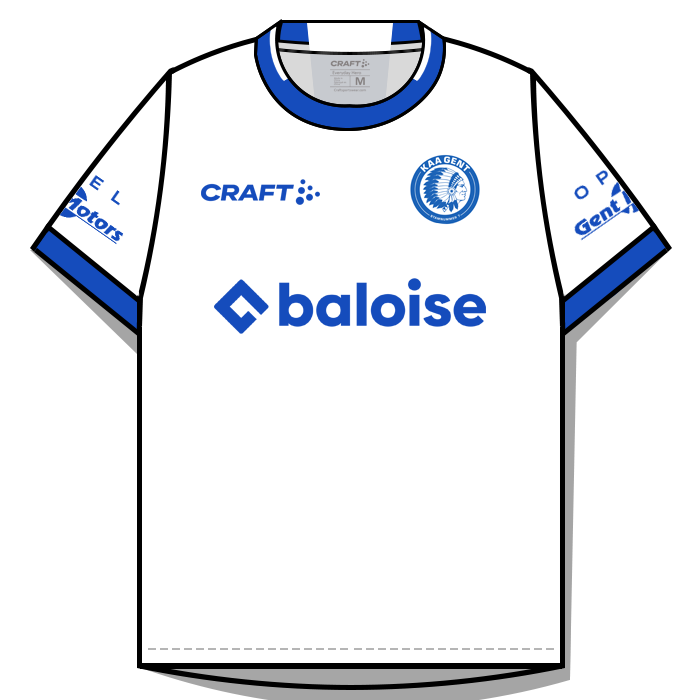
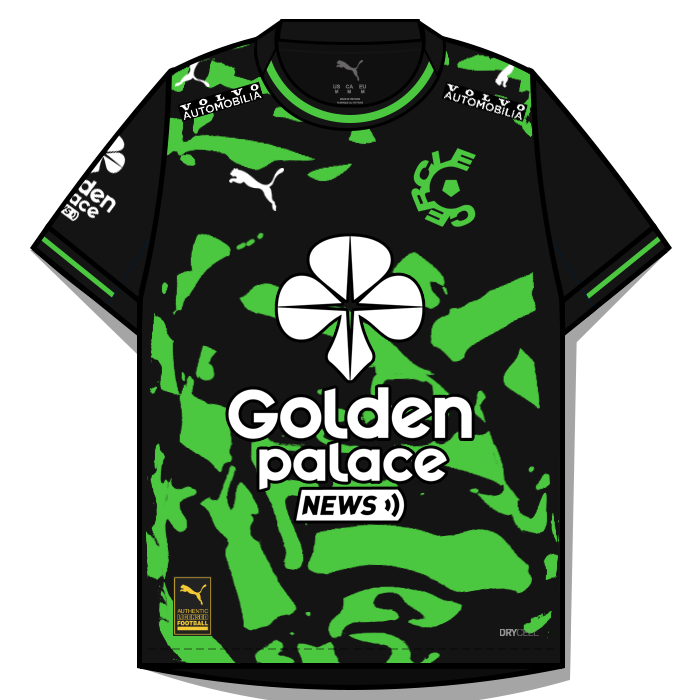
This pack contains the below number of kits. Home Kits - 16 Away Kits - 16 Third Kits - 12 Fourth Kits - 1 FM26 Kits Installation Guide1) Download the pack of your choice. 2) Unzip the files using an archiver. We recommend Winrar for Windows and Keka for Mac but most applications will work. https://www.win-rar.com/start.html?&L=0 https://www.keka.io/en/ 3) Once unpacked place your pack into the folder below based on your operating system. It most likely won't be there so please create it. (lower case) Windows: \Users\<your username>\Documents\Sports Interactive\Football Manager 26\graphics\ Mac OS: Users/YOUR MAC USERNAME/Library/Application Support/Sports Interactive/Football Manager 26/graphics 4) Open Football Manager if you haven't already. If you have close and reopen it. Your kits will then appear. Kit Makers Wanted How can I get involved in creating packs? Get in touch with Derek for templates and help. https://footballmanagergraphics.com/profile/1-derek/
-
 FMG Kits - Belgium Jupiler Pro League 2025-26 This pack contains the below number of kits. Home Kits - 16 Away Kits - 16 Third Kits - 12 Fourth Kits - 1 FM26 Kits Installation Guide1) Download the pack of your choice. 2) Unzip the files using an archiver. We recommend Winrar for Windows and Keka for Mac but most applications will work. https://www.win-rar.com/start.html?&L=0 https://www.keka.io/en/ 3) Once unpacked place your pack into the folder below based on your operating system. It most likely won't be there so please create it. (lower case) Windows: \Users\<your username>\Documents\Sports Interactive\Football Manager 26\graphics\ Mac OS: Users/YOUR MAC USERNAME/Library/Application Support/Sports Interactive/Football Manager 26/graphics 4) Open Football Manager if you haven't already. If you have close and reopen it. Your kits will then appear. Kit Makers Wanted How can I get involved in creating packs? Get in touch with Derek for templates and help. https://footballmanagergraphics.com/profile/1-derek/ Kit Makers Wanted How can I get involved in creating packs? Get in touch with Derek for templates and help. https://footballmanagergraphics.com/profile/1-derek/
 -
-
-
-
-
-
-
-
-
-
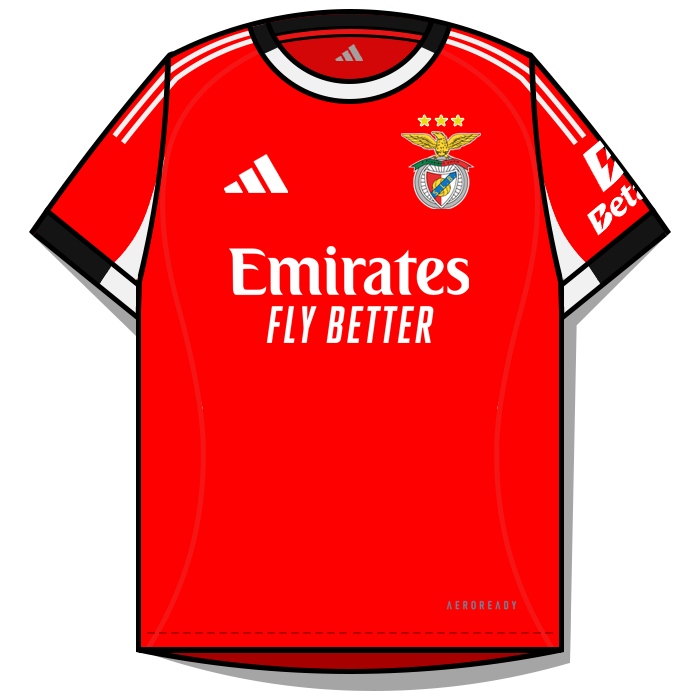
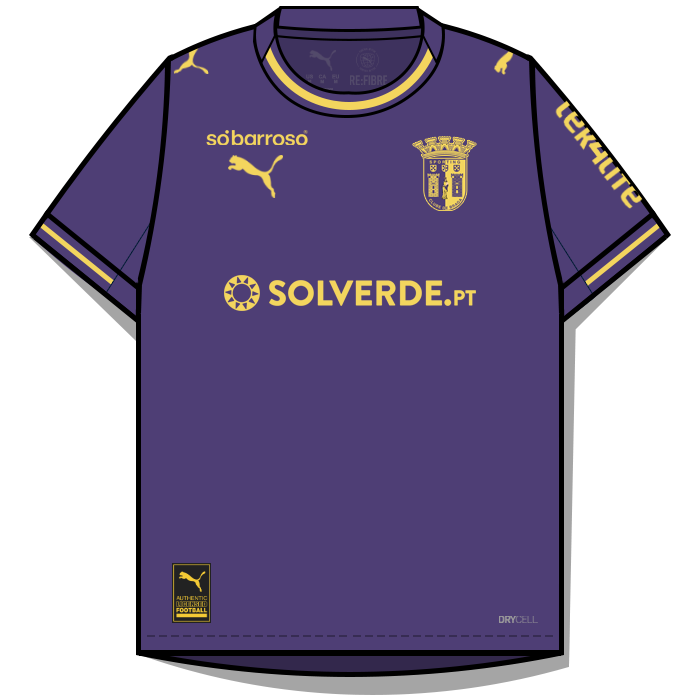
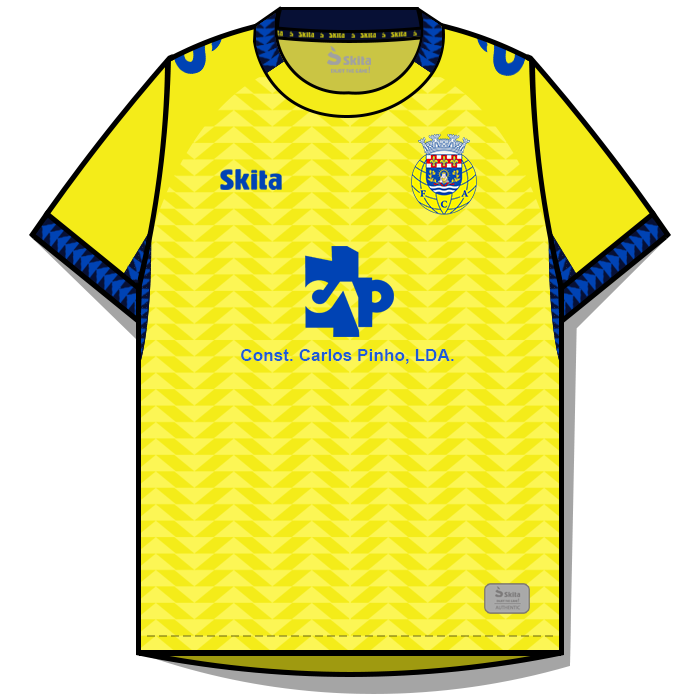
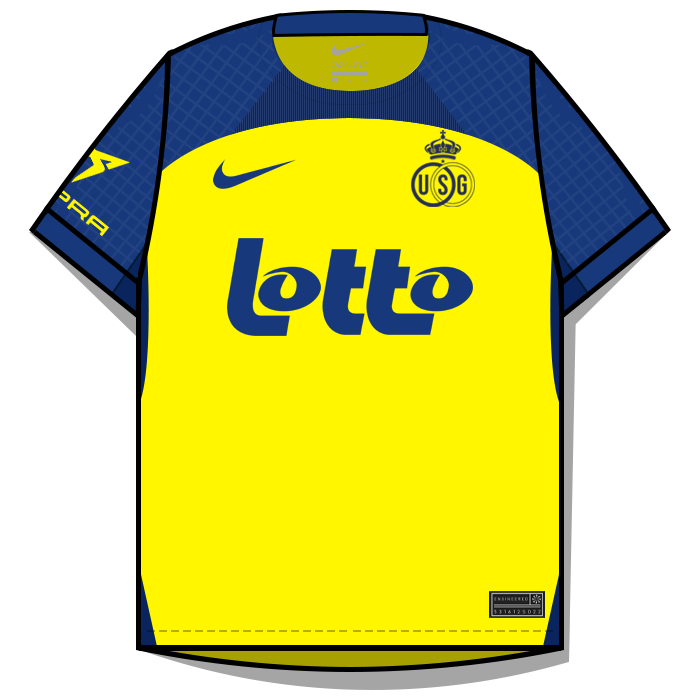
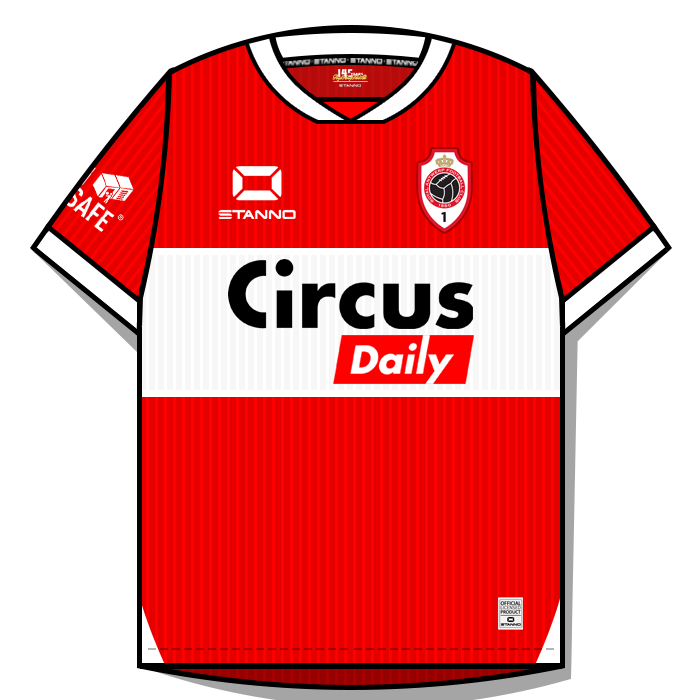
kumquat_s replied to Derek's topic in Creators’ Club (Kits - FMG Kits)'s FMG Kits Creators DiscussionFirst or foremost - love this kit style. Look so clean. Templates are amazing. Certainly pushing my Photoshop skills. Kits take quite a bit longer to make than other styles I am used to. Here's what I've tried so far: Jupiler Pro League 🇧🇪 Anderlecht H/A/T Antwerp H/A/T


-
Ngange Football Club (13108178) Limbe FC (2000095778) Mahanaim FC (2000269115)
-
Sorry if this isn't the right place for this. I downloaded the latest FMG Standard Logos pack and spotted a mistake. Logo for 2000340176 should be Excelsior Rotterdam Reserves. But isn't.
-
I will add club names going forward. No customer database. This is FM24 pre-release. I have UIDs showing ingame.