





Omega Luke
Creator
-
Joined
-
Last visited
Never
-
 I Rebuild with Tycoon Owners in Türkiye vs My DadView the full article
 -
 This Is Very Unlike Football ManagerView the full article
 -
 I Play FM "Would You Rather" with @DoctorBenjyFMView the full article
 -
 I Asked WorkTheSpace what he wants to RETURN to FMView the full article
 -
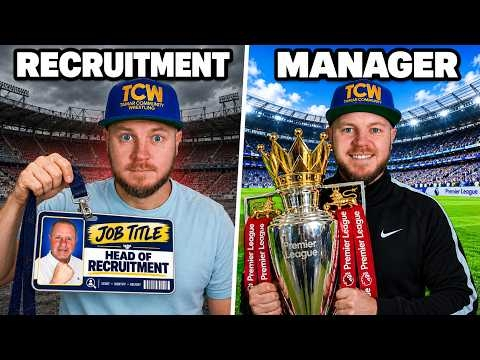 I Rebuild Clubs With My Dad as Head of Recruitment - To Fall Asleep ToView the full article
 -
 NewGens in FM26 are BROKENView the full article
 -
 I Asked @WorkTheSpace What he would remove from FM26View the full article
 -
 My Biggest Gripe with FM26 🤦♂️View the full article
 -
 What if Football Manager had “Form”View the full article
 -
 Can FM27 Bring Back the Obsession?View the full article
 -
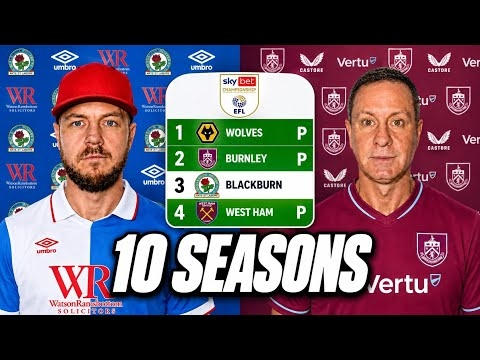 Can I Win the Premier League with Blackburn?View the full article
 -
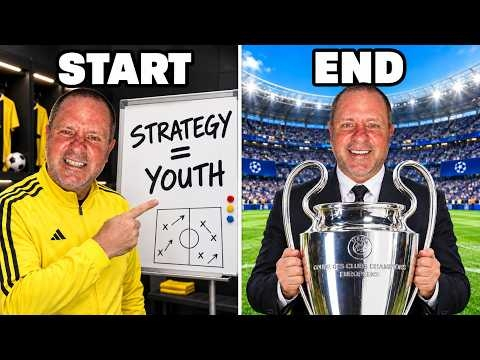 Can I Win the Champions League Signing ONLY Young PlayersView the full article
 -
 The Race to Become the GOAT Manager To Fall Asleep ToView the full article
 -
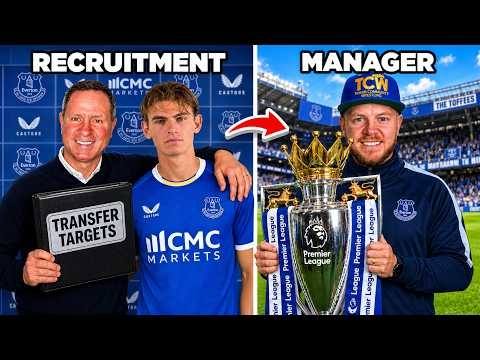 I Rebuild Everton But My Dad is Head of RecruitmentView the full article
 -
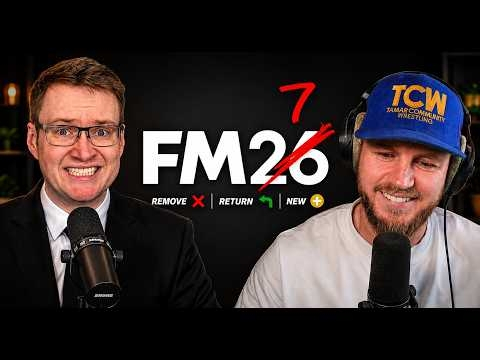 What We Really Want From FM27View the full article
