





Omega Luke
Creator
-
Joined
-
Last visited
Never
-
 We Build Amazing Teams in the Madrid DerbyView the full article
 -
 £1B vs U23 Only // 10 YEAR CHALLENGEView the full article
 -
 I Rebuilt a Fallen Giant... With Youth to GoldView the full article
 -
 We Build ICONIC Teams in Football's Best RivalryView the full article
 -
 I Rewrote 26 Years of Football HistoryView the full article
 -
 Worst Team vs Best Run Club - UPDATED SQUADSView the full article
 -
 I Put the RICHEST Club in Wales to the Premier LeagueView the full article
 -
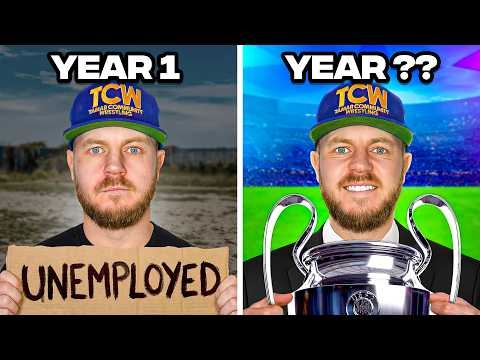 Race to Win the UCL Starting Unemployed vs My DadView the full article
 -
 One Tactic vs Changing Every YearView the full article
 -
 The Impossible Rise to Premier League ChampionsView the full article
 -
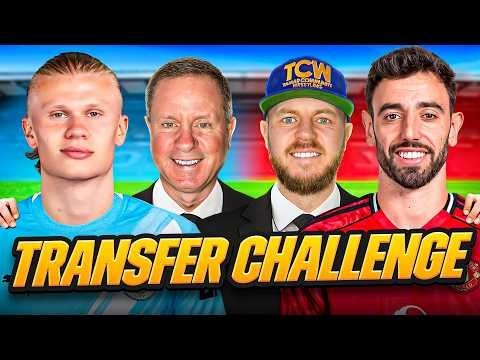 Transfer Ban vs Profit Only TransfersView the full article
 -
 The Retro Football Manager That Surprised MeView the full article
 -
 Can a Striker Win The Ballon d’Or With 0 Finishing?View the full article
 -
 How I Find the Best Wonderkids on FM26View the full article
 -
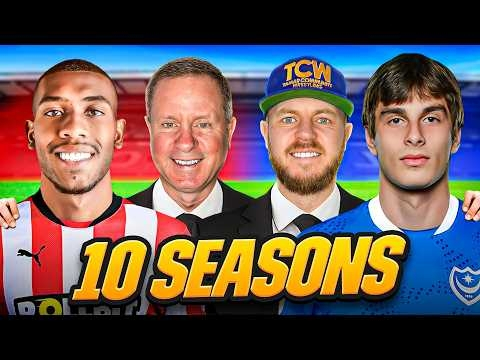 10 Year Trophy Race vs My DadView the full article
