wfm18
Sortitoutsi Staff
-
Joined
-
Last visited
Everything posted by wfm18
-
Orlando Pirates SVG logo It looks like their official logo also has a black border outside the weird one haha
-
UD Lanzarote (6700000) If someone has the vector format that would be even better, this one is upscaled and improved and then scaled back down from their Facebook logo. On the kit they seem to use another logo that is closer to the one we currently have in the pack, but I'm unable to find that in higher quality: https://mercancialanzarote.com/2024/09/10/ud-lanzarotes-three-new-shirts-for-season-2024-25/ Also on their website they use the logo we currently have in the pack, but we have a low quality version: https://mercancialanzarote.com/ So It'd be great if we can get the right image together

-
The logo of AJ Auxerre 2 (48038856) is not the same as the logo of the first team (824) FYI.
-
Another couple of Dutch clubs. We still have the old Heerenveen logo which is the most prominent club in the small list. NL clubs.zip
-
Forgot to add vv Woudenberg (37064908)
-
Some Netherlands upgrades from low quality to high quality and/or logo changes. Two examples: Netherlands upgrades.zip
-
Ajax going back to their exact classic logo next year. What a club 😍 Vector logo: https://fr.wikipedia.org/wiki/Fichier:Ajax_Amsterdam_1928-1991_Logo.svg PNG 512x512 file attached. No more 3 stars as part of the logo, will still feature on the kits. ID 992, 856118 and 862775 Alternative version with outline (as shown on for example the logo on the outside of the stadium, most likely kits [given the last time the logo was represented on there]). Personally I like this better as the outline is more visible, but not official:


-
Great work all! Thanks for yet another year, another amazing pack!
-
This is the old logo, so now we have the old logo in the pack. This is the new one in vector: new-york-city-logo.svg Also note there are 3 IDs to attach this to: 72041885, 2000152199 and 72042356 (NYCFC, NYCFC II and NYCFC Academy)

-
https://www.newyorkcityfc.com/news/new-york-city-fc-unveil-updated-club-badge
-
FC Siena (1170) outline fix, it has some white artifacts still there. This version not anymore:
-
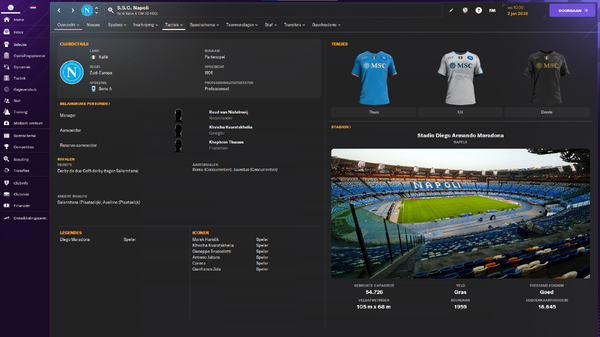
Maybe good to improve the image quality of the Napoli logo, the sides are squared because of the crop. Same applies to Feyenoord.
-
Was about to post this, but you were 4 hours faster haha. Sad to see they did not align the F and the E in the center too haha. I'm not keeping track of this thread much, but Napoli also has a new logo in case that was missed: https://nl.wikipedia.org/wiki/SSC_Napoli#/media/Bestand:SSC_Napoli_2024_(deep_blue_navy).svg

-
Good research, I think looking at this both options are fine.
-
Yes, they however use a white outline around the top logo now from what I’m seeing. The one above is used this season and they will remove the 1954-2024 from it after this month basically. Good way to bring back a classic logo, use it for a anniversary and let the supporters decide after to keep it or not.
-
De Graafschap (ID: 1000) new logo Source: https://x.com/DeGraafschap/status/1787547130552283325

-
sv Spakenburg (still not updated) 2367 vv Dongen 37040430
-
USV Hercules (37002160) Sparta Nijkerk (851549)

-
RB Bragantino II (ID: 19057187) still has the Brazil logo instead of Bragantino (ID: 317). Might be wise to copy that one over.
-
RKVV DEM (37049046) JOS/Watergraafsmeer (37018565) HBS Craeyenhout (37009780) Concordia Delft (100896, former Eredivisie winners) HVV Den Haag (100881, former Eredivisie winners) HSC'21 (2351) HFC Haarlem (1016, looks better compared to current one) RBC Roosendaal (1031, improved quality compared to the one previously posted)



-
JVC Cuijk (851679) Alternative (potentially better for FM, suggest to use this and include the one above in the alt folder):

-
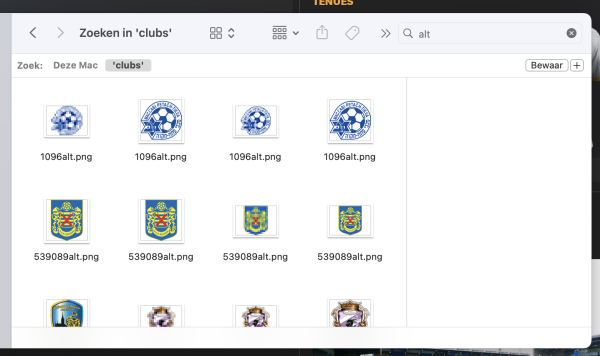
Vitesse 2nd team is not having a correct logo, logo for both 1046 and 37060574 I also found some logos which are named 'alt', which can be removed from the folder & config
-
Another logo is incorrect, which is SV Spakenburg (ID: 2367). Alternative version:

-
Forum Sport (37049011) updated logo - this year they also run a special version for the year 2023 only, so that means that it is already old again and the one above can be used. Still we can include is as an alternative. Aside, the TOP Oss logo (ID: 1042) is not correct (see website and their socials). See below for the correct logo:

-
Open quote for game_ready formatted images