





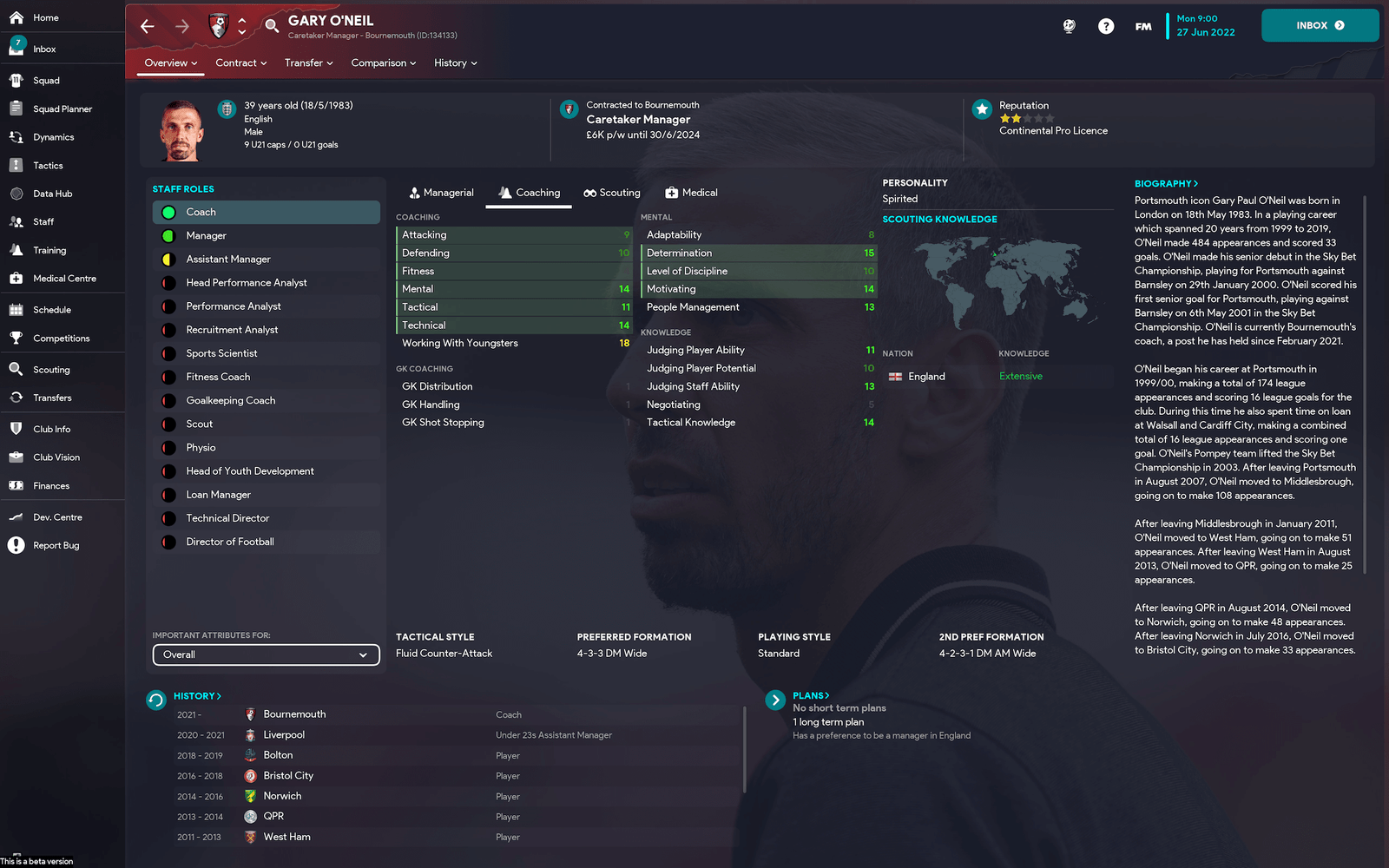
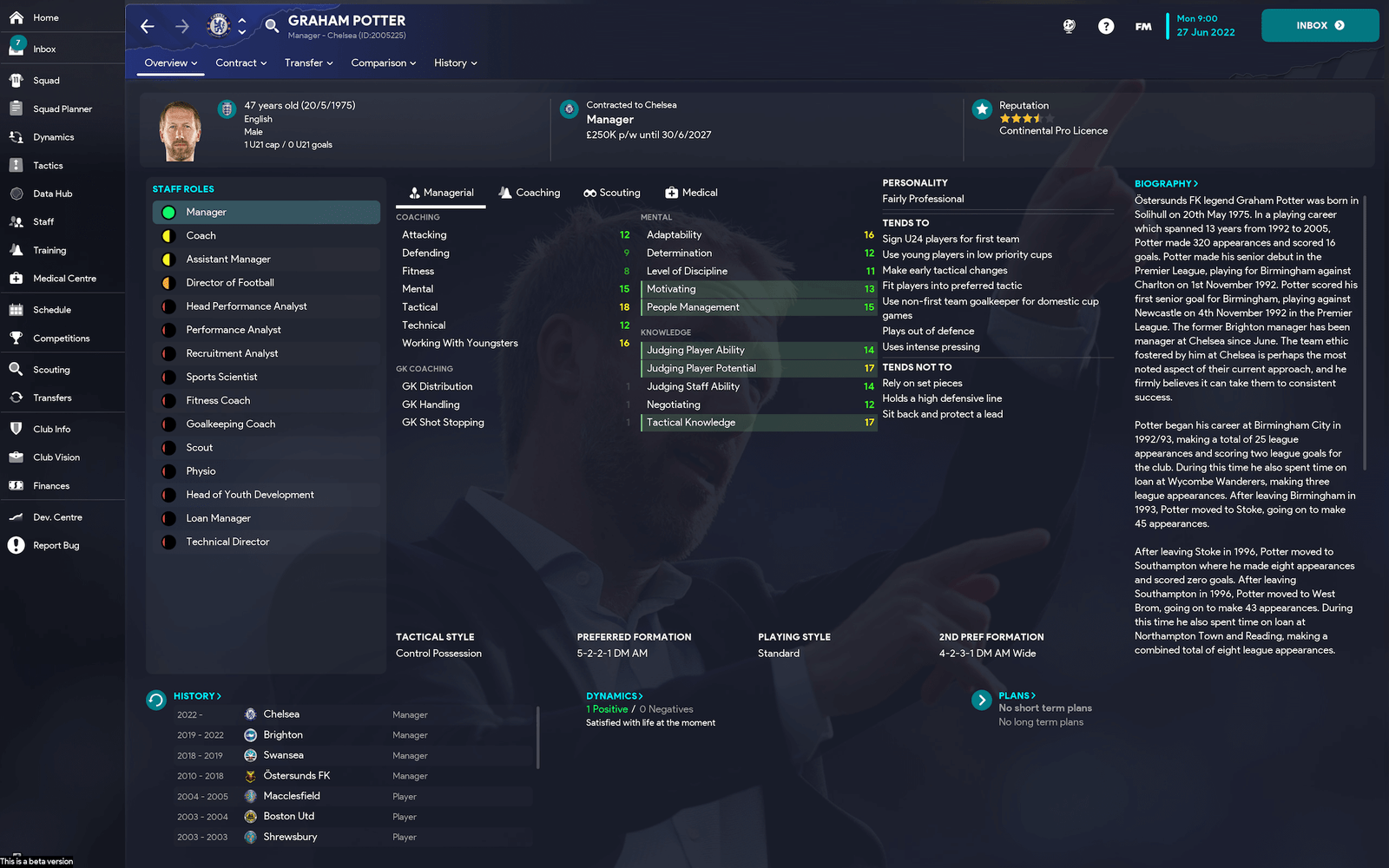
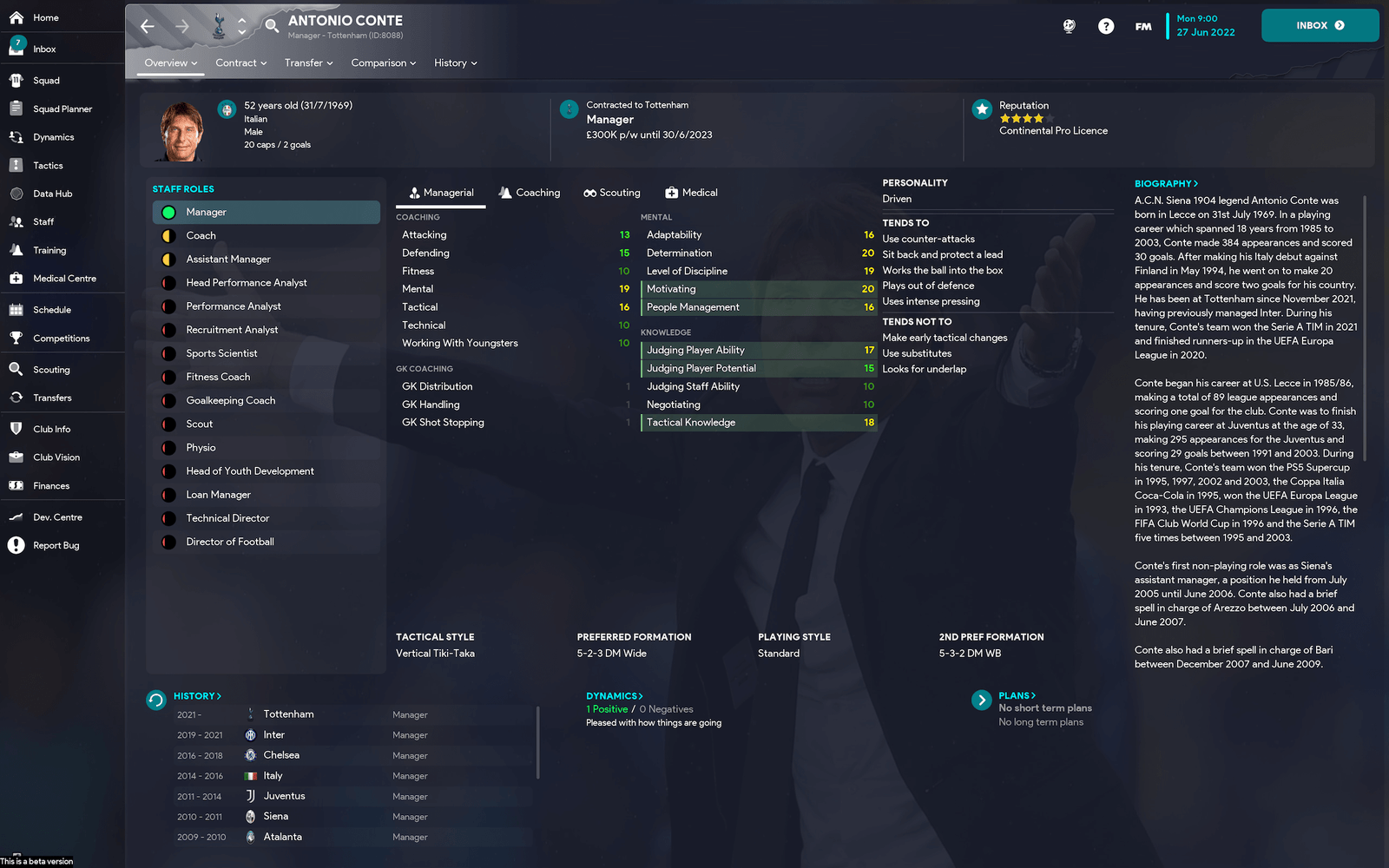
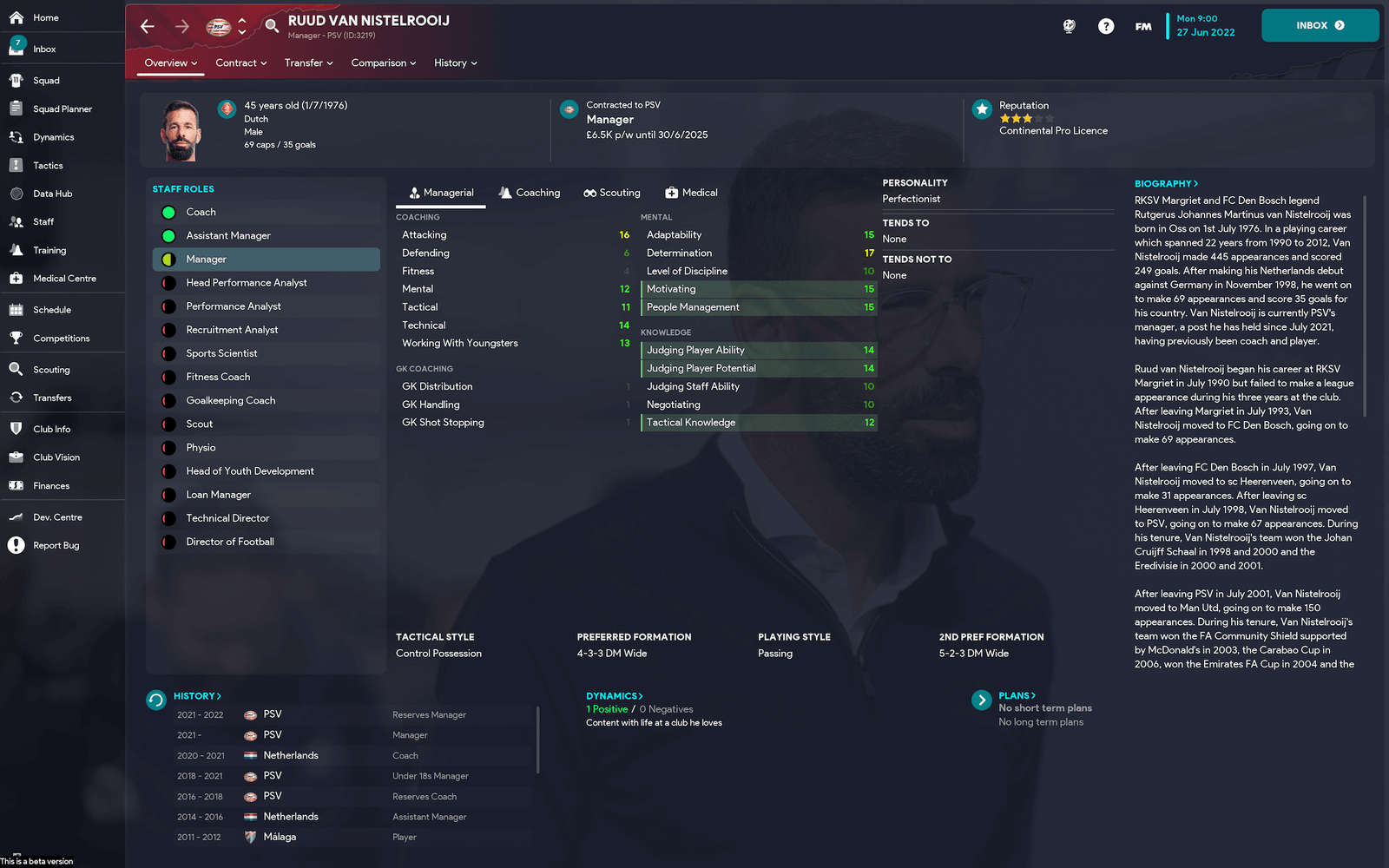
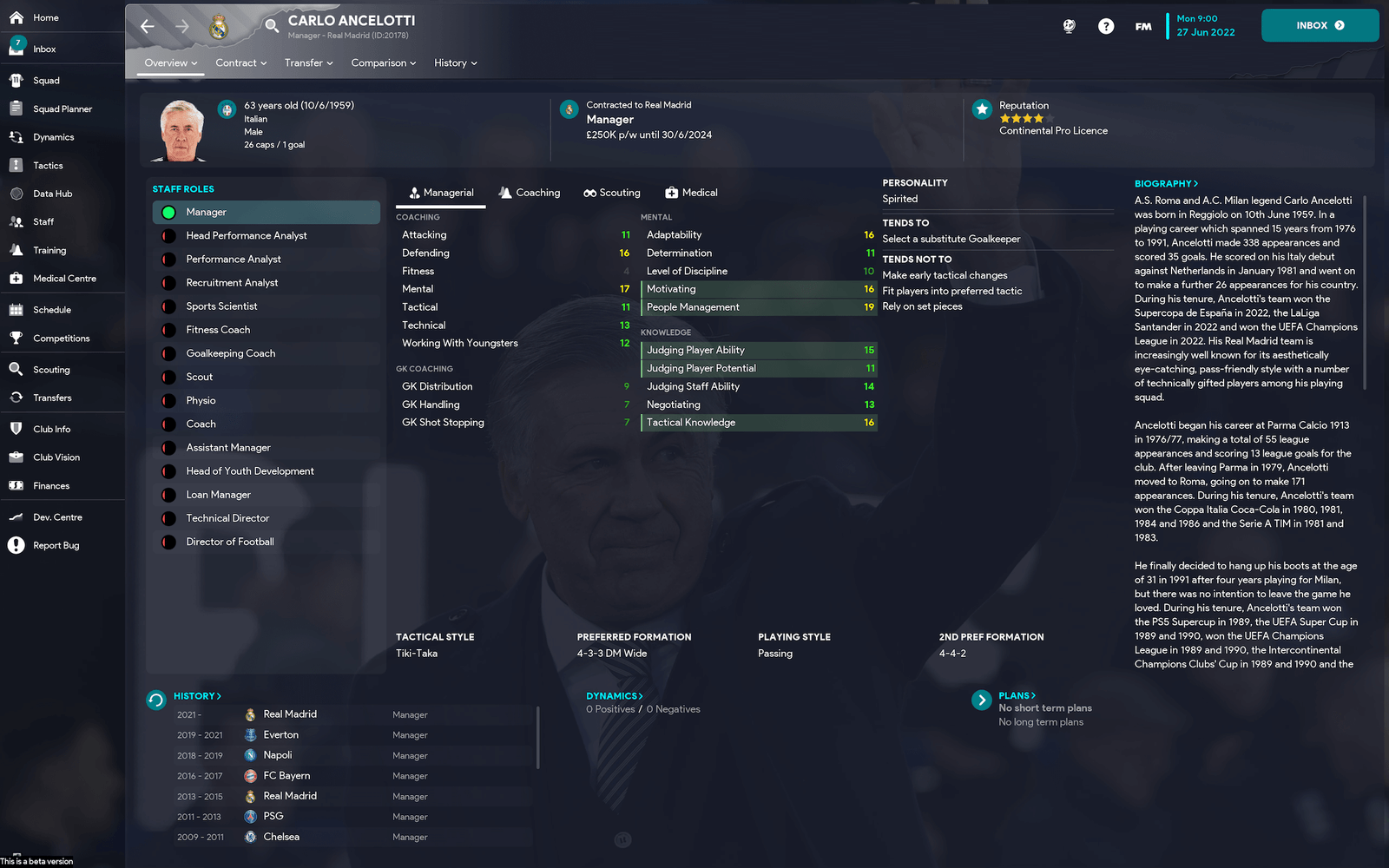
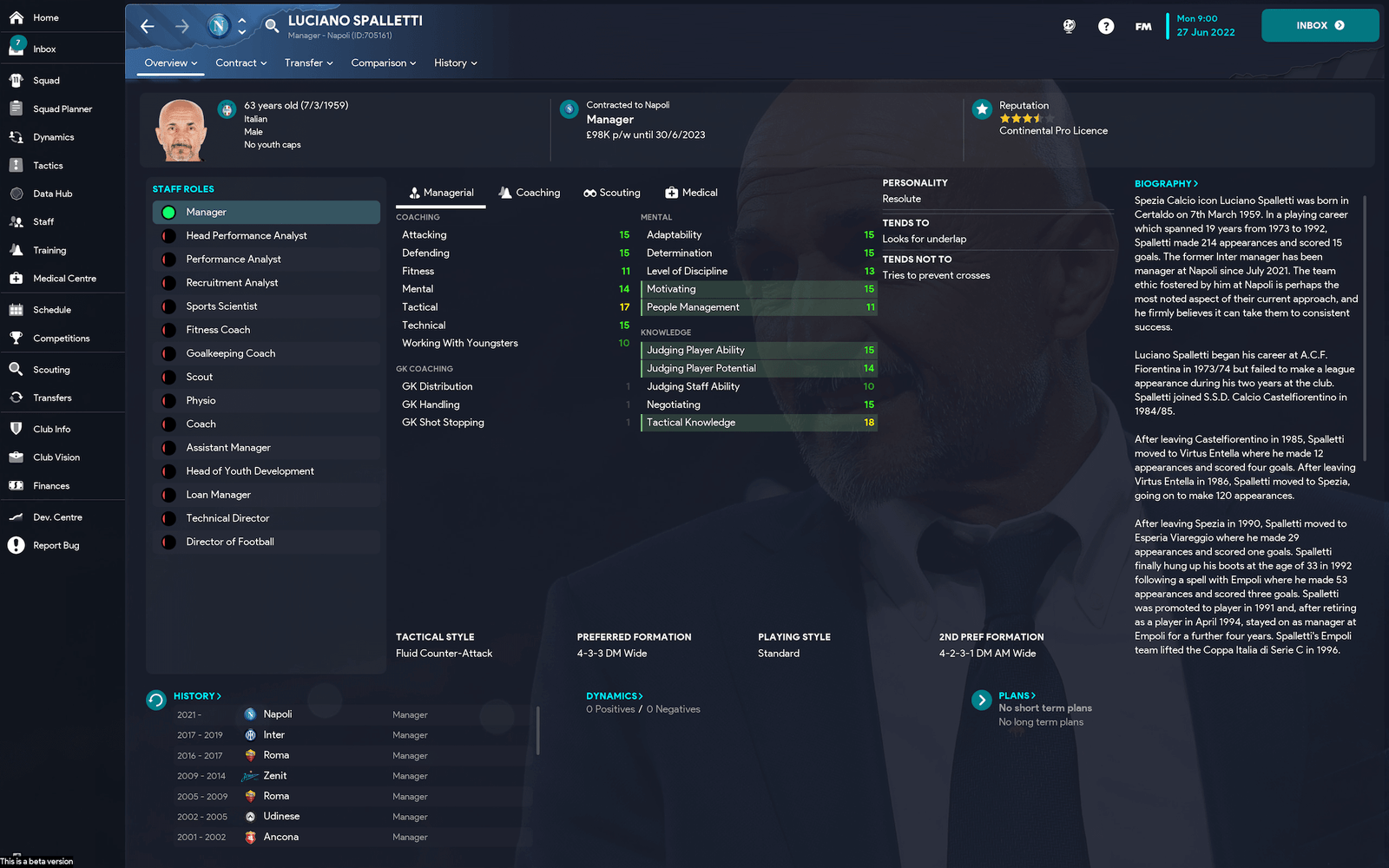
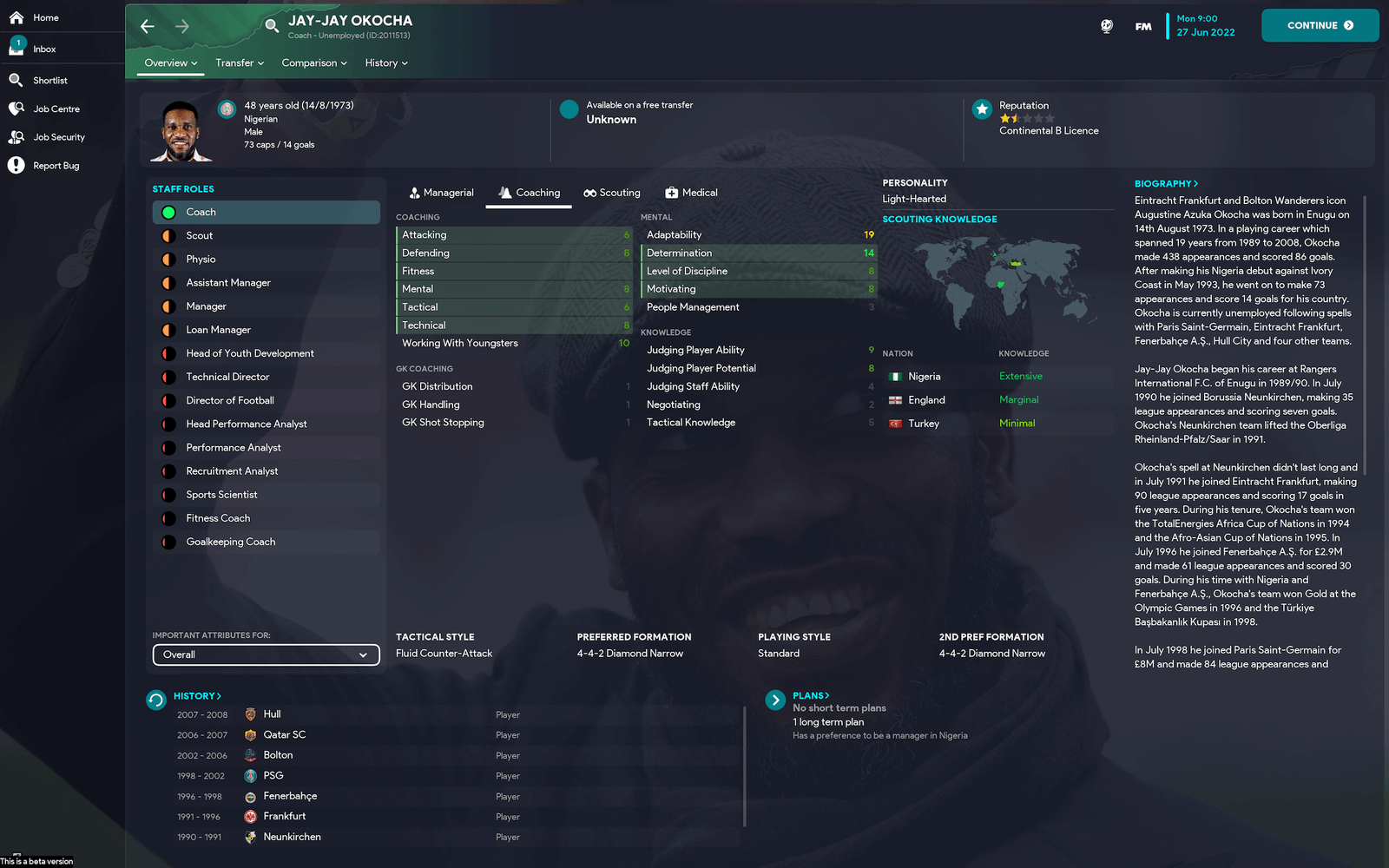
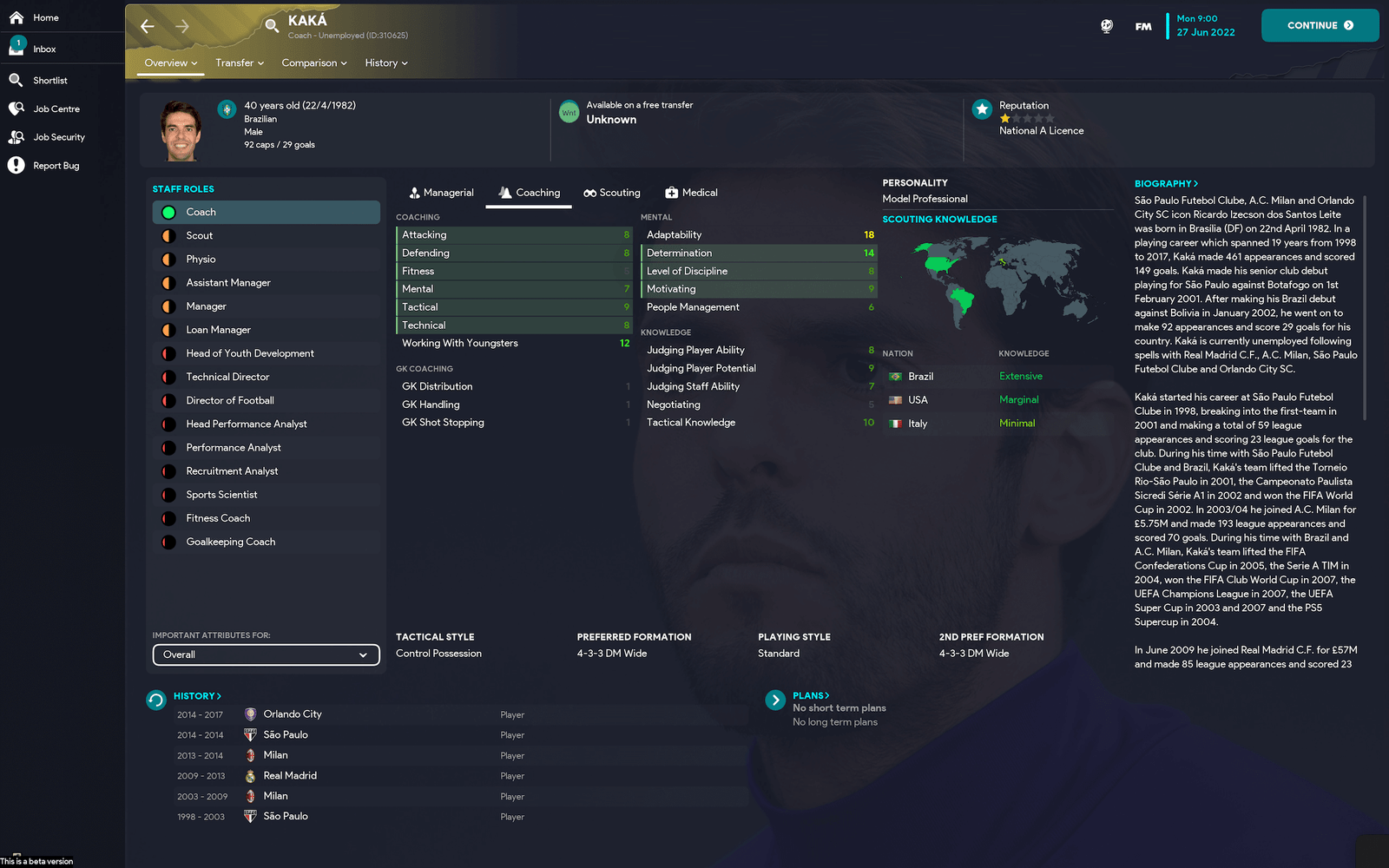
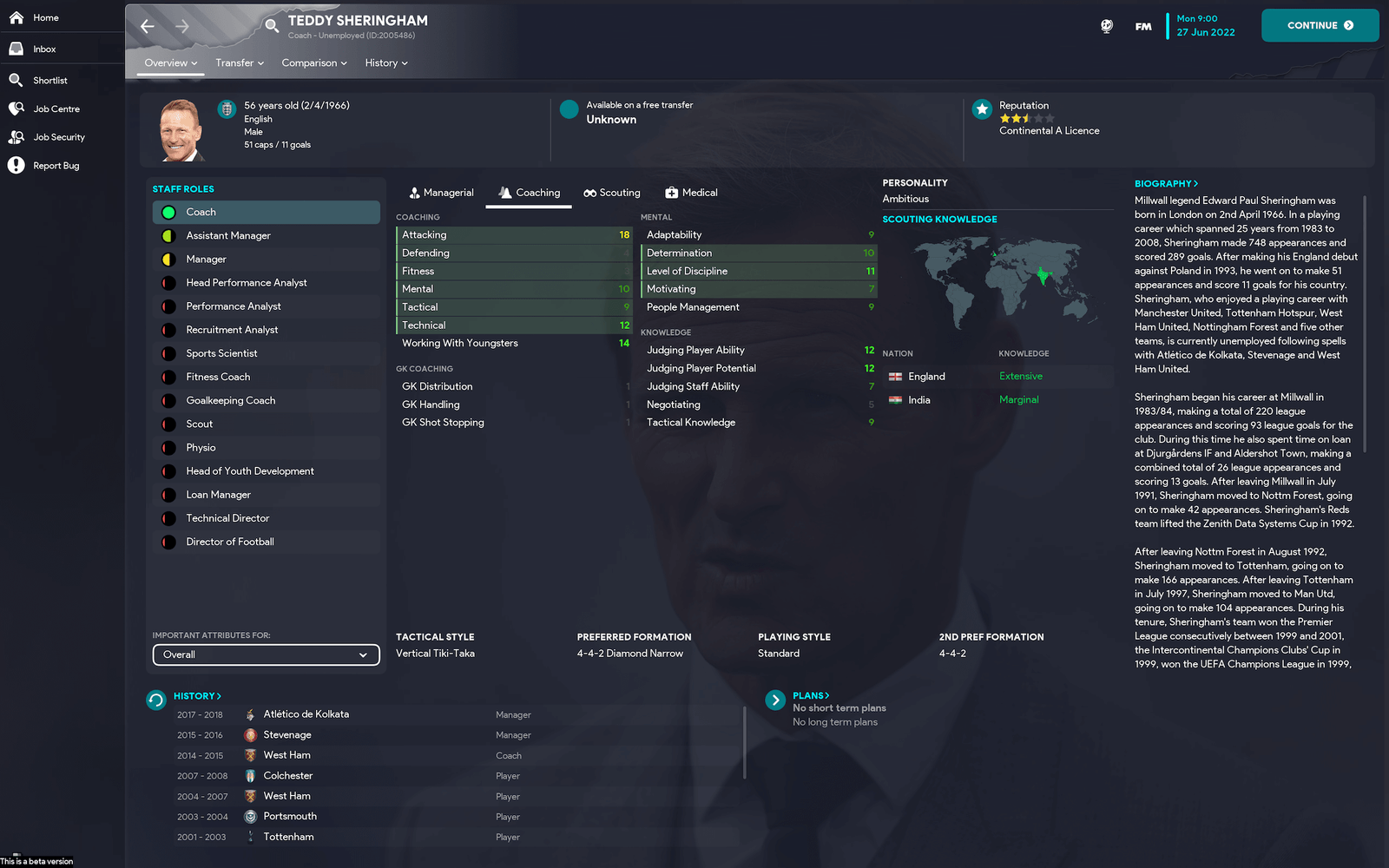
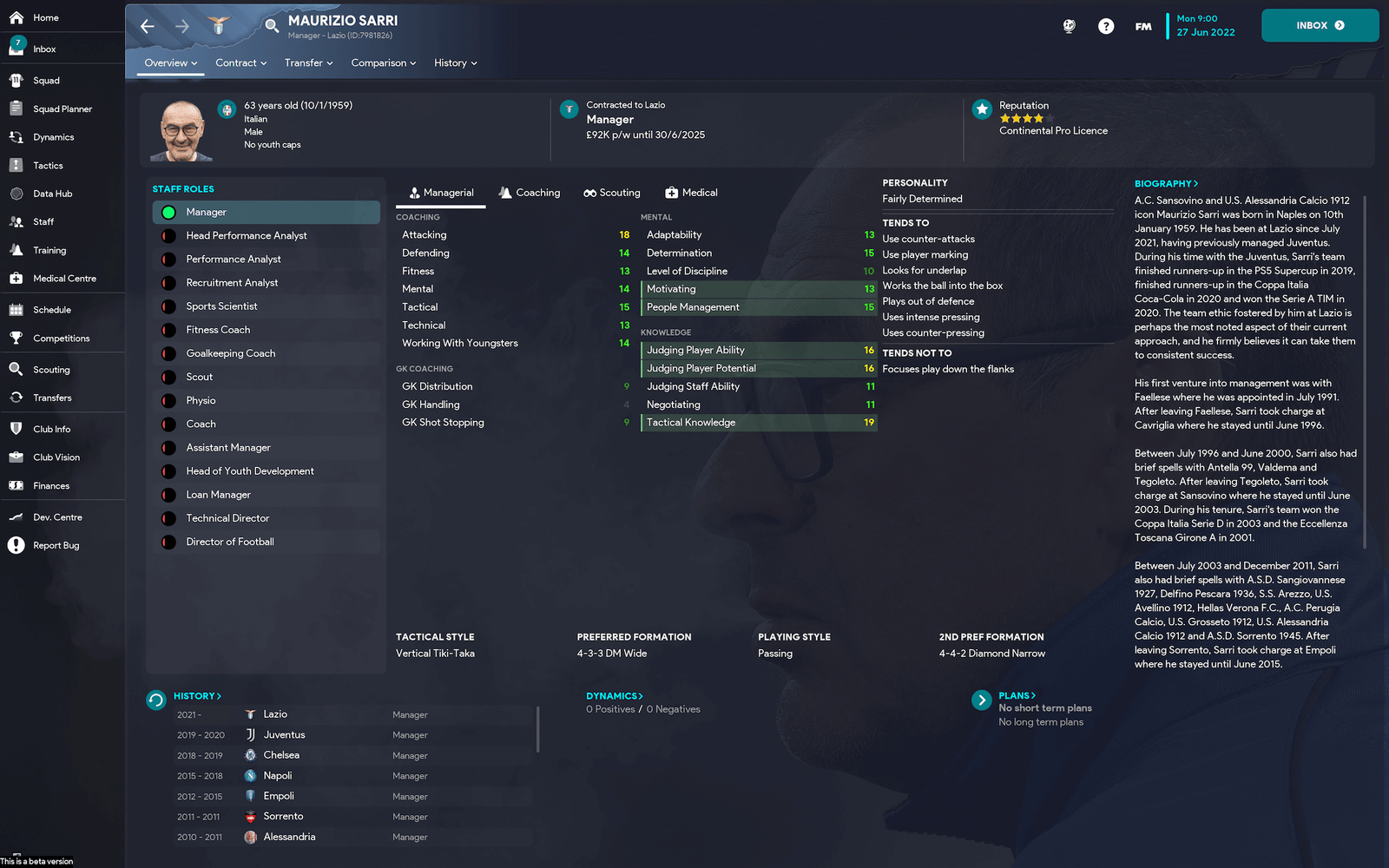
It currently covers 5900 manager/staff backgrounds from all over the world; club and country (including an extensive selection of club legends - who doesn't like signing a club legend to coach their under 18s? ). Ajax & Germany staff backgrounds match the Real Name Fix config codes from sortitoutsi.
Steps to add to your game;
1. Download File
2. Unzip and place here:
[PC] Documents ▸ Sports Interactive ▸ Football Manager 2023 ▸ graphics ▸ backgrounds ▸ staff
[MAC] Users ▸ YOURNAME ▸ Library ▸ Application Support ▸ Sports Interactive ▸ Football Manager 2023 ▸ graphics ▸ backgrounds ▸ staff
3. Go to preferences, ensure "Reload skin when confirming changes in Preference" is ticked (you may need to clear your cache too), click "Reload Skin" and click "confirm" (bottom right).
Screenshots are for reference only, ignore the quality loss, that’s just the Apple Preview ruining them to fit them under the 10mb forum post limit, they are high quality in-game.
What's New in Version 1.0.0
Released
No changelog available for this version.
-
 1
1
Join the conversation
You can post now and register later. If you have an account, sign in now to post with your account.