





TheFMVeteran86
Members
-
Joined
-
Last visited
Everything posted by TheFMVeteran86
-
Ah ok
-
Will there be more of these kits for other leagues in fm twenty three?
-
I've put it in the backgrounds should I make a folder within backgrounds as the background isn't working but the other ones are?
-
-
Where do I put this?
-
Also is there a way of putting a photo of me holding the Vanarama National League trophy as my manager profile background pic?
-
Do I put this in backgrounds?
-
-
Stockport County please JamieW number nine please?
-
Can I have a Stockport County one please?
-
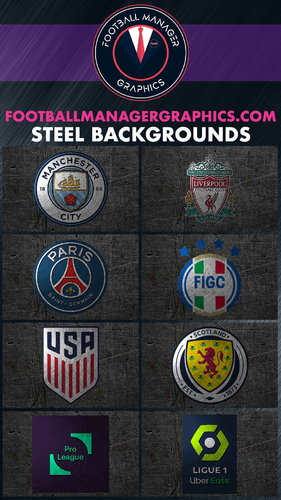 Love it but I manage to download every other graphic much easier anyone manage to download it easy? because I can't 🙄
 -
Stockport County for the beta and Wrexham because of the documentary which finishes tomorrow and we had a rivalry last season during the title run-in
-
Can I have Stockport County kit please
-

