DaveHouto
Members
-
Joined
-
Last visited
-
-
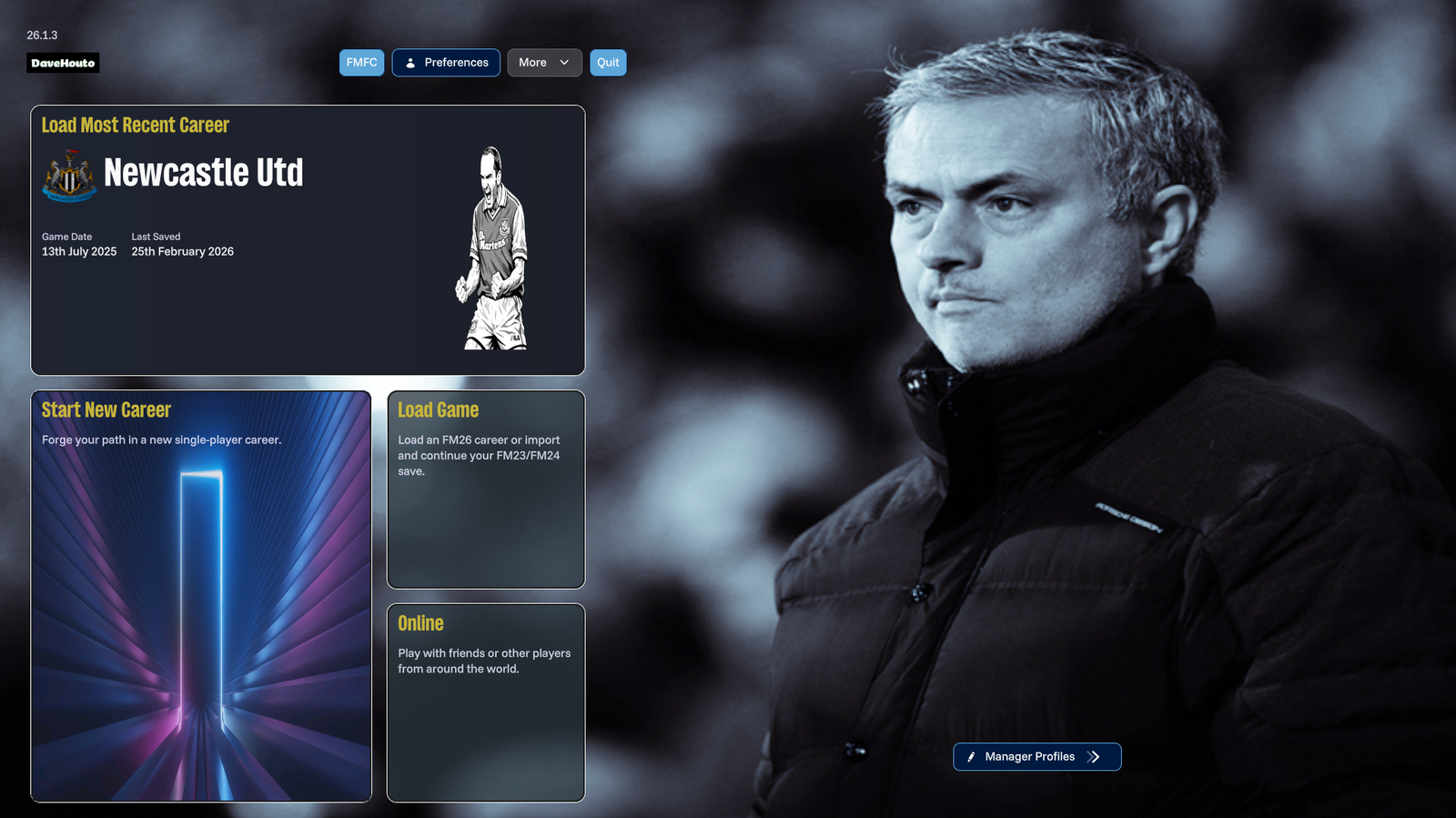
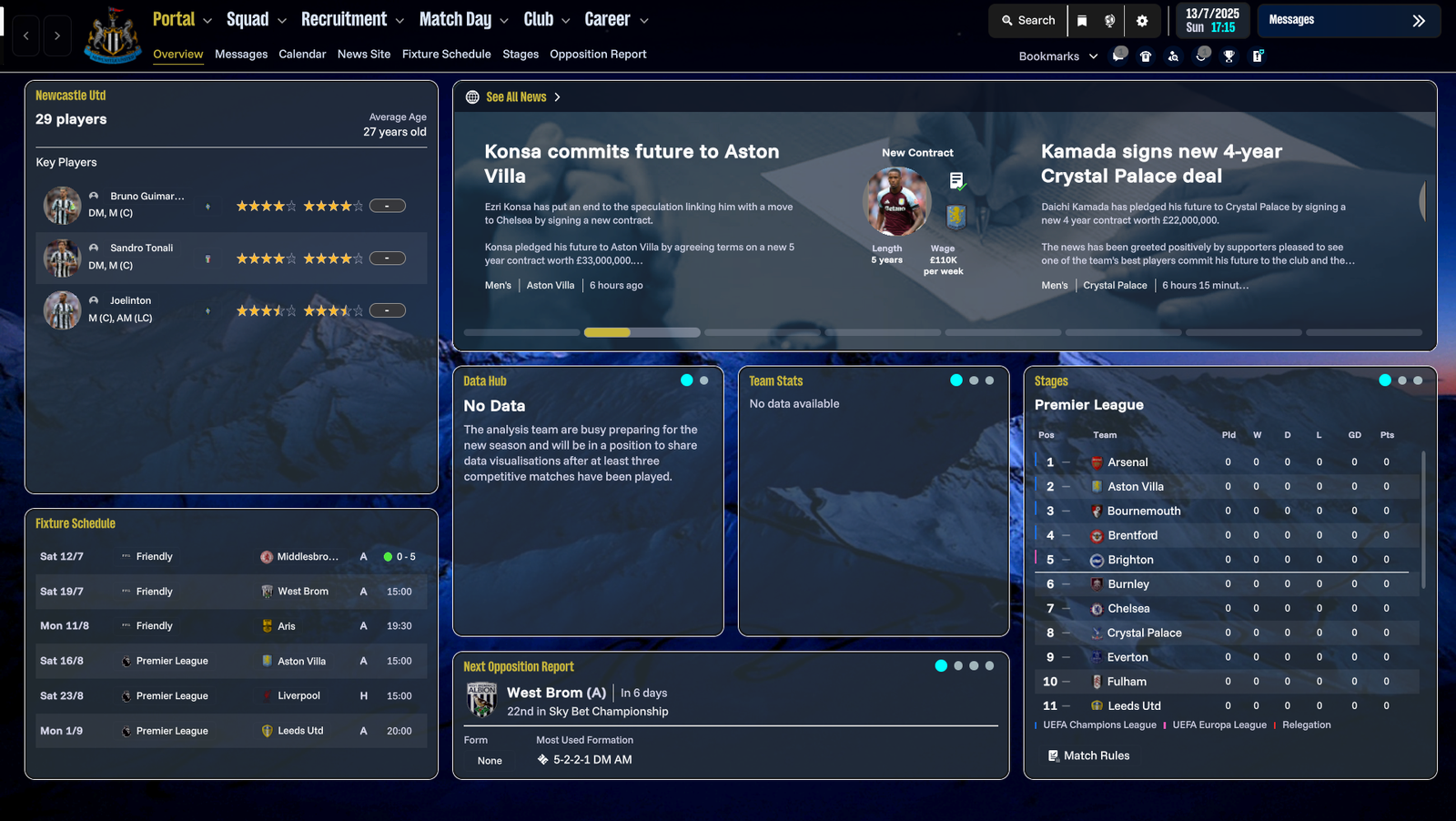
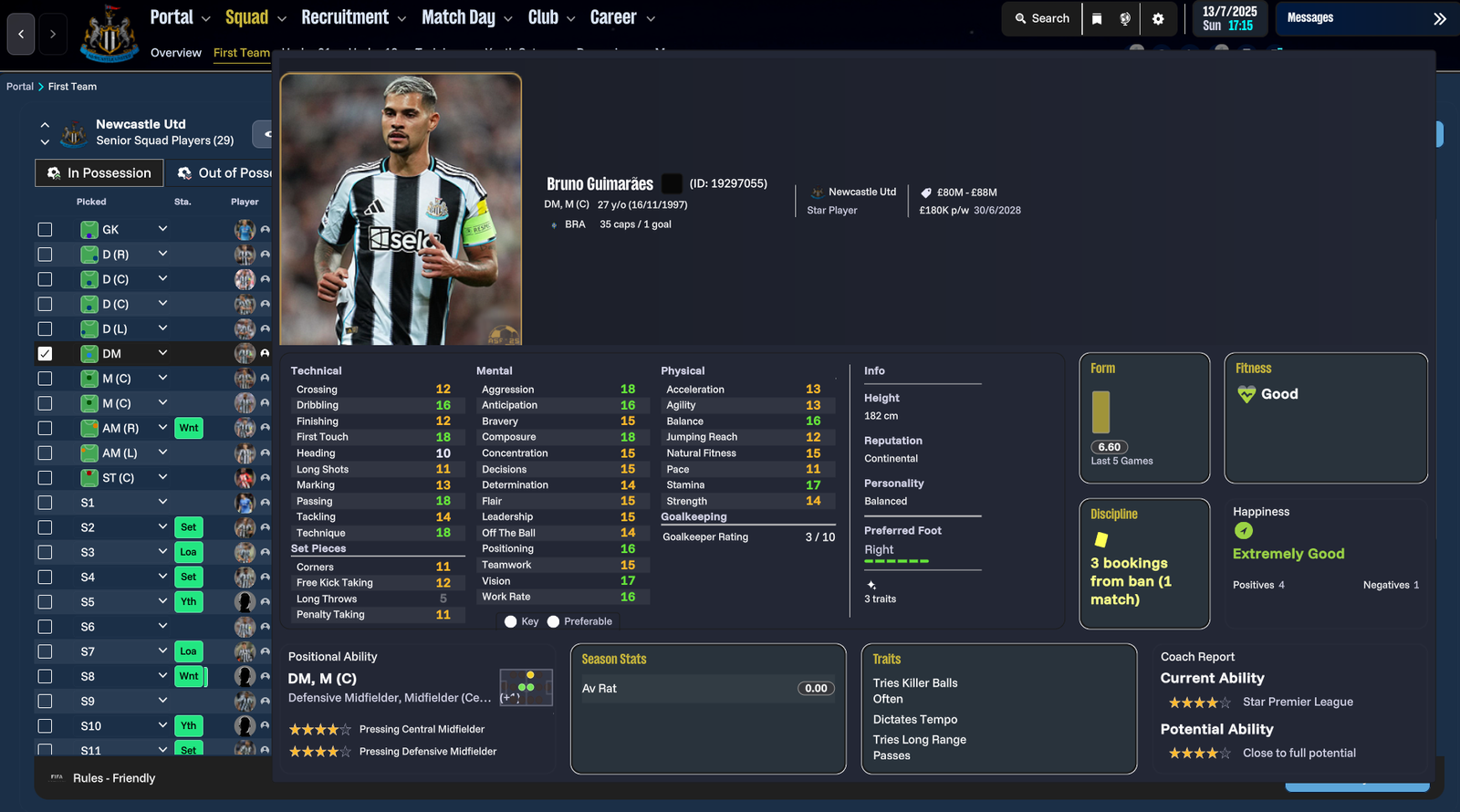
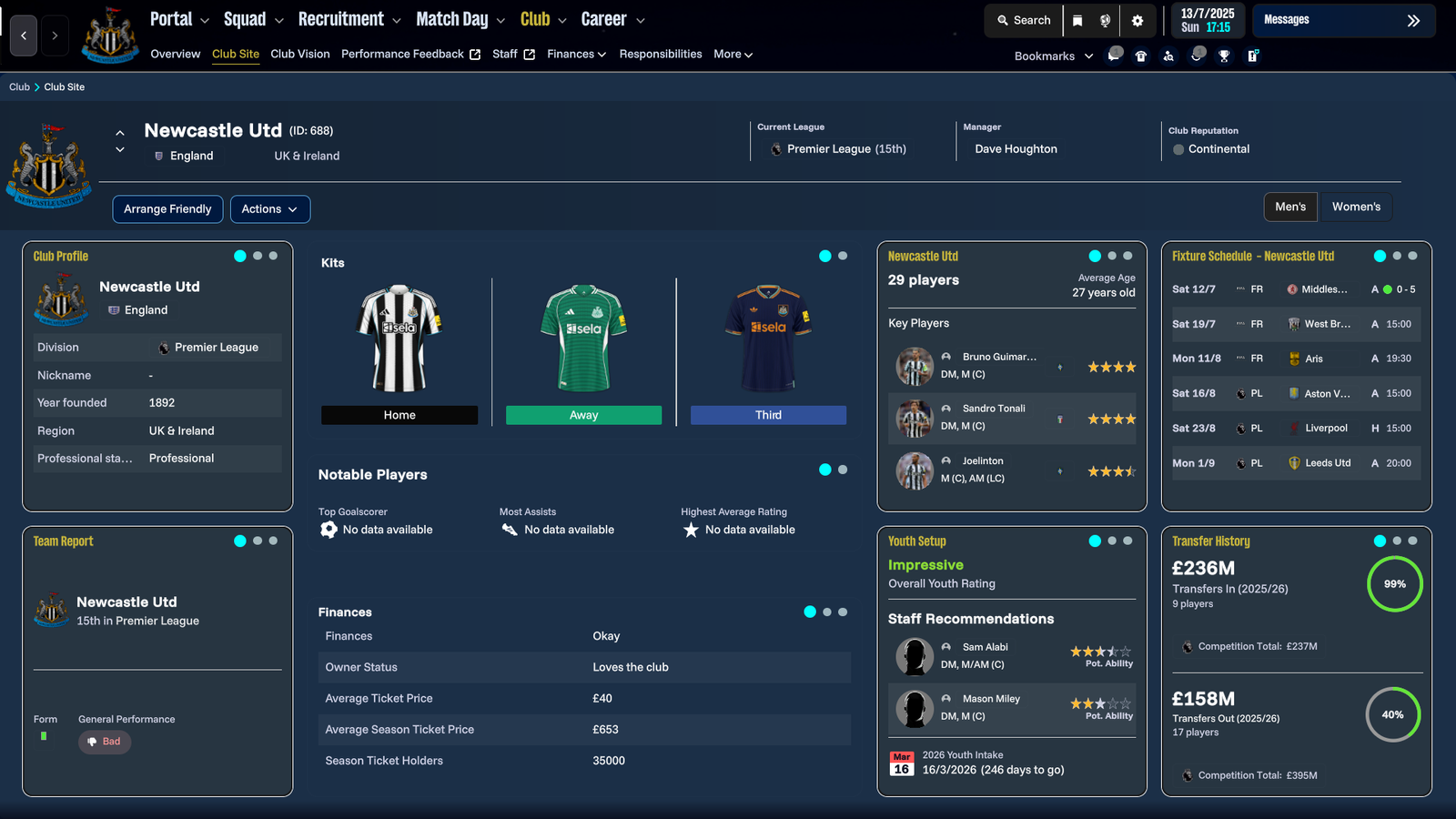
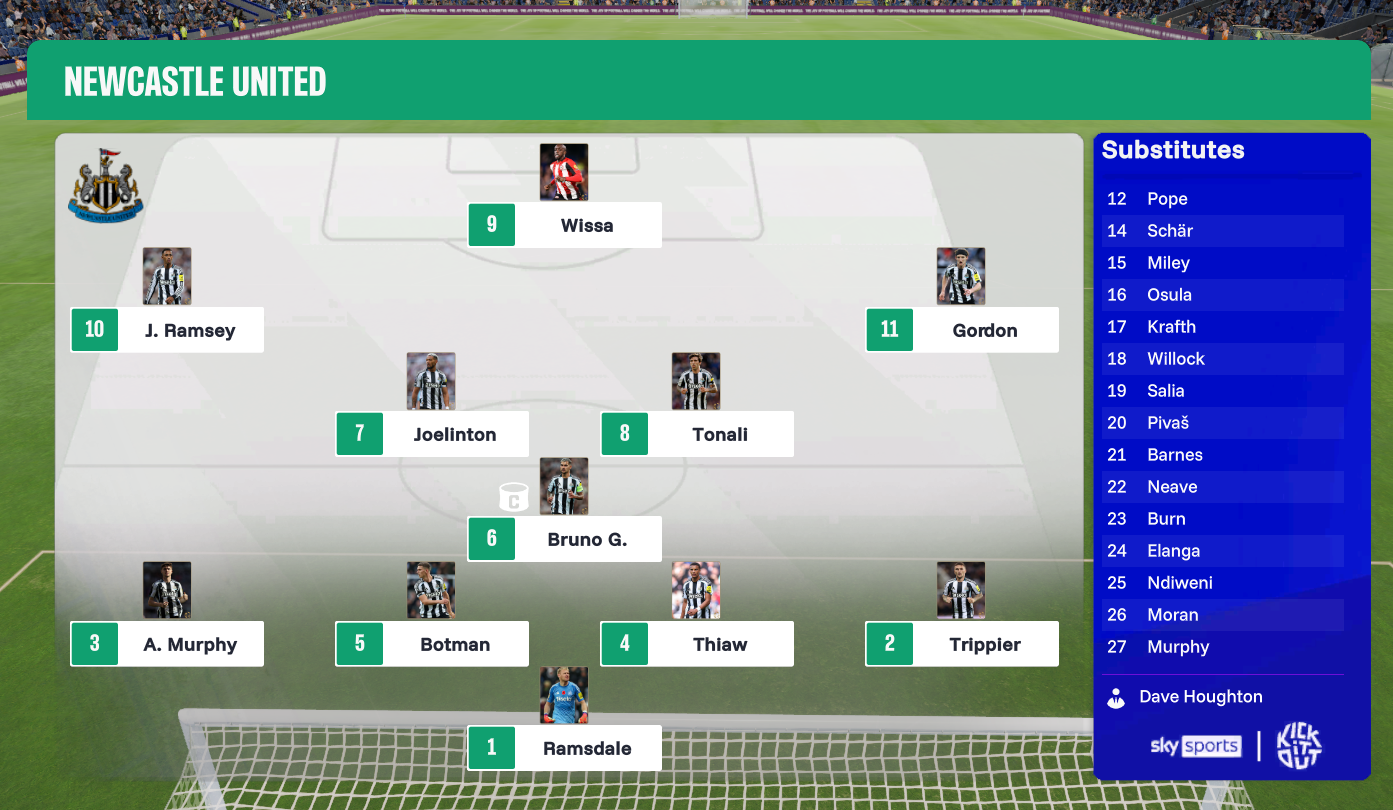
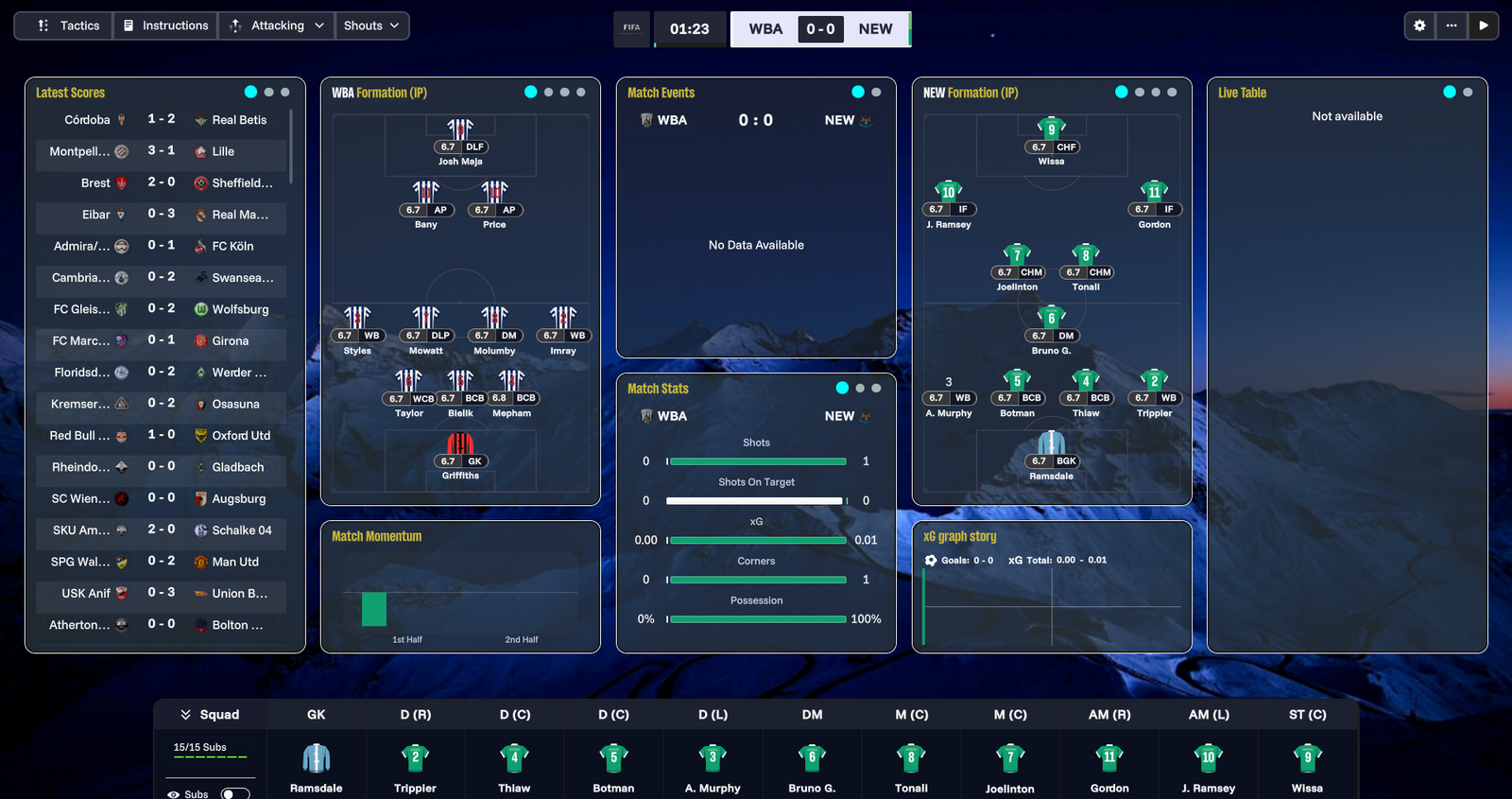
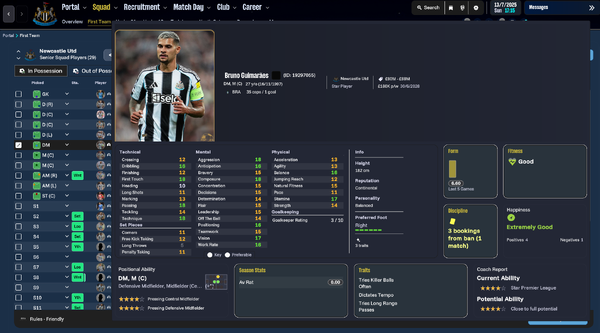
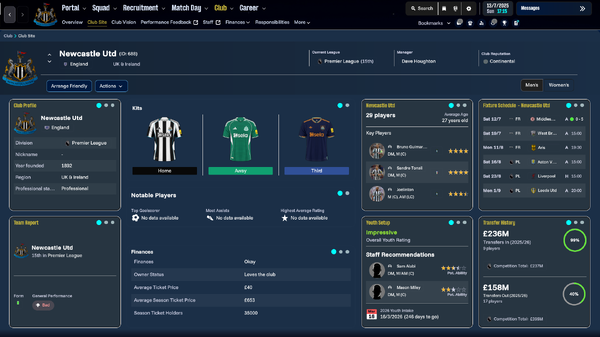
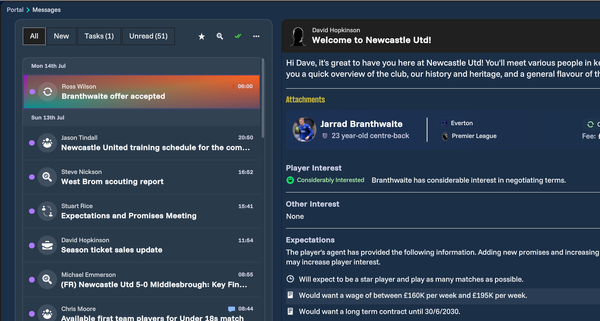
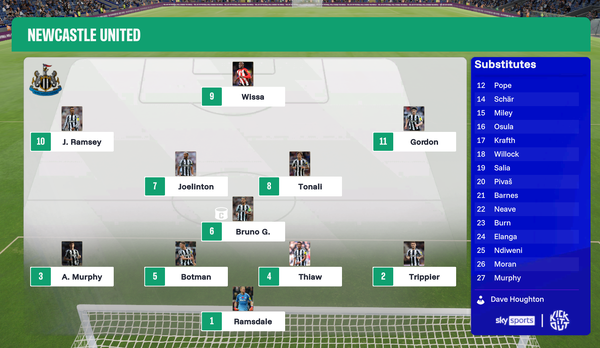
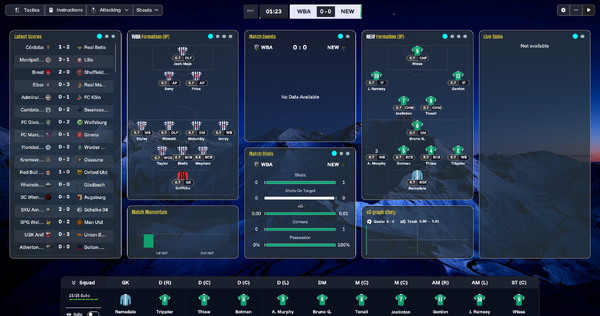
 The Special One FM26 skin version 4.1 Newest update to my skin. Change of color tiles to turquoise, picture changes and tile amendments. Included the 2d match viewer on the match day screen. Supported FM version: 26.1.3 Hotfix Supported Platform: Windows and macOS Installation Extract the bundle files into your game installation folder (replace the existing files when prompted). Windows: Steam: \Steam\steamapps\common\Football Manager 26\fm_Data\StreamingAssets\aa\StandaloneWindows64 Xbox Game Pass: \XboxGames\Football Manager 26\Content\fm_Data\StreamingAssets\aa\StandaloneWindows64 Epic: \Epic Games\Football Manager 26\fm_Data\StreamingAssets\aa\StandaloneWindows64 macOS: Right-click the Football Manager app → Show Package Contents. Then navigate to the bundles folder using a similar path structure as above Content → Resources → Data → StreamingAssets → aa → StandaloneOSX). Paste and replace the supplied bundles. CreditsEverybody on the FM Skin Builder Discord - @xxx Darkside xxx : @lucky Luke : @Tom : @MW90 Support skinning at - https://ko-fi.com/lotsgon. https://discord.com/channels/1338139048979595344/1466024246668038157 https://discord.com/channels/1338139048979595344/1449826223390851236
 -
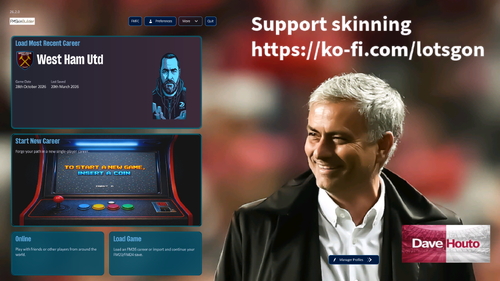
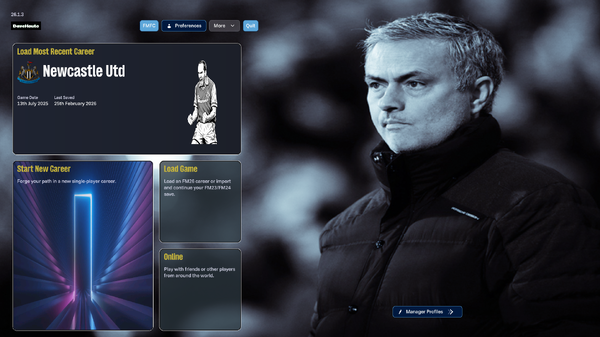
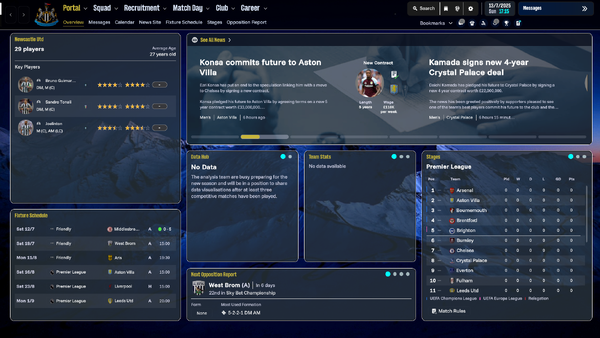
Version 2 of the special one skin. I've gone slightly darker with this one and added a few changes along the way. How to Install the skin on FM 261. Extract the contents of the downloaded file 2. Locate the Game Directory: Navigate to your Football Manager installation directory. The standard path for Windows is typically: \Steam\steamapps\common\Football Manager 26\fm_Data\StreamingAssets\aa\StandaloneWindows64\ 3. MacBook path - \Steam\steamapps\common\Right-click the Football Manager app, select Show Package Contents. Then navigate to the bundles folder using a similar path structure as above Content - Resources - Data - StreamingAssets - aa - StandaloneOSX. Paste and replace the supplied bundles. 4. Locate the original files in the game's data folder and make a backup copy before proceeding. 5. Copy and paste the files into the game directory. When asked, choose to overwrite/ replace the existing files Windows bundles MediaFireThe Special One dark - Windows Mac bundles MediaFireThe Special One dark - Mac
-
-
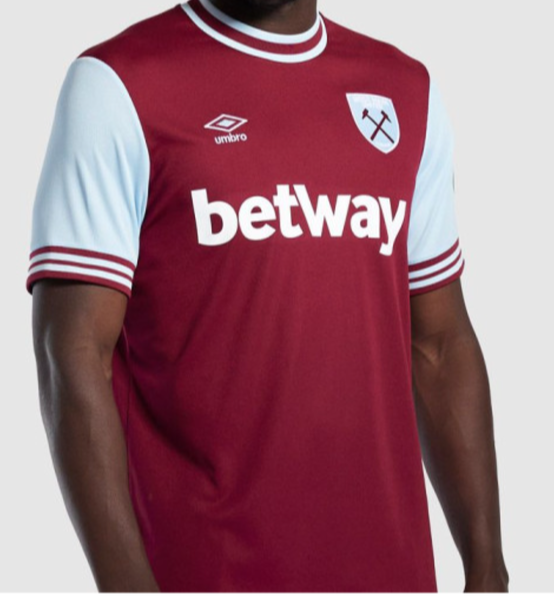
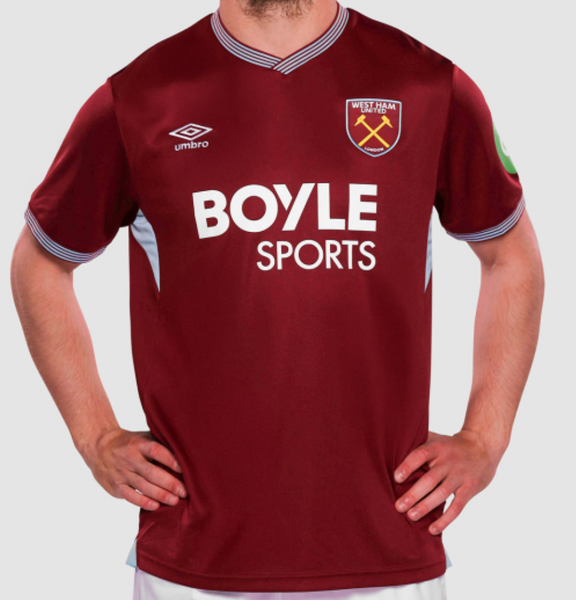
Hi team, just wondering if you can knock up the new home and away West ham shirts so I can add them to FM. I know it's a little early as I would have thought someone will be doing these at some point. Thanks as always guys....

-
 Thanks as always man
 -
Top bloke cheers @Derek, I guess these replace any kit packs so I'll need to move those for these to work?
-
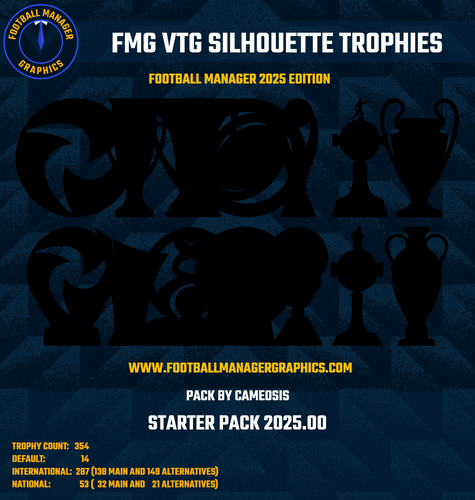
Love these trophies, can I ask what thesse logos are please?
-
-
 Great skin, I can't seem to get the same match day screen on. None of the options on the tab seem to give that view. Can you please help.
- 2 comments
- 2 reviews
-
What's the skin on these pictures please?
-
They are in one word, spectacular mate I love them
-
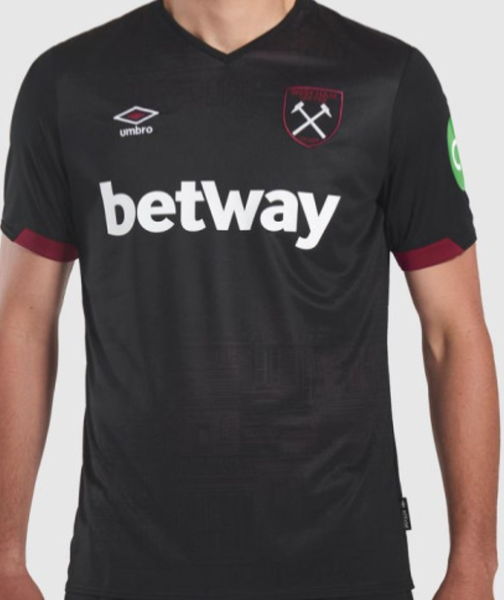
Hi @debeli, back again mate. Wondered if you wouldn't mind knocking the West Ham 3rd kit for me please. I've had a play in the FM kit creater online but if I'm honest I'm pretty shocking when it comes to this kind of thing TIA mate.

-
Excellent work thank you, doesn't matter about the away one as such as you won't really see it in the game. They look amazing cheers buddy
-
Hi guys, any chance you could do me the new west ham home and away kits please