
Zealand
Creator
-
Joined
-
Last visited
Never
Everything posted by Zealand
-
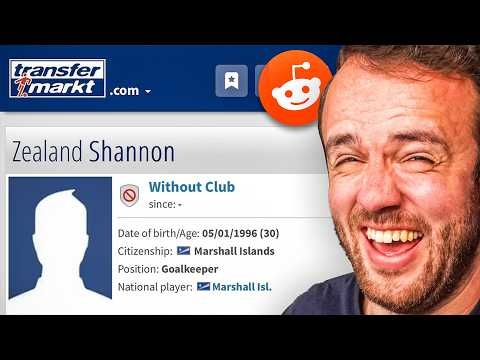 FM Memes That Are Too RealView the full article
 -
 I Rate Your Insane FM SavesView the full article
 -
 Football Manager 26View the full article
 -
 Recovering From The World Cup HangoverView the full article
 -
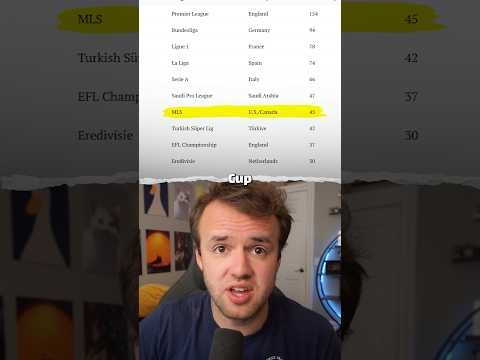 Absolutely Massive World Cup for MLSView the full article
 -
 The World Cup Challenge No One Had Ever TriedView the full article
 -
 I Followed the World Cup’s Worst TeamView the full article
 -
 I Walked To The World Cup Stadium You Are Not Supposed To Walk ToView the full article
 -
 I Took On The Curacao ChallengeView the full article
 -
 Three Promotion Finals In Three Days (Most Expensive Matches In The World)View the full article
 -
 The Last National Team on Earth (the country is sinking)View the full article
 -
 The Rise of Tim PayneView the full article
 -
 FM Memes Based On Real LifeView the full article
 -
 So I Tested This...View the full article
 -
 Messi Has SHATTERED An MLS RecordView the full article
 -
 Football Manager Finally Speaks And It's Not GoodView the full article
 -
 FM Memes From The Football Manager MessView the full article
 -
 I Test Professional FM PlayersView the full article
 -
 Behind The Scenes At The New EAFC LaunchView the full article
 -
 I Save Your Wife’s SaveView the full article
 -
 10 Most Game Breaking Bugs On Football Manager 26View the full article
 -
 FM Memes I Actually Laughed AtView the full article
 -
-
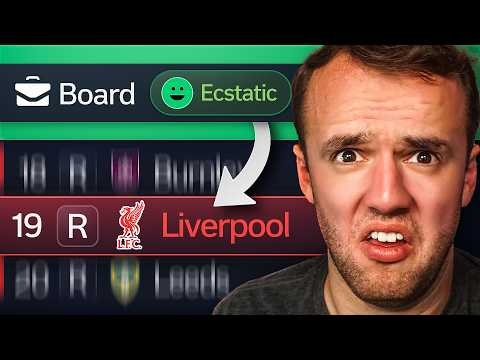 We Found The Weirdest FM Saves ImaginableView the full article
 -