





Zealand
Creator
-
Joined
-
Last visited
Never
Everything posted by Zealand
-
 FM Memes That You Feel In Your SoulView the full article
 -
 I thought this would be easy… I was wrong 😅View the full article
 -
 I Tried to Win $5,000 in 'The Great Race'View the full article
 -
 I Went To The World Cup Game With No FansView the full article
 -
 Field Storming DisasterView the full article
 -
 FM Memes That Are 100% AccurateView the full article
 -
 The Fastest MLS PlayersView the full article
 -
 I Flipped The Football PyramidView the full article
 -
 Hidden Grounds: HaitiView the full article
 -
 I Try Tennis Manager, But Use The Shortest Player PossibleView the full article
 -
 I Played Football Games Nobody PlaysView the full article
 -
 100% Insane FM MomentsView the full article
 -
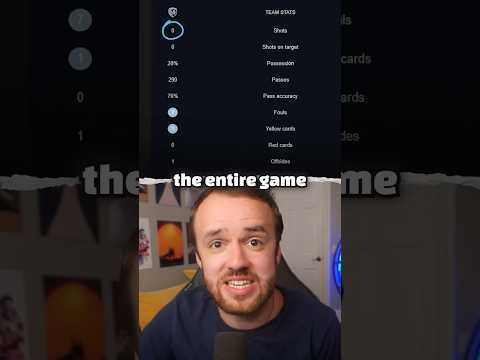 Craziest Possible Win In FootballView the full article
 -
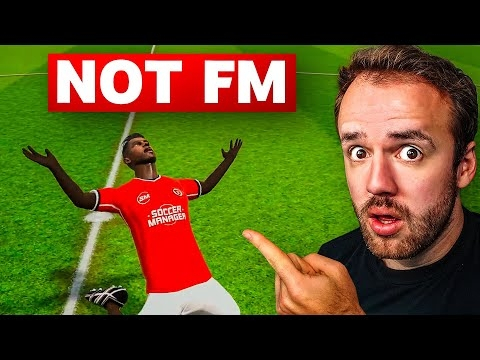 I Try A Football Manager CloneView the full article
 -
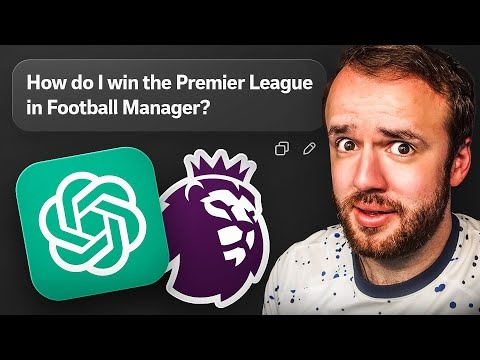 Can Chat GPT Win The Premier LeagueView the full article
 -
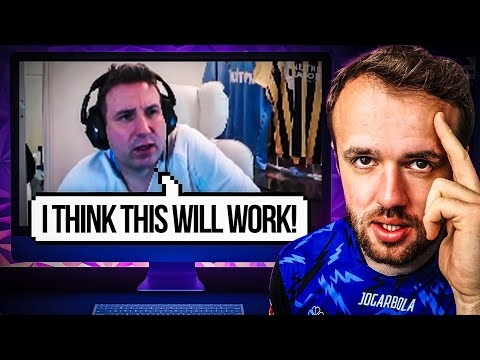 I Watched You Play FM, It Drove Me InsaneView the full article
 -
 FM Memes That Are Actually FunnyView the full article
 -
 Brand New Football Simulator But I Wasted My PotentialView the full article
 -
 Football, But Every Club Has The Same TacticView the full article
 -
 I Replayed The Last 10 Years Of FootballView the full article
 -
 Mods You Need For Football ManagerView the full article
 -
 I Made The Worst Tactic EveView the full article
 -
 I Tried Every Tactic On Football ManagerView the full article
 -
 Striker Wheel Of FortuneView the full article
 -
 Football Manager Is Not Fun AnymoreView the full article
