





Zealand
Creator
-
Joined
-
Last visited
Never
Everything posted by Zealand
-
 The Fastest Managerial Sacking EverView the full article
 -
 I Watched You Play FM, It Was CursedView the full article
 -
 The Amazing Hidden Wonderkids of Football ManagerView the full article
 -
 The Best Wonderkids in Football ManagerView the full article
 -
 FM24 is Actually GoodView the full article
 -
 When You Lose the League to Your RivalView the full article
 -
 This Tactic is Great, Trust MeView the full article
 -
 I Found the Goal of the Year in Football ManagerView the full article
 -
 Inside New York’s Biggest Football DerbyView the full article
 -
 How Bob Marley Saved Jamaican FootballView the full article
 -
 This Player Was Sold for a Metal ContainerView the full article
 -
 I PLAYED FM24 EARLYView the full article
 -
 I Streamed Until San Marino FINALLY WonView the full article
 -
 The Unstoppable Rise of Barcelona's Next WonderkidView the full article
 -
 Best Wonderkids from 2013: Where Are They Now?View the full article
 -
 What Happened to THAT AFCON Ref?View the full article
 -
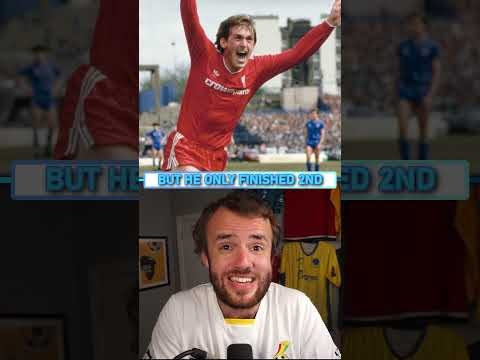 Most Surprising Players to NEVER Win the Ballon d’OrView the full article
 -
 I Accidentally Won the $150,000 EAFC TournamentView the full article
 -
 Weirdest Players to Receive Ballon d’Or VotesView the full article
