Zealand
Creator
-
Joined
-
Last visited
Never
Everything posted by Zealand
-
 BEST FM MEMES OF THE YEARView the full article
 -
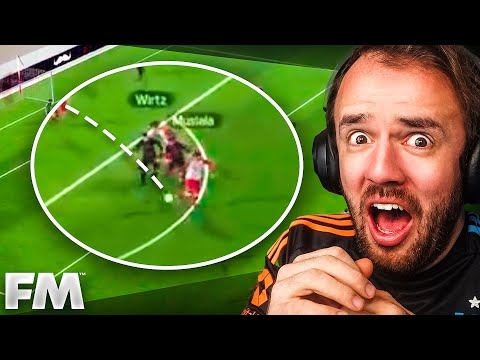 You Sent Your Best Goals EVERView the full article
 -
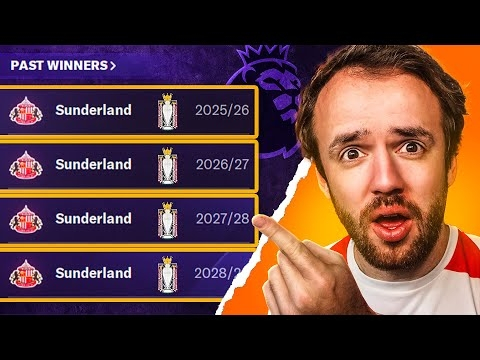 I Rate Your Best FM Saves EverView the full article
 -
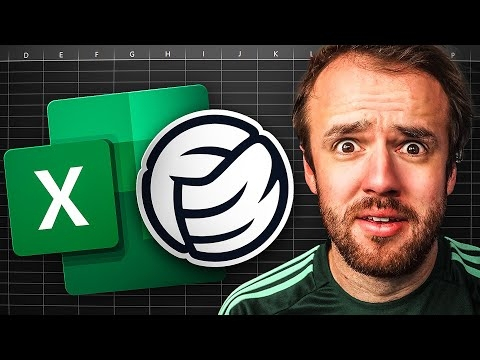 I Play Football Manager In ExcelView the full article
 -
 Premier League But Every Manager Is A PlayerView the full article
 -
 Saving New Player’s SavesView the full article
 -
 I Rebuilt Chelsea In One SeasonView the full article
 -
 I Built A Club For ONLY Sons Of ProsView the full article
 -
 I Put Perfect Triplets Into Football ManagerView the full article
 -
 I Made The Biggest Clubs Draft Their TeamsView the full article
 -
 I Rate Your Most Insane FM SavesView the full article
 -
 FM Memes So Good I Forgot Think Of A TitleView the full article
 -
 This Is The Best Corner Tactic In Football ManagerView the full article
 -
 Training Is Broken On Football ManagerView the full article
 -
 Saving Saves Where Your Wonderkids Are StolenView the full article
 -
 Why Your Player Is Getting WorseView the full article
 -
 Uncovering The World’s Best Pub TeamView the full article
 -
 I Locked A Perfect Player On The Worst Team In FootballView the full article
 -
 I Lost 8-1, Here’s How I Fixed ItView the full article
 -
 How To Play FM25 On FM24View the full article
 -
 FM Memes That Are Too TrueView the full article
 -
 The FM Champ Explains His TacticView the full article
 -
 Rating Other FM TutorialsView the full article
 -
 The Hardest Saves In Football ManagerView the full article
 -