Zealand
Creator
-
Joined
-
Last visited
Never
Everything posted by Zealand
-
 I Locked A Perfect Player On The Worst Team In FootballView the full article
 -
 I Lost 8-1, Here’s How I Fixed ItView the full article
 -
 How To Play FM25 On FM24View the full article
 -
 FM Memes That Are Too TrueView the full article
 -
 The FM Champ Explains His TacticView the full article
 -
 Rating Other FM TutorialsView the full article
 -
 The Hardest Saves In Football ManagerView the full article
 -
-
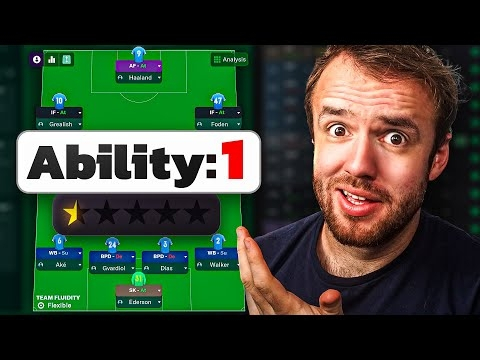 I Built The World’s Worst XIView the full article
 -
 Why Everyone Is Cooking FM25View the full article
 -
 FM Memes That Imitate Real LifeView the full article
 -
 Another FIFA YouTuber Jumped to FMView the full article
 -
 Thank You, Football ManagerView the full article
 -
 We Simmed An Updated Premier League, It Got WeirdView the full article
 -
 Overall Ratings For Football ManagerView the full article
 -
 I Tried To Beat The FIFA YouTuber Who Played FMView the full article
 -
 Football Manager Is DelayedView the full article
 -
 Things I Do Wrong On Football ManagerView the full article
 -
 FM Memes That Rock My SocksView the full article
 -
 Football Manager Is Finally An Esport (But Is It A Good Thing)View the full article
 -
 I Locked Mbappe On The Worst Team In FootballView the full article
 -
 I Try FM Mobile For The First Time EVERView the full article
 -
 I Try F1 Manager, But I Fired VerstappenView the full article
 -
 I Rate More Insane Football Manager SavesView the full article
 -
 I Watched You Play FM, It HurtView the full article