





Zealand
Creator
-
Joined
-
Last visited
Never
Everything posted by Zealand
-
 FM Memes That Imitate Real LifeView the full article
 -
 I Applied For The Actual England JobView the full article
 -
 How I Solve This On Football ManagerView the full article
 -
 Saving Saves Full Of Mid Table MediocrityView the full article
 -
 How To Make FM BetterView the full article
 -
 The World Cup With Every CountryView the full article
 -
 I Asked YOU How To Play FMView the full article
 -
 FM Memes That Rock My SocksView the full article
 -
 Huge FM25 Features DroppedView the full article
 -
 11 Messi’s vs 11 Ronaldo’sView the full article
 -
 I Took Away The Premier League’s TV MoneyView the full article
 -
 Insane Saves That Will Get You Playing FM AgainView the full article
 -
 Football Manager Is Actually BrokenView the full article
 -
 How A Person With 11,003 Hours Starts A SaveView the full article
 -
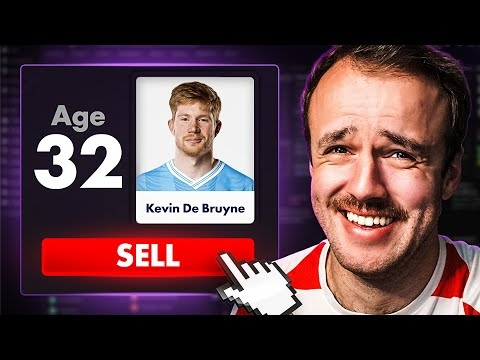 You Do These Things In Football ManagerView the full article
 -
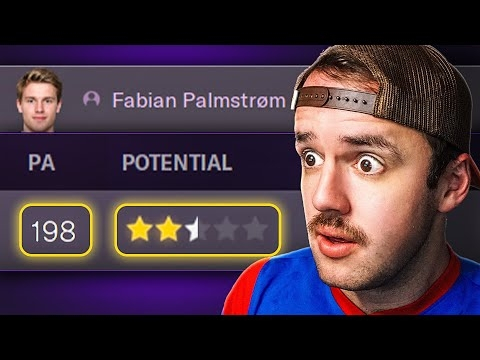 I Looked At My Wonderkid’s Potential, It Was InsaneView the full article
 -
 FM Memes That Butter My BreadView the full article
 -
 The Club That Should Have DiedView the full article
 -
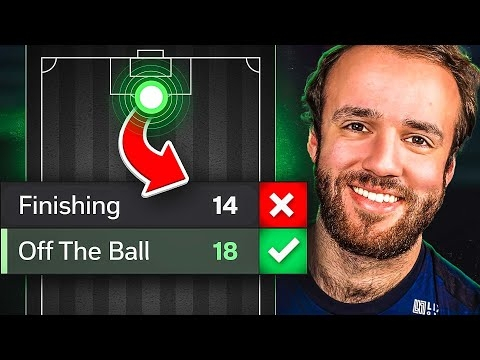 Attributes You Need At Every PositionView the full article
 -
 FIFA YouTuber Who Switched To FM Is Actually GoodView the full article
 -
 I Rate Your Insane FM SavesView the full article
 -
 How I Make Tactics From ScratchView the full article
 -
 You Sent Your Funniest Clips EverView the full article
 -
 How I Build Super Teams On Football ManagerView the full article
 -
 The Controversial Past of Manchester United's New OwnerView the full article
