- Open Club
- 181 members
About This Club
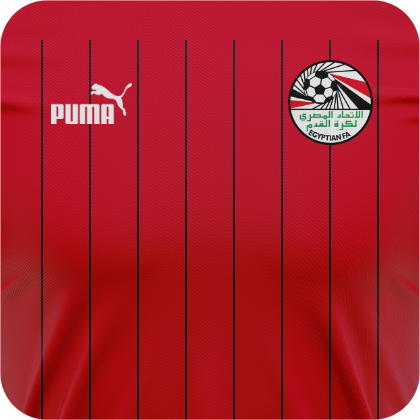
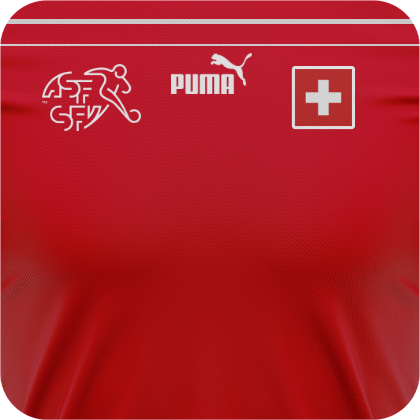
This is a club for the FMG Square Kits style.
What's new in this club
-
rudy1124 joined the club
-
ahmed25997 joined the club
-
ArturiKo joined the club
-
avif joined the club
-
cdiak joined the club
-
Lucas Moura de Simas joined the club
-
Alieks joined the club
-
kumquat_s joined the club
-
SamFootballManager8993 joined the club
-
Mehdifraank17 joined the club
-
DaniTF2000 joined the club
-
MERJ joined the club
-
Duy111 joined the club
-
bloksis joined the club
-
kmlzkn026 joined the club
-
gav2412 joined the club
-
peppinobarry23 joined the club
-
NationalSocialist2024 joined the club
-
Hakassan joined the club
-
rodriguesnisc joined the club
-
ChocoVit123 joined the club
-
beskkfc67 joined the club
-
marcus77 joined the club
-
ronirahmad joined the club
-
ABAIXINHO joined the club
-
lari78 joined the club
-
aribaman joined the club
-
jakoben1712 joined the club
-
Rhageux joined the club
-
deepanshu875 joined the club
-
alidemircans57 joined the club
-
Squalo889 joined the club
-
kbçademaribondo joined the club
-
Wahyu joined the club
-
JeronimoDuarte joined the club
-
Umur joined the club
-
Nelsonpereira joined the club
-
lysenxia joined the club
-
juanra325 joined the club
-
Waltz joined the club
-
owenhunn joined the club
-
Seany joined the club
-
muyosama joined the club
-
tomek0290 joined the club
-
Carlos Rodrigo joined the club
-
Booshka2021 joined the club
-
xFentix joined the club
-
wannabeyours joined the club
-
aymonadren4 joined the club
-
TAD5665 joined the club
-
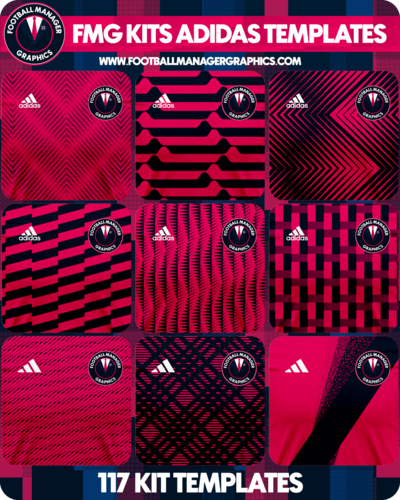 FMG Kits Templates Adidas This pack includes 117 Adidas templates for creating FMG Kits.
 -
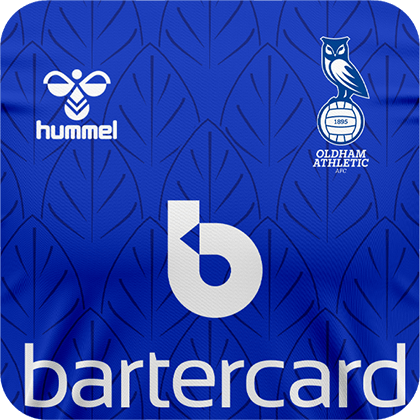 Hummel Oldham Home 2022-23
 -
-
-
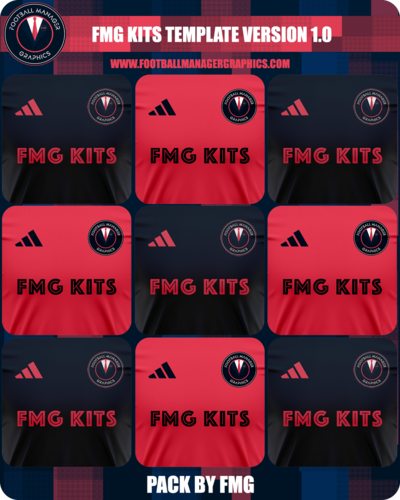 FMG Kits Template 2022-23
 -
-
-
-
-
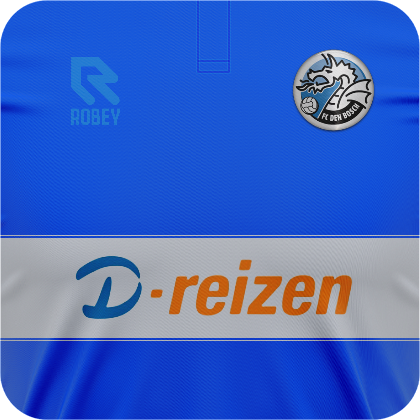
Holgadovic1991 replied to Derek's topic in Creators’ Club (Kits - FMG Square Kits)'s FMG Kits DiscussionThanks a lot @Derek it is really helpful, appreciate that ^^ I made my first attempt with Den Bosch kit that I made before. If I can improve in some way, please tell me. Any help is welcome, as I'm learning how to make kits 🙂
-
Hi All I've updated the FMG Kits PES Template and added a ruler to help with logo positioning. I've used this quite a bit now and when you are making or using PES kits make sure you use 2048x2048 pixels kits. Also I've relabelled one of the layers for use with dark kits only as without the layer bright kits are much more vibrant. Here is a quick tutorial too. Any questions just ask in here.
-
-
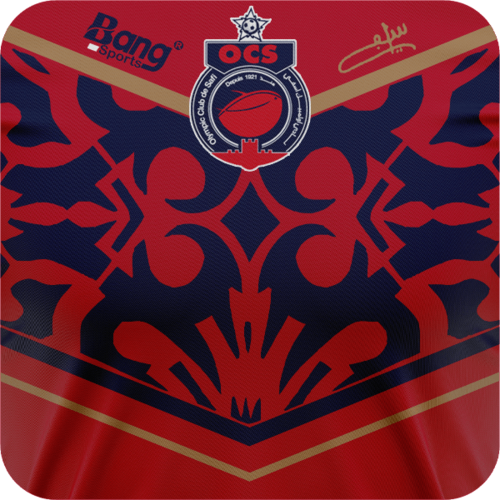 Bang Sports Template
 -
-
-
-

-
-

-
-

-

-

-

-