Derek
Administrators
-
Joined
-
Last visited
Everything posted by Derek
-
The logo updates have now started. Thank you to everyone who submitted as always. Any logos submitted up until this point will be included in this months updates. @rapa I've spent the past day preparing the 800+ logos you've submitted only to discover they are mixed between men and women and more importantly there are many logos which are not in the official database. This can cause so many problems for our packs and should not be submitted without making us aware. I could have started the updates yesterday and been finished by now if I was aware of this. It's been posted many times previously that fictional ID's should be marked as alternatives and not included in the official folders. FM Ref is a tool for reference but does include fictional leagues. Please verify using the main editor when possible. Please keep mens logos to this thread and womens logos to the Women's Research Thread. The link below is to the prepared logo pack which will not be included in this months update. Please take the time to organise the logos and folders before resubmitting for next month. MediaFireJAPAN
-
@AndreaSSL1900 Just for clarity please post the correct logo for each please. Thanks What should I do in the end guys with this? The majority of the logos you posted for the US and others labelled missing are in the packs mate. I'm just letting you know incase you believe I've overlooked something but can confirm if it's not in the update it means its already in the pack. I've checked logo ID, quality etc. There are another four logos that are repeated by ID in this upload compared to the previous upload. The logos are quite different so please clarify as soon as possible or I will proceed with the latest upload. 2000297189 2000297724 2000297864 2000297884 This one is too small mate and looks terrible when resized so I won't be able to use it sorry. If anyone comes across a larger version I can add it.




-
 I know thanks. If you were unlucky enough to download the pack straight away after release you will have downloaded the file before it was fixed. It was a submission error unfortunately. Tomorrows update will fix it. Thanks
- 7 comments
- 2 reviews
-
-

- 1
-
-
Today is the last day for submissions for this months updates guys. I’ll start collecting the logos later today and then proceed with the updates over the weekend. Thanks as always for everyone’s work and effort.
-
Today is the last day for submissions for this months updates guys. I’ll start collecting the logos later today and then proceed with the updates over the weekend. Thanks as always for everyone’s work and effort.
-
-
-
-
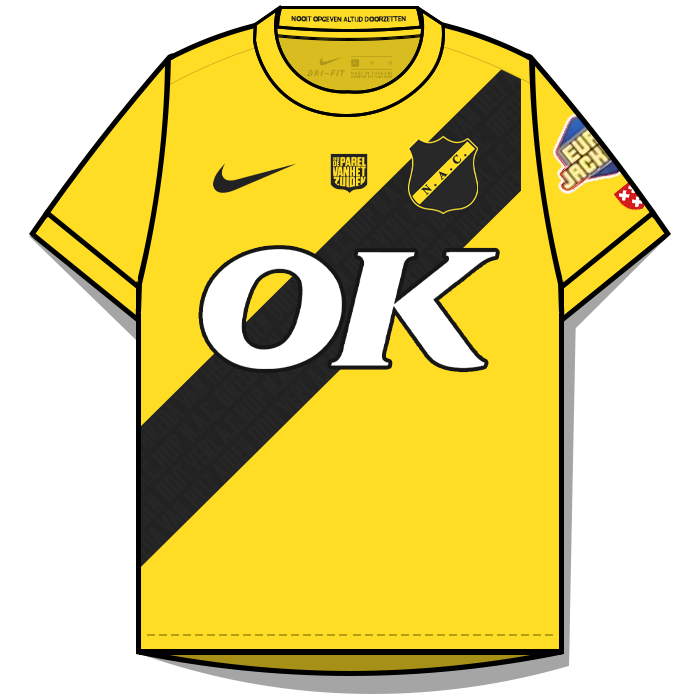
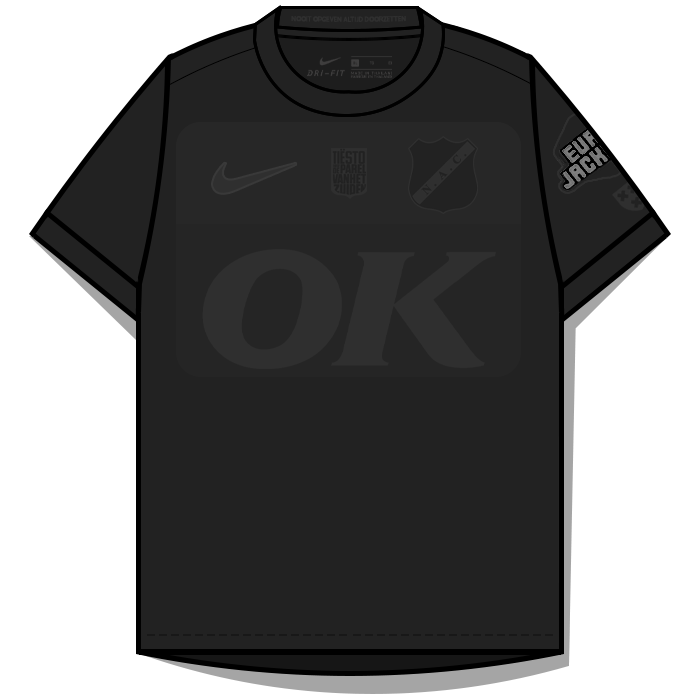
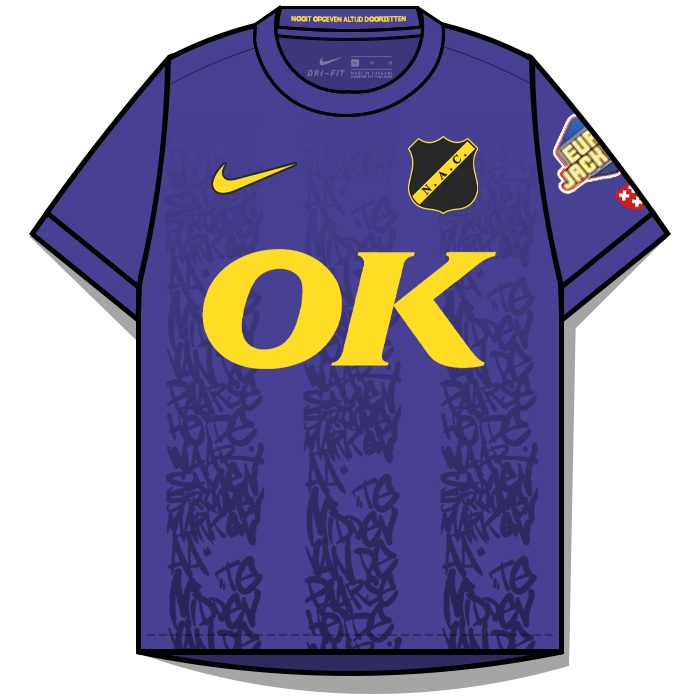
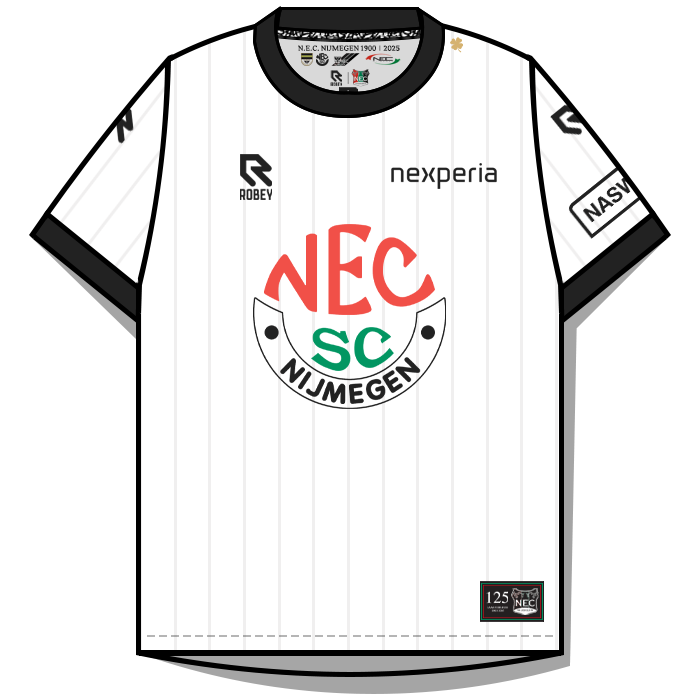
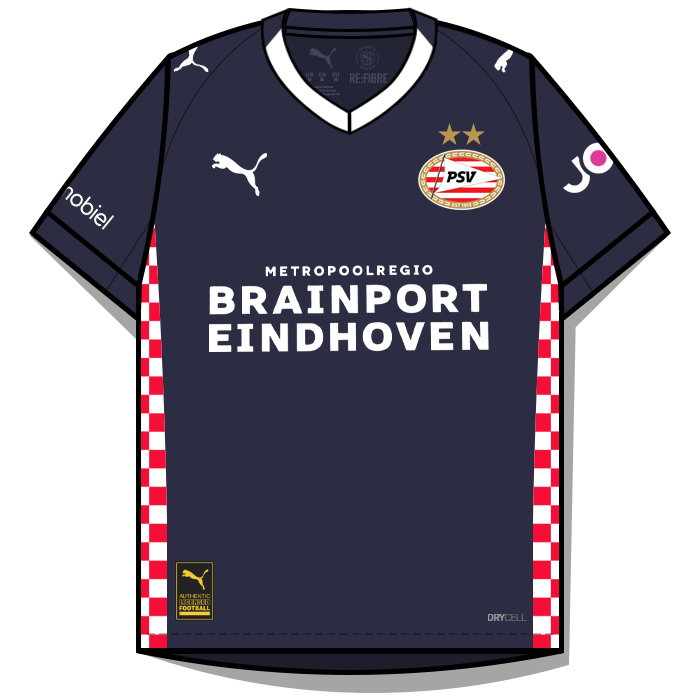
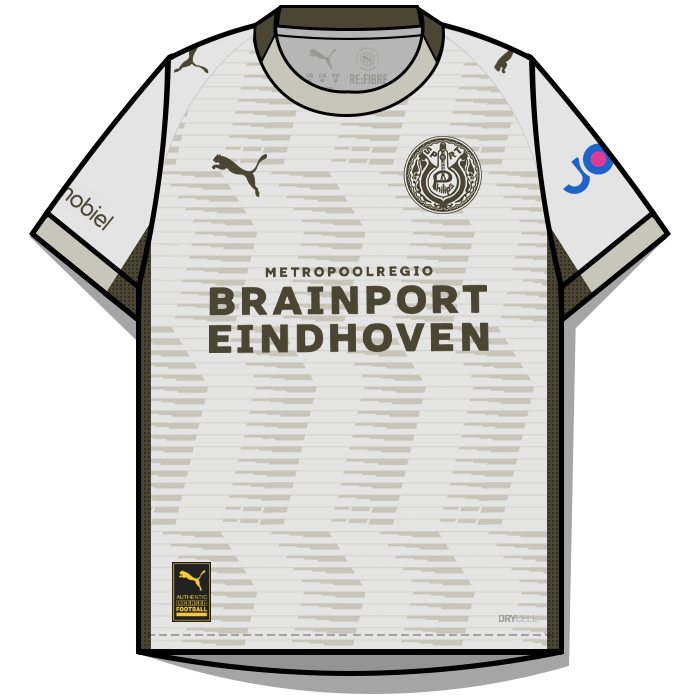
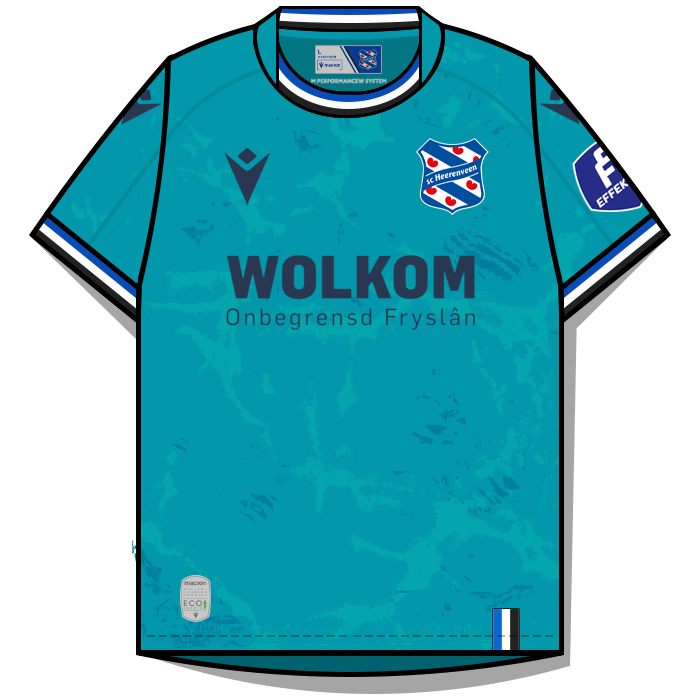
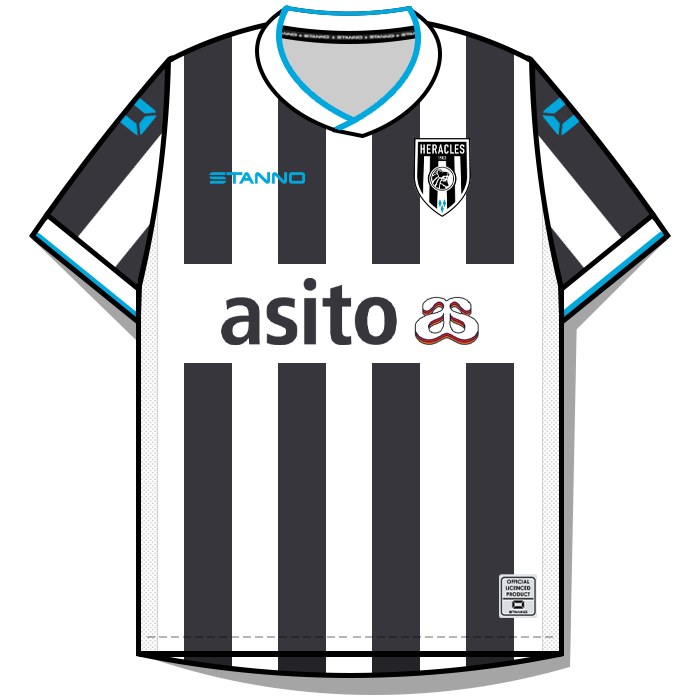
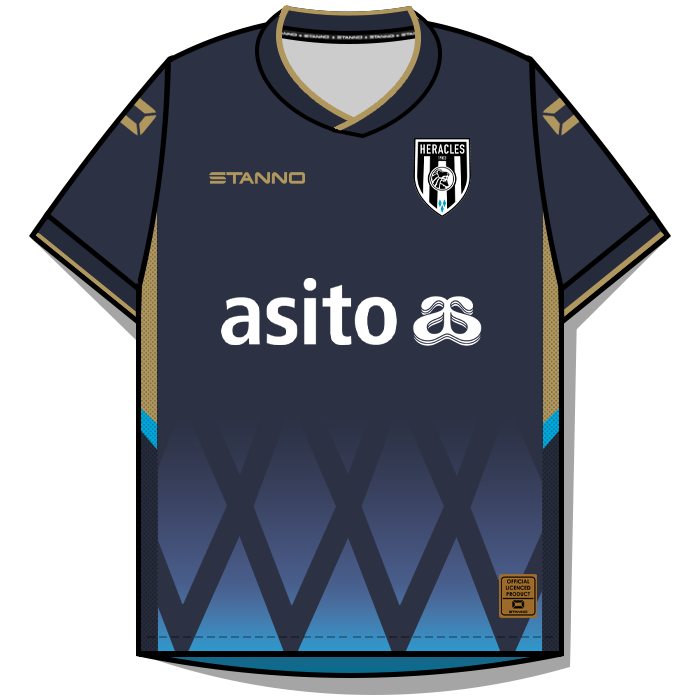
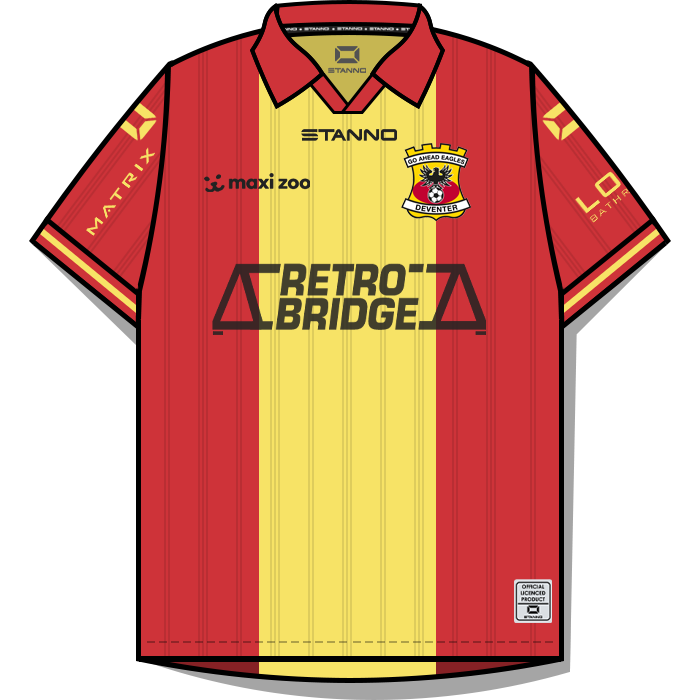
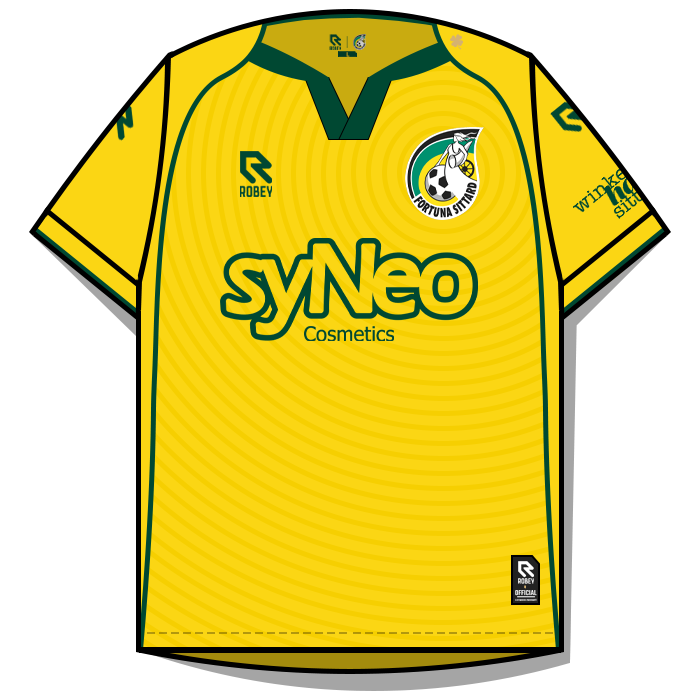
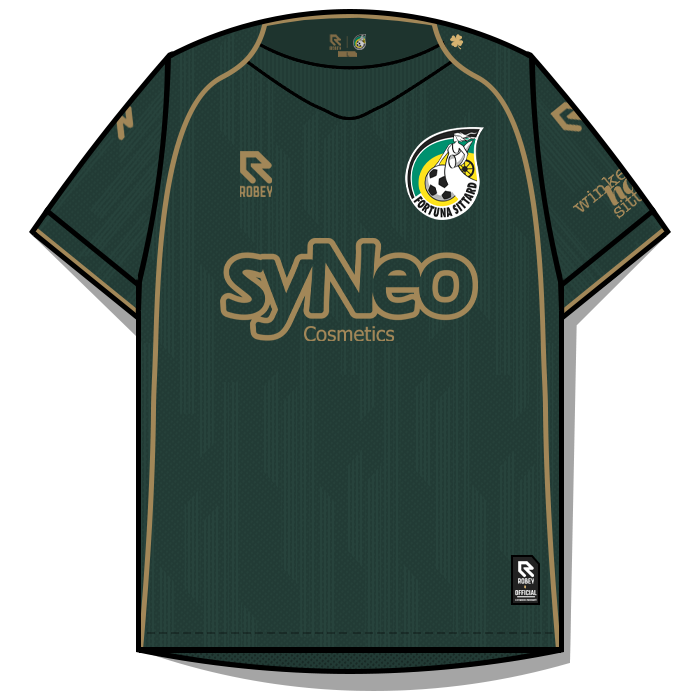
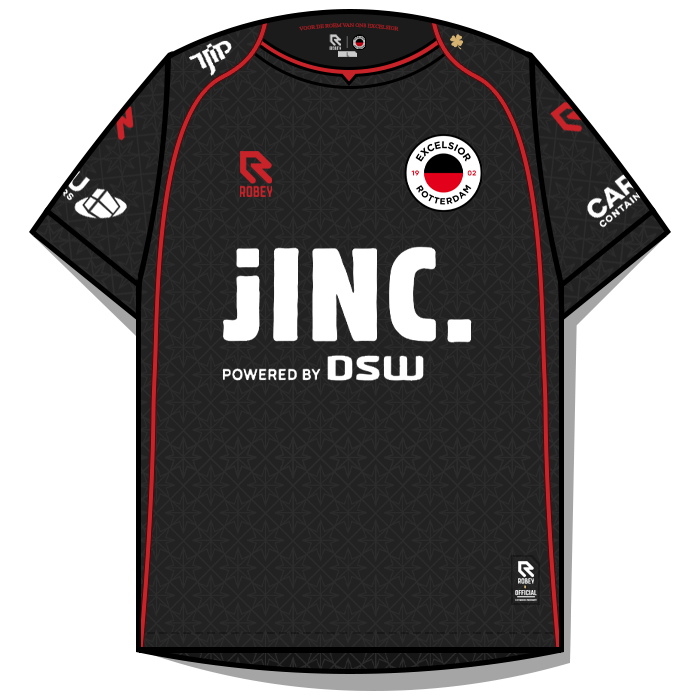
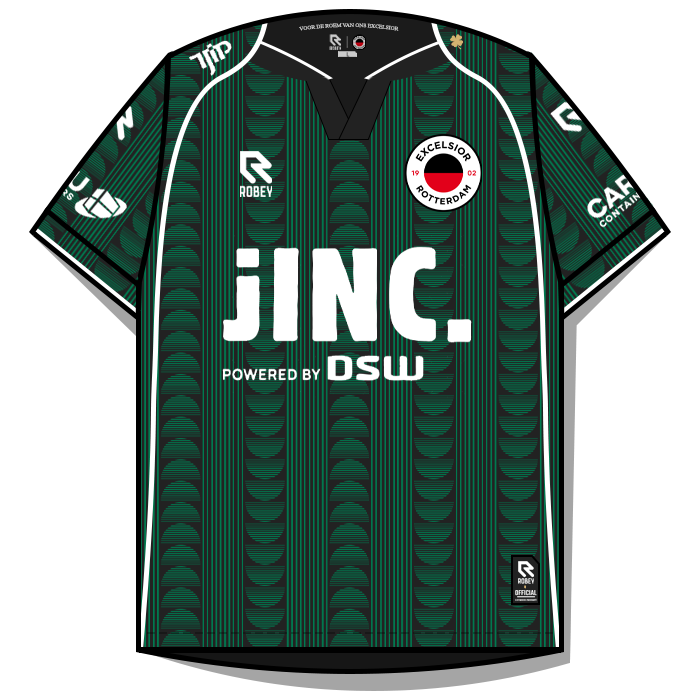
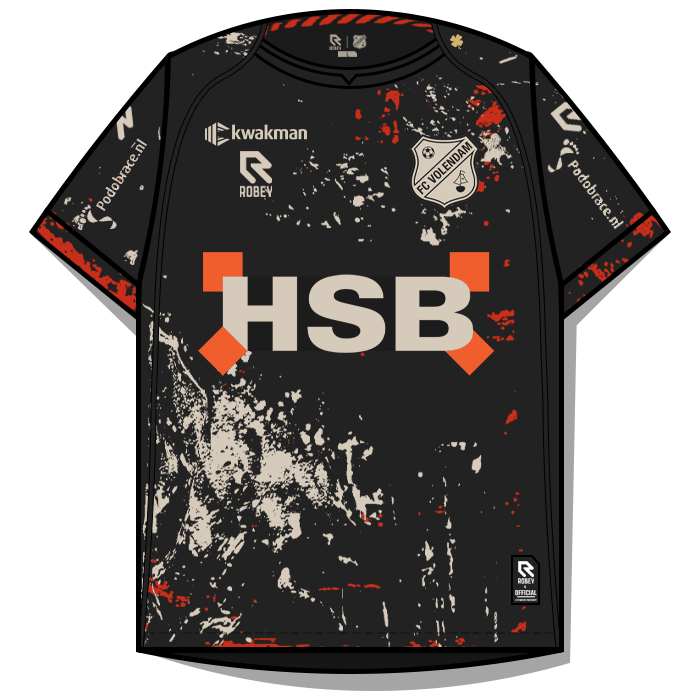
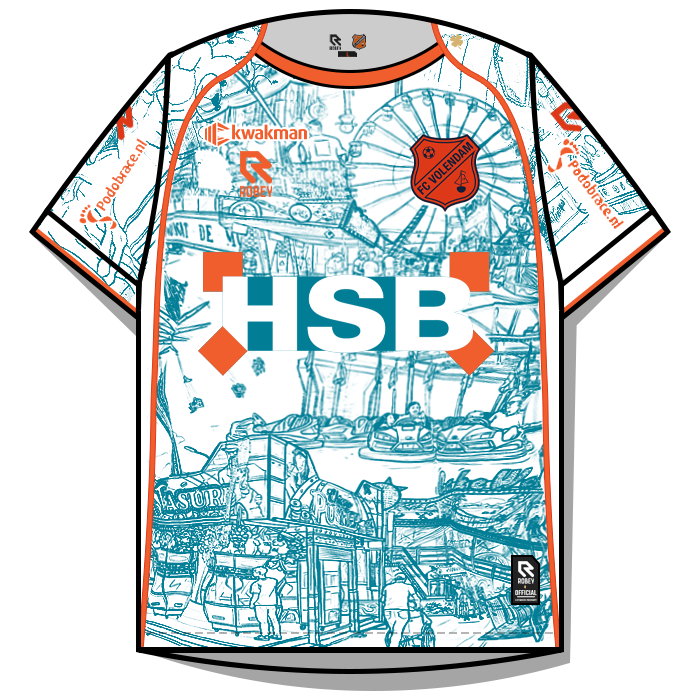
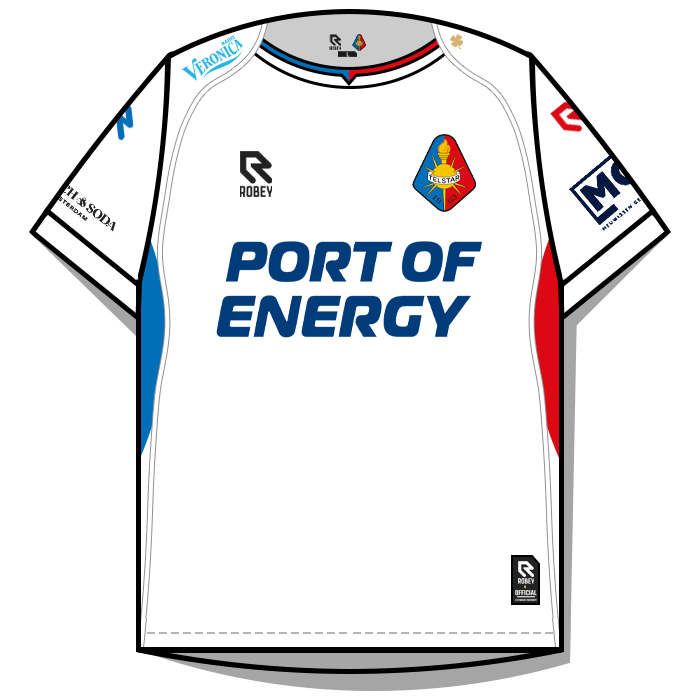
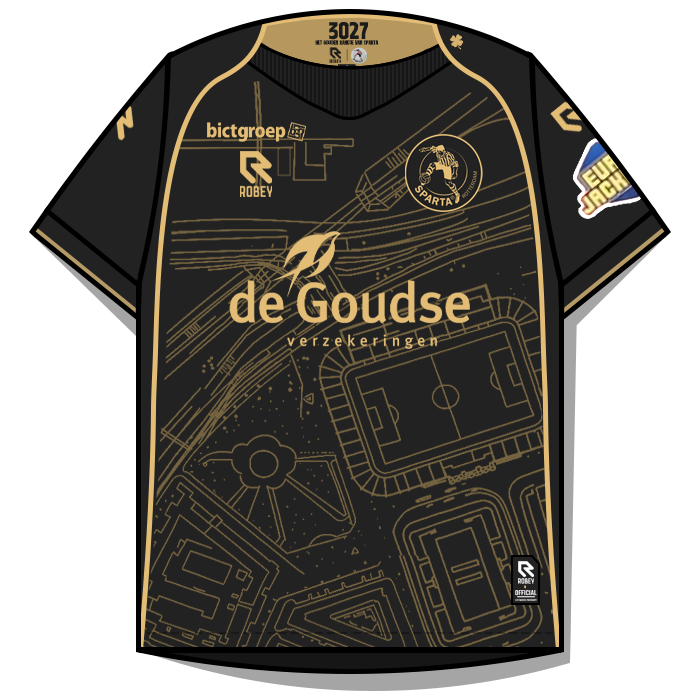
FMG Kits Netherlands Eredivisie 2025-26 Pack Contents This pack contains the below number of kits. Home Kits - 18 Away Kits - 18 Third Kits - 16 FM26 Kits Installation Guide1) Download the pack of your choice. 2) Unzip the files using an archiver. We recommend Winrar for Windows and Keka for Mac but most applications will work. https://www.win-rar.com/start.html?&L=0 https://www.keka.io/en/ 3) Once unpacked place your pack into the folder below based on your operating system. It most likely won't be there so please create it. (lower case) Windows: \Users\<your username>\Documents\Sports Interactive\Football Manager 26\graphics\ Mac OS: Users/YOUR MAC USERNAME/Library/Application Support/Sports Interactive/Football Manager 26/graphics 4) Open Football Manager if you haven't already. If you have close and reopen it. Your kits will then appear. Kit Makers Wanted How can I get involved in creating packs? Join the FMG Kit Creators Club and download the template pack. https://footballmanagergraphics.com/files/category/138-fmg-kits-template-pack/
-
 FMG Kits Netherlands Eredivise 2025-26 Pack Contents This pack contains the below number of kits. Home Kits - 18 Away Kits - 18 Third Kits - 16 FM26 Kits Installation Guide1) Download the pack of your choice. FM26 Kits 2) Unzip the files using an archiver. We recommend Winrar for Windows and Keka for Mac but most applications will work. https://www.win-rar.com/start.html?&L=0 https://www.keka.io/en/ 3) Once unpacked place your pack into the folder below based on your operating system. It most likely won't be there so please create it. (lower case) Windows: \Users\<your username>\Documents\Sports Interactive\Football Manager 26\graphics\ Mac OS: Users/YOUR MAC USERNAME/Library/Application Support/Sports Interactive/Football Manager 26/graphics 4) Open Football Manager if you haven't already. If you have close and reopen it. Your kits will then appear. Kit Makers Wanted How can I get involved in creating packs? Join the FMG Kit Creators Club and download the template pack. https://footballmanagergraphics.com/files/category/138-fmg-kits-template-pack/
 -
-
-
-
-
It’s Photopea mate. That’s great welcome aboard! 🙂
-
I've just check my pack, unzipped my original zip file, downloaded the megapack again and that template (23) has the stroke. Even the psd you uploaded has it. Perhaps their was an issue when downloading but I'm not sure. The only three collars that don't have the stroke in Adidas 21-40 as seen in the previews are 30,31 and 39 as it didn't suit with the kit I was making. In other words those three are intentional but 23 has it everywhere I've checked. In other words in a loss 😆 Are you interested in helping out? 🙂
-
-
Unfortunately they are not working in FM26 currently.
-
In this situation I will remove the two logos from my own pack so that when I run the config files in the next update those ID numbers won't be read. This means the logos won't be displayed in the game but will remain in the megapack until it's next release later this year. If a logo cannot be found or verified it should not be submitted. If it's a poor source still post it so that one of us can try to redraw it or find a better version.
-
Once a logo is in the megapack or an update it cannot be removed as they have already been released. If a logo is incorrect please post the correct logo and I can add it to the next update to replace the incorrect logo. Thanks
-
I’ve taken them directly from the files you uploaded mate. I put them all into one folder and four logos already existed when merging them. This was the only one that differed as the others were improvements. I’ll update the ID numbers 👍
-
Thank you. In the packs you have two logos with the same ID. Which is correct? ID 45089471


-
-
-









.png.d7b9136f2dc5302100e86b4ad37f25ee.png.93e0f919ec1349bc76b94b07af5c566f.png)
.png.02991ed94791706b0da1161ee5275e04.png.bc1a93bd50e962174eaa30f53f35d8b9.png)
.png.c2482d471cf58f0a9a3fd138b0875023.png.a170cf59c4b14833aae85dbe63aff21d.png)
.png.d7b9136f2dc5302100e86b4ad37f25ee.png.5a75a69cdabbab263bb72b813a7512f8.png)
.png.02991ed94791706b0da1161ee5275e04.png.242acfae34f0caf594bef1d9cbc3b9f7.png)

.png.c2482d471cf58f0a9a3fd138b0875023.png.6c931c405763584edea0c1204baf5110.png)
.png.c2482d471cf58f0a9a3fd138b0875023.png.97135021a583770e225580e084abcf5b.png)

.png.02991ed94791706b0da1161ee5275e04.png.af4158768bf59c4952fed22a323602d8.png)
.png.d7b9136f2dc5302100e86b4ad37f25ee.png.048ebbd10c4eb06c482f9083b5f8a95e.png)