






DaveHouto
Members
-
Joined
-
Last visited
Everything posted by DaveHouto
-
Hi guys, wonder if you can do me another favour and create me the West Ham third kit for my game to complete the look.please TIA
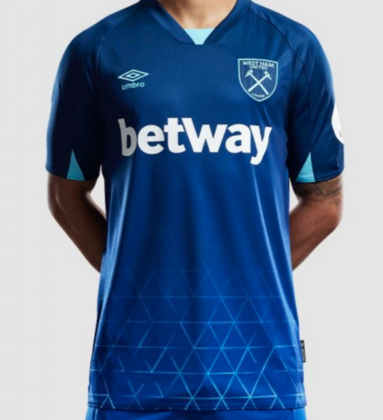
-
Fantastic work they look amazing thanks @debeli
-
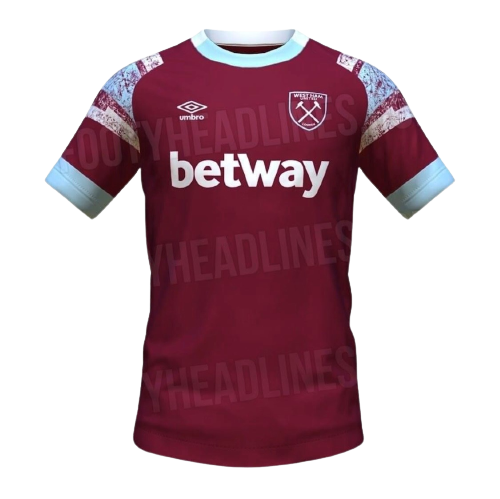
Hi gang, any chance ot the new West Ham home shirt please. TIA
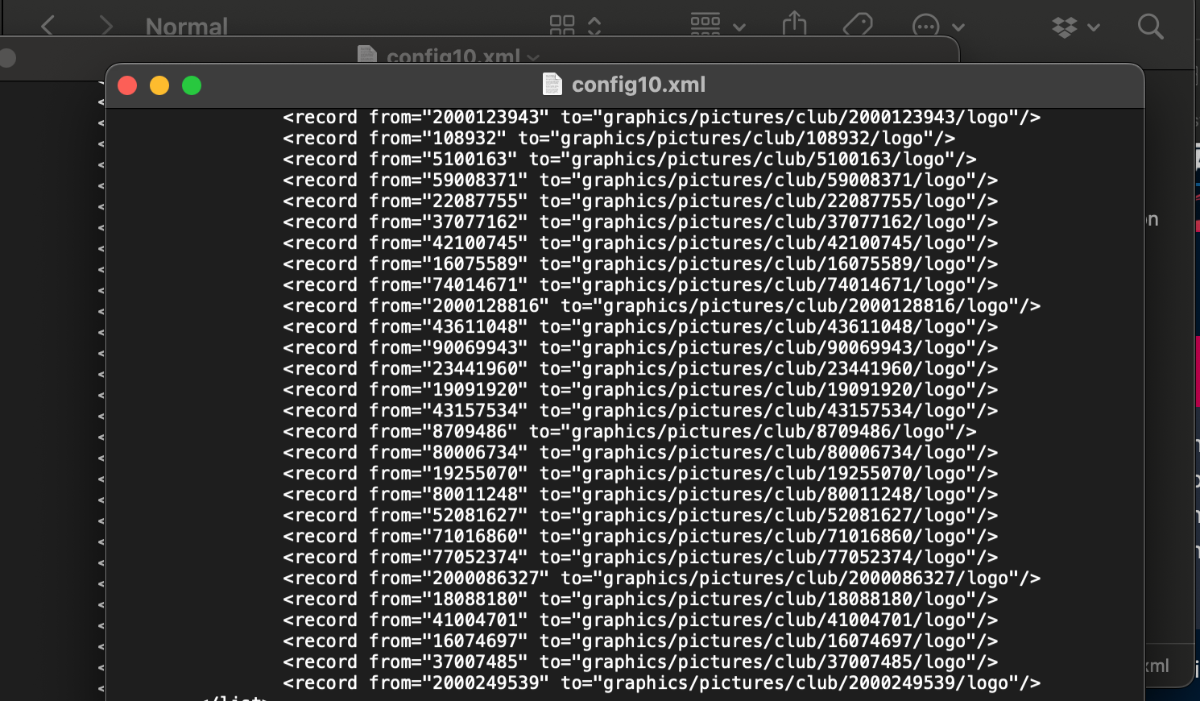
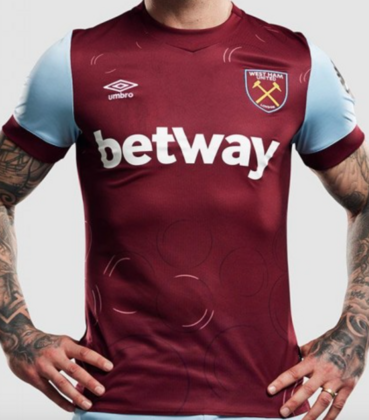 @Derek I'm going to say this right here, You my good man are an absolute legend mate. I'm pretty sure it's not the first time you have been called that. Working an absolute treat now mate., can't thank you enough buddyDoncaster City.fmThanks buddy, no rush whenever you get timeSo sorry Derek, I didn't see this response. Weird thing is, I've added the kits with the ref 2000249539 and they work in game, I've updated the numbers in the folders to 2002223638 and the logos are still not working but the kits are. Kits seem to work with any of the ID numbers which is confusing.Thanks Derek, see attached, ive included the folder path too for the normal logos and icons
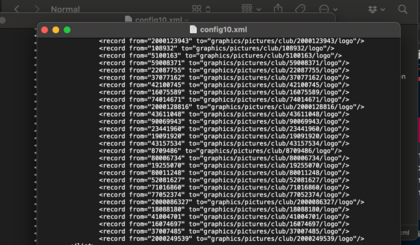


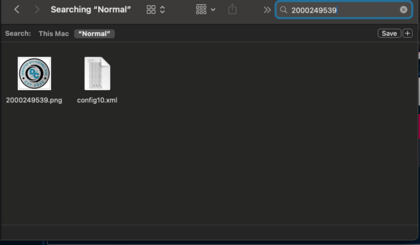
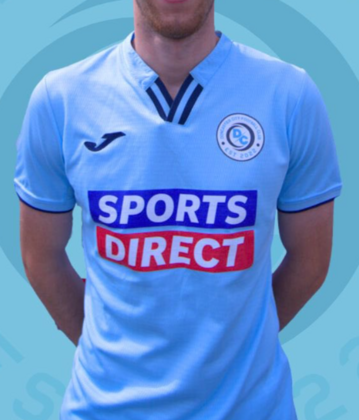
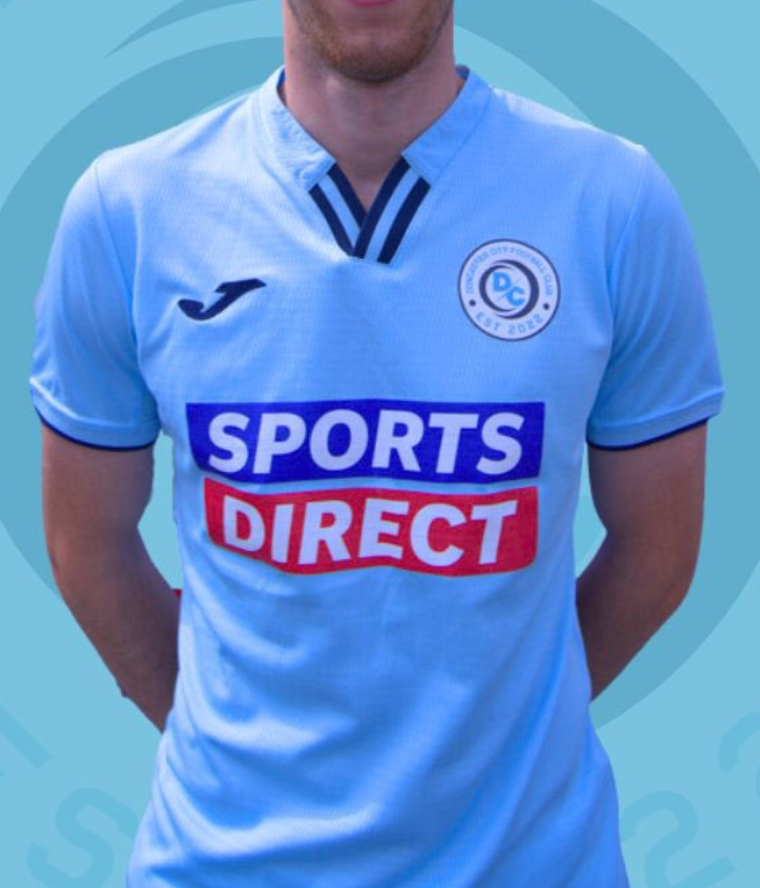
 Some reason the game is not picking up the logo or icon even though I have put them in the right folders (normal and small) and also checked against the size of the other logos and icons. I've added them to the config following the string in each config file for the normal and small logos using the team reference number from the game. I've cleared the cache, refreshed the skin etc but not working. The kits have gone into the game with no issues thanks. Any ideas how to get the logo and icon to work?Again thanks man these are spot on cheersExcellent work cheers buddyHi there, any chance I could get home and away for my Doncaster City save. I've attached the home shirt. I don't have the away shirt but open to you guys being creative based on the home design. TIA
 Hi all, just wondering if it's possible to get a custom logo in the vapour style (both large and small for the game) for The attached club. Also looking for kits design if possible although I only have the home kit at the moment but happy for an away kit to be designed by you guys, any colours. TIA
 I love this skin, loved it every year. Only thing, can the colour scheme on the text and blocks (see attachments) be amended if needed. The blue is nice but I'd like to see if I can change the colours. For me the blocks on the cup draws don't make it easy to see the text.@DerekAnother amazing job, cheers r kidAny chance of all 3 West Ham shirts when you get back please @DerekLoving these











Important Information
Terms & Conditions