Jump to content
View in the app

A better way to browse. Learn more.

Football Manager Graphics

A full-screen app on your home screen with push notifications, badges and more.

To install this app on iOS and iPadOS
  1. Tap the Share icon in Safari
  2. Scroll the menu and tap Add to Home Screen.
  3. Tap Add in the top-right corner.
To install this app on Android
  1. Tap the 3-dot menu (⋮) in the top-right corner of the browser.
  2. Tap Add to Home screen or Install app.
  3. Confirm by tapping Install.

FM24 FMG Stamp Logos

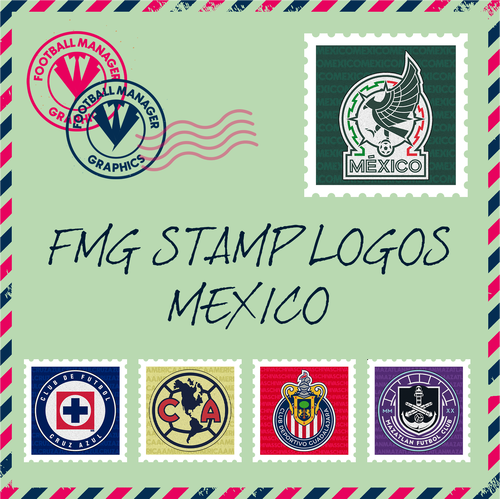
FMG Stamp Logos are a fantastic creative stamp style Logo made by @Milho28

1 file

  1. FMG Round Logos México
    This pack includes all playable teams for México.
    Liga MX
    Liga BBVA Expansion MX
     
    Do you want to use this pack with one of our Megapacks?
    If you want to use this pack as well as one of our logo megapacks simply follow the instructions below.
    Create a 'logos' folder within your FM graphics folder Move your existing megapack into that folder and place b_ at the start of the pack name ie. FMG Standard Logos should now be b_FMG Standard Logos Then create a new folder called a_FMG Stamp Logos within the new logos folder. Place any FMG Round Logos packs in the a_FMG Stamp Logos and reload your skin. FM will now prioritise the FMG Stamp Logos and show the FMG Standard Logos when a logo is not available.
    • 52 Downloads
    Submitted

Important Information

Terms & Conditions

Configure browser push notifications

Chrome (Android)
  1. Tap the lock icon next to the address bar.
  2. Tap Permissions → Notifications.
  3. Adjust your preference.
Chrome (Desktop)
  1. Click the padlock icon in the address bar.
  2. Select Site settings.
  3. Find Notifications and adjust your preference.