cameosis
Moderators
-
Joined
Everything posted by cameosis
-
shield is white (as background)

-
this is the alt logo -- main logo is black text instead of white, and red shield background: FC Dombes BresseEquipe Senior 1 - FC Dombes BresseSenior 1 Équipe Fanion L’encadrement Entraîneur : BERNARD Sébastien – 06 50 30 12 54 Adjoint : GARCIA Léopold – 06 46 23 61 74 Horaires d’entraînements : Mardi de 19h30 à 21h00 à Chatillon Vendredi d historical (used in sep 2025) - shape is a rectangle with white background: historical (just the shield):
-
the forcing of russian is a consequence of the political alliance with russia, and oppressive rule of long-time dictator/president lukashenka. has been going on for a long time, even during the soviet era, similar to the ukraine. https://en.wikipedia.org/wiki/Russification_of_Belarus like i said, they're fine as placeholders in russian for the time being and not technically incorrect. i will eventually work on the logos.
-
👍🏿 the above logo is WRONG in that case and should not be added. the new club has nothing to do with the extinct club.
-
what happened to the leonxibet fusion? did they separate again?
-
this is historical current/correct logo: https://fcpirin.com/
-
that isn't a problem. i noticed the 1926-2026 at the bottom.
-
acri looks like an anniversary logo
-
back to the previous logo (without the yellow outer rim): AS Roma - sito ufficialeBiglietti, squadre, calendari, shopping, foto, interviste esclusive: tutto quello che c'è da sapere sul mondo dei giallorossi.
-
this is a phoenix club - i don’t think the id is correct, which is for the extinct club @Markitos vector https://www.bromsgroveroversafc.co.uk/ edit - bromsgrove sporting (id 94018494) is actually the successor club, they purchased the ground: Bromsgrove Rovers - Victoria GroundBromsgrove Sporting FC The Victoria Ground Birmingham Road Bromsgrove Worcs B61 0DR 01527 876949 Official Website Twitt...
-
@GameCrasher verify the ids you post, or your uploads will be flagged as incorrect by default. this increases the workload multifold. thanks.
-
another wrong id correct - 2000378817
-
another wrong id correct - 2000378838
-
the id you posted is for a salvadorian female player. id for tuloy - 2000378825
-
a heads up: there are huge changes ahead regarding the top league(s) in germany. initially, a new league governing body was supposed to be established with clubs and the german fa together. this has fallen flat and now they'll move forward without the fa. effectly for us, this means all the competition logos will change soon because the fa won't be involved anymore, just keep it in mind. https://www.kicker.de/grosser-knall-frauen-bundesligisten-gruenden-ligaverband-ohne-dfb-1170829/artikel
-
»i have my own clan now« 🤣 friend of yours? no ... my mother.
-
benin. the nickname for the national team was changed from écureuils (squirrels) to guépards (cheetahs) in 2002. 7 - team logo(s) since 2023 alt


-
24005249 - new logo since sep 2025 - transparent background
-
127299 and 12017574 main color variant alt white alt black
-
vector has the senior women’s team been dissolved? the club is still active in real life, but set as extinct in the db. https://adcentrolimpico.org.br/modalidades-futebol/
-
vector pack - haven’t checked if the effects are included (edit: they are not. it’s a raster image used as a background for the rest of the vector. trash job again). https://clubs.brandcenter.lfp.fr/usl-dunkerque/
-
vector
-
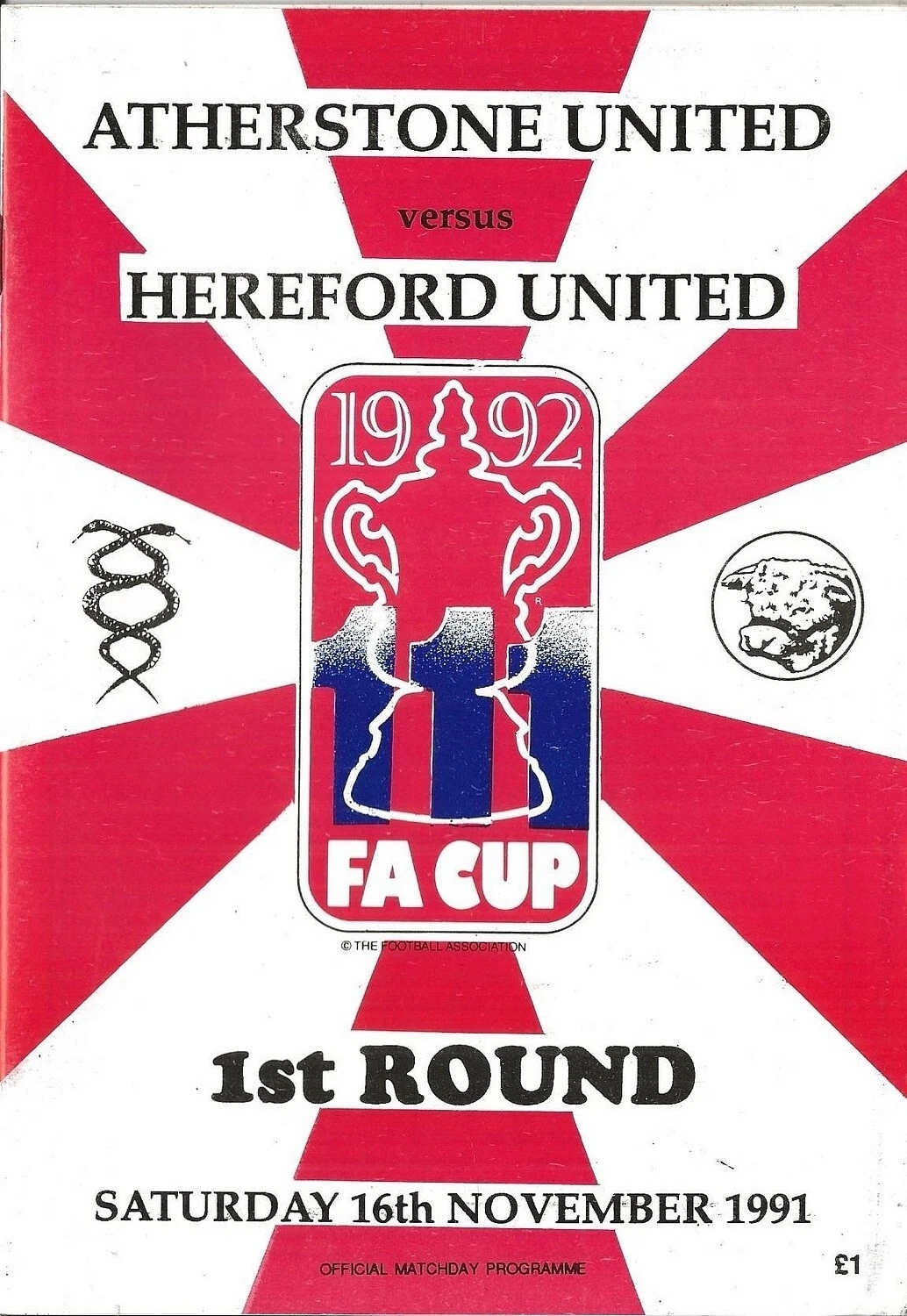
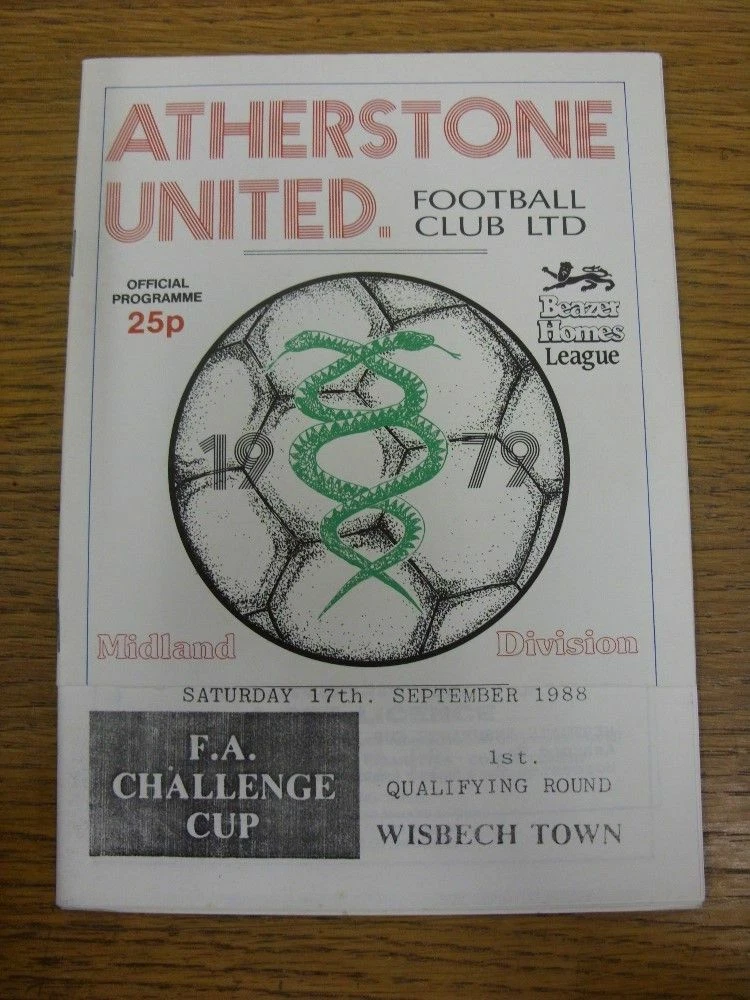
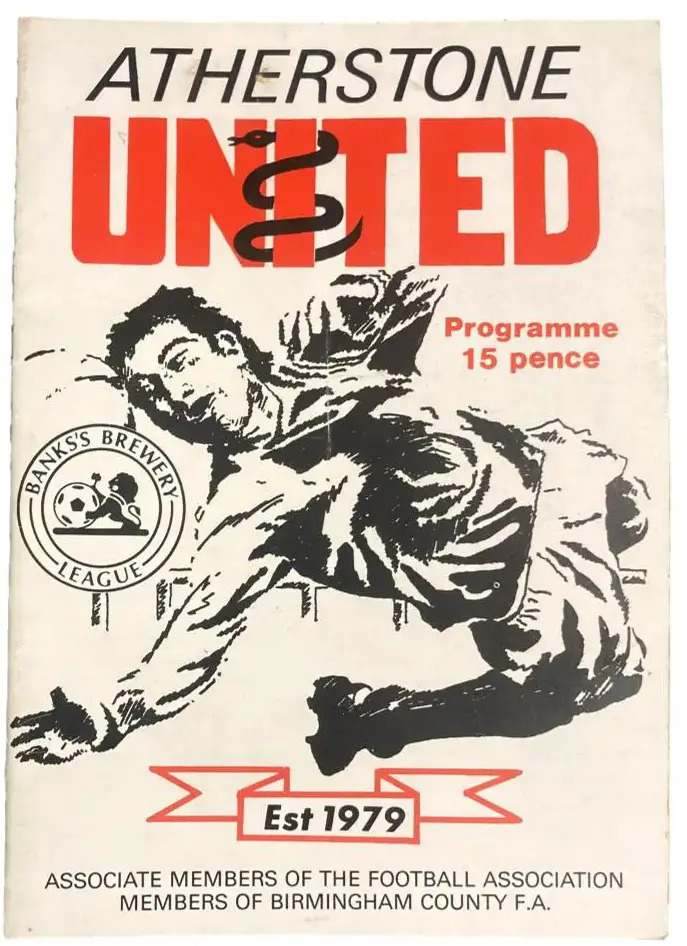
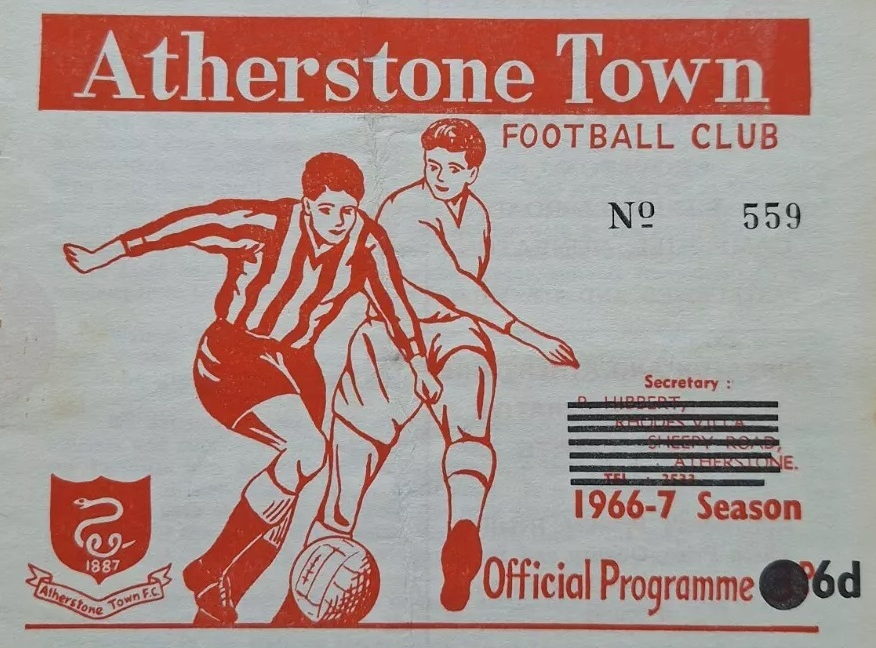
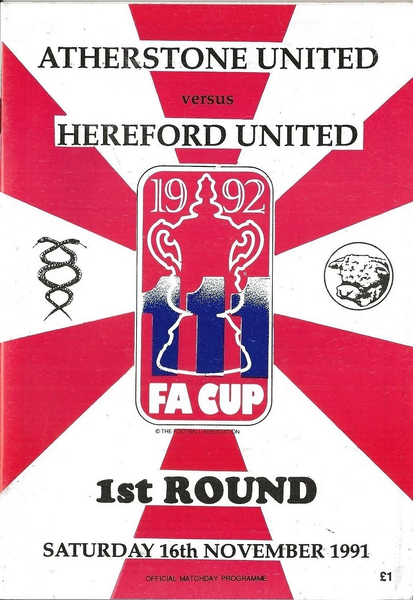
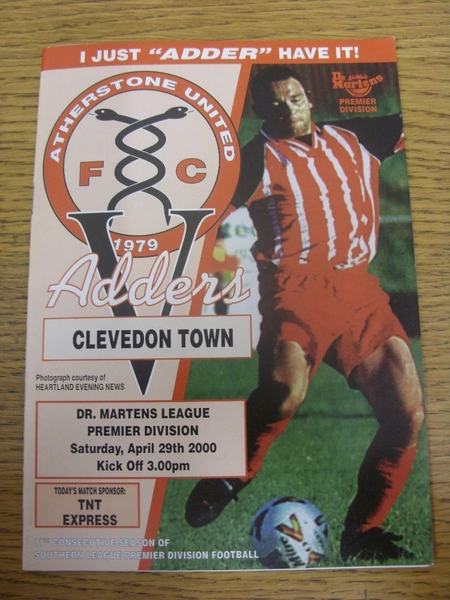
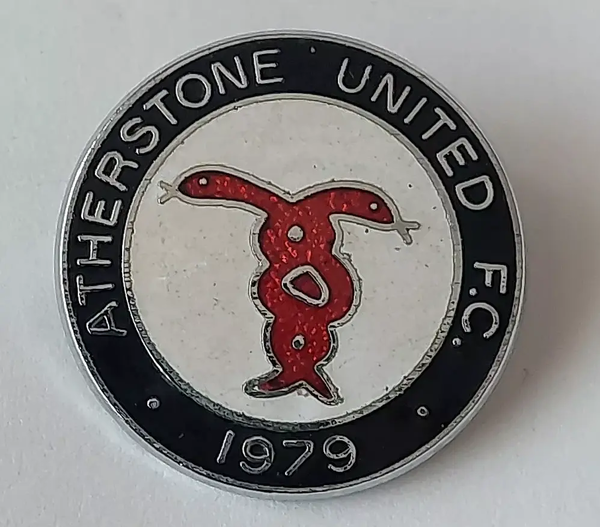
let’s jump into the rabbit hole of old british match programmes and crests: id 604 - latest and correct iteration, 1999/2000 -> this should be the main variant (after cleanup) -> as a bonus, there is the sponsor logo for the league in the top right corner. alt rtr 1995/1996 (just the snake -> will have to redraw it, but it should be noted that it exists) rtr 1991/1992 (transparent background) rtr alt 1991/1992 (with rectangle and white-red background) rtr alt 1990/1991 (different shield shape) rtr 1988/1989 (my personal favorite) -> the ball is part of the logo, note the year of foundation rtr 1982-1987 (just the top part with the wordmark and the adder) rtr 1981/1982 the currently active logo below should be replaced, as it’s older or possibly fantasy -- i haven’t found a reference with a white rim for the text part. i found pins with a black rim instead, for the early period after they were re-established =============== =============== here are the historical logos for the original atherstone town, not the phoenix club: 1950s-1969 -> just the shield in the bottom left with the ribbon 1970-1974 (my personal favorite) 1974-1979 -> just the snake inside the rectangle alt 1974-1979 -> no black border @Derek these could technically be added to the current atherstone town (id 8604269), as it’s a phoenix club, but i have no opinion or preference either way. also, another alt for the early variant of their logo from the early 2000s to mid 2010s (typeface is serpentine, very fitting 😂):






-
also, historical (latest to oldest) the ai generated misspelling that @NassFas mentioned was likely an attempt to upgrade the older variant of the logo.


-
surprisingly good overall. of course it’s formulaic and popcorn predictable, but the portrayal of the yautja protagonist is actually pretty entertaining. the only gripe i had were statements from the director and the lead actress saying that they wanted to have a strong female character and that’s why she leaned into it … she is an android, thus a machine, thus she has no biological gender and certainly won’t think and act like a human. particularly not on a planet where there are no humans present to interact with in the first place. it seems as if both of them completely misunderstood the premise. this is not to say that a progressive or so-called »woke« approach is bad, but it has to fit. and with a machine, it doesn’t. other than that, definitely worth a watch or two.