cameosis
Moderators
-
Joined
Everything posted by cameosis
-
we usually keep the old logos connected to the old clubs, and in the case of mergers or name changes the new logos are assigned to the new ids, which prevents confusion and historical inaccuracies (hopefully, because si is not consistent in that regard). markitos is our main db dude and can tell you more.
-
i had people like you in mind when i mentioned liverpool in the writeup, have a look. 😁
-
the trophy starter packs are finally live ->


-
the trophy starter packs are finally live ->


-
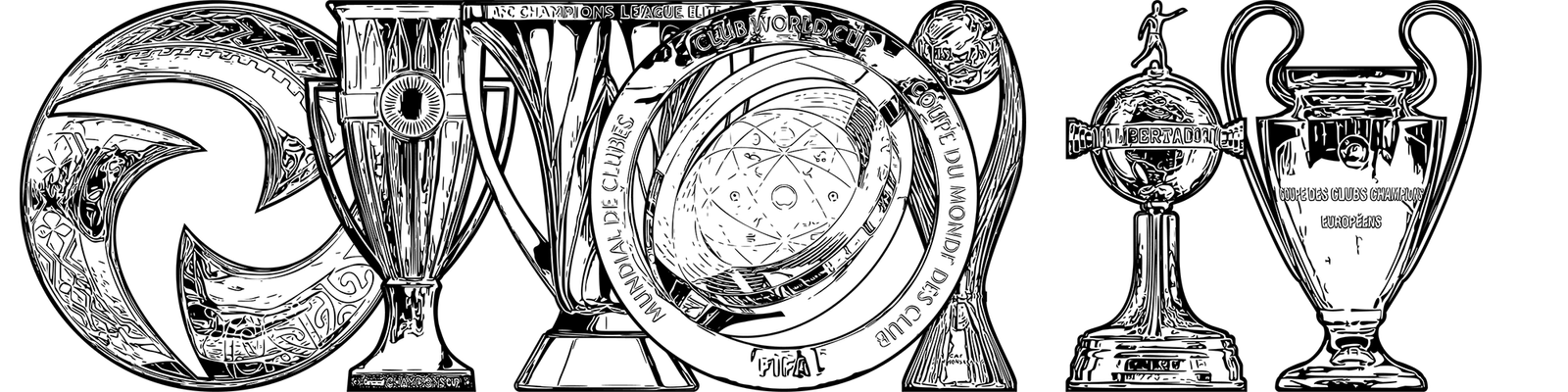
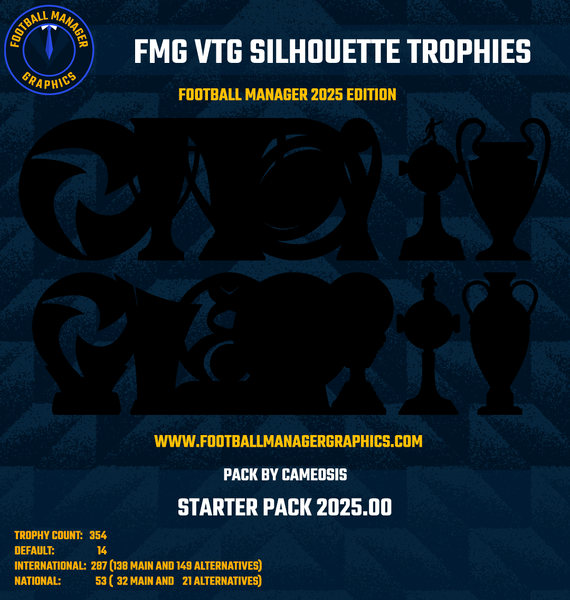
 Trophy pack inspired by illustrations from vintage (VTG) matchday programmes and sports magazines from the early to mid 20th century. If you remember any of these publications and their charm, you will appreciate the time capsule vibe this collection of trophies provides in-game! Every single trophy has been created individually with great attention to detail and consistent appearance to offer a streamlined playing experience. But it doesn’t end there: The copious amount of historical and stylistic trophy variants - up to seven for certain competitions - included in the pack provides you with the luxury of choosing either your favorite trophy for a given competition or the trophy that the club you support won in the past. In spite of its small size, the collection contains exclusives not available anywhere else, such as the British Home Championship, CIO Olympic Football Trophies, SPCBF Balkan Cup of Nations, AFC Asian Super Cup etc. Furthermore, the often neglected area of competition qualifiers and play-offs has been upgraded with real life medals and participation tokens, enhancing the immersion during play time. For historical competitions, the last and therefore most current trophy has been picked as the main graphic representing it. Previous iterations are included in the alternatives folder. Sports Interactive has a significant number of invented in-game competitions in the official database which do not exist in real life. In these cases, generic trophies have been assigned to the ID numbers in order to represent them. This debut release and global premiere contains a total of 354 trophies: · default trophies - 14 · international trophies - 287 (138 main and 148 alternatives) · national trophies - 53 (32 main and 21 alternatives) The focus for this starter pack was on covering international competitions (tournaments and qualifiers); it already includes many trophies which will be officially listed in the upcoming database for the planned FM 26 edition, such as the FIFA African-Asian-Pacific Cup; FIFA Derby of the Americas; FIFA Challenger Cup; AFC Champions League Two et al. While some national competitions have been added to the starter pack as well, they were of lower priority overall for the time being and will be addressed in future expansion packs and updates. Given how new the release is and due to the fact that this is a one-person-effort, please be aware that the current number of trophies is small compared to longer running and older packs. The default and generic trophies cover all the gaps that might exist and will be replaced with the corresponding real life trophies over time. This pack is an original work and not merely a collection of images available online. Please note that commercial use is therefore strictly prohibited without prior written consent by me, the copyright holder. For further information, please consult the included readme file. Thanks for downloading and enjoy the pack. Feedback and corrections are welcome! Installation Guide 1) Download the pack. 2) Unzip the files using an archiver. We recommend Winrar for Windows and Keka for Mac but most applications will work. https://www.win-rar.com/start.html?&L=0 https://www.keka.io/en/ 3) Once unpacked place your pack into the folder below based on your operating system. Windows: \Users\<your username>\Documents\Sports Interactive\Football Manager 2025\graphics\ Mac OS: Users/YOUR MAC USERNAME/Library/Application Support/Sports Interactive/Football Manager 2025/graphics 4) Next you will want to go to FM and select 'Preferences' from the start screen or in your game and select 'Advanced". 5) Then untick 'Use caching to decrease page loading times'. 6) Next tick 'Reload skin when confirming changes to preferences'. 7) Finally, select 'Reload Skin' and after a brief pause your graphics will be visible.
 -
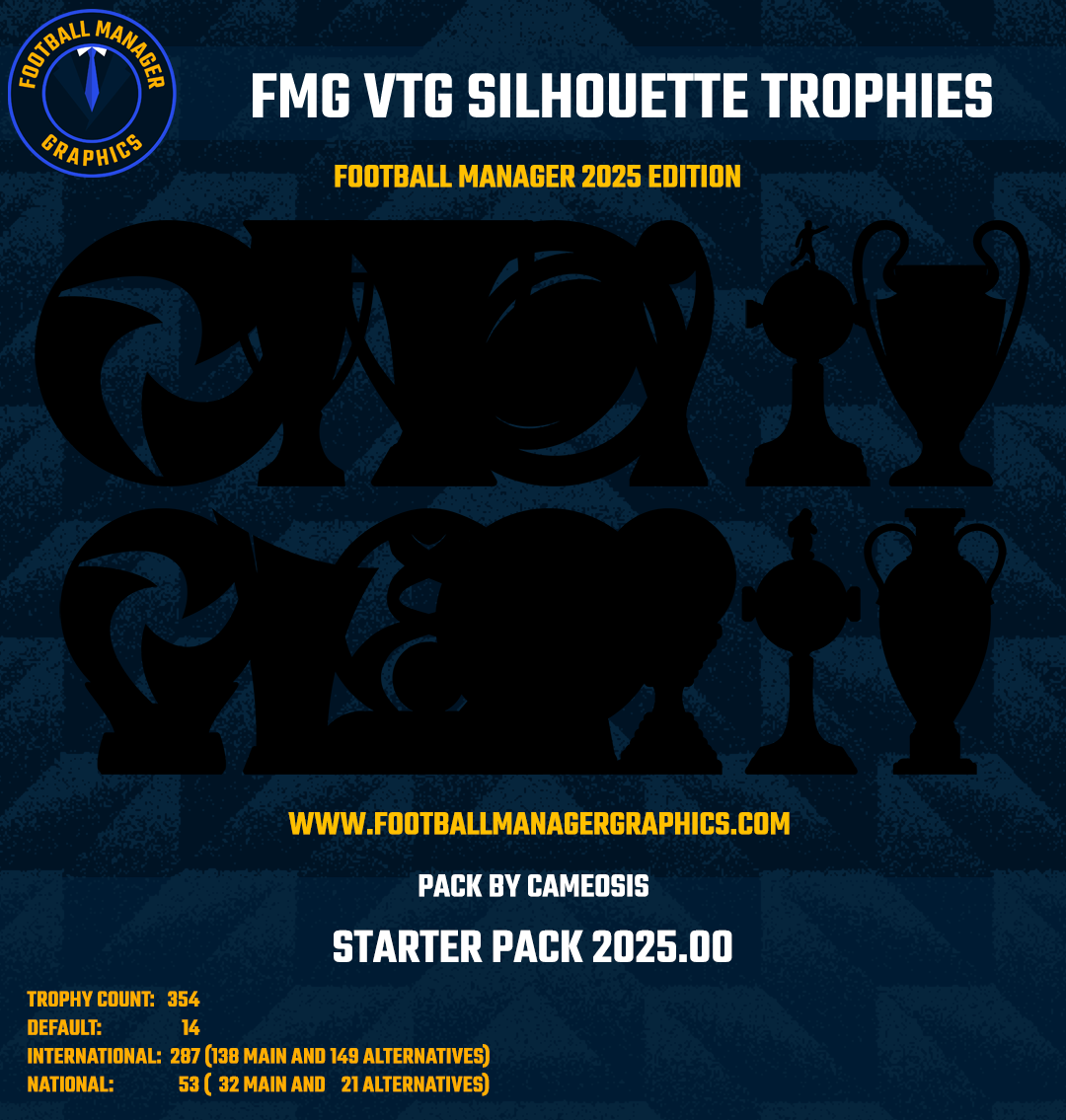
 Trophy pack inspired by silhouette displays from clubs like HNK Hajduk, Liverpool FC and others which showcase the titles they have won. If you remember visiting any of these trophy rooms/areas and their charm, you will appreciate the spectator vibe this collection of trophies provides in-game! Every single trophy has been created individually with great attention to detail and consistent appearance to offer a streamlined playing experience. But it doesn’t end there: The copious amount of historical and stylistic trophy variants - up to seven for certain competitions - included in the pack provides you with the luxury of choosing either your favorite trophy for a given competition or the trophy that the club you support won in the past. In spite of its small size, the collection contains exclusives not available anywhere else, such as the British Home Championship, CIO Olympic Football Trophies, SPCBF Balkan Cup of Nations, AFC Asian Super Cup etc. Furthermore, the often neglected area of competition qualifiers and play-offs has been upgraded with real life medals and participation tokens, enhancing the immersion during play time. For historical competitions, the last and therefore most current trophy has been picked as the main graphic representing it. Previous iterations are included in the alternatives folder. Sports Interactive has a significant number of invented in-game competitions in the official database which do not exist in real life. In these cases, generic trophies have been assigned to the ID numbers in order to represent them. This debut release and global premiere contains a total of 354 trophies: · default trophies - 14 · international trophies - 287 (138 main and 148 alternatives) · national trophies - 53 (32 main and 21 alternatives) The focus for this starter pack was on covering international competitions (tournaments and qualifiers); it already includes many trophies which will be officially listed in the upcoming database for the planned FM 26 edition, such as the FIFA African-Asian-Pacific Cup; FIFA Derby of the Americas; FIFA Challenger Cup; AFC Champions League Two et al. While some national competitions have been added to the starter pack as well, they were of lower priority overall for the time being and will be addressed in future expansion packs and updates. Given how new the release is and due to the fact that this is a one-person-effort, please be aware that the current number of trophies is small compared to longer running and older packs. The default and generic trophies cover all the gaps that might exist and will be replaced with the corresponding real life trophies over time. The nature of this pack (silhouettes) makes it inevitable that it will appear monotonous and repetitive compared to the VTG Illustration Trophies. It is recommended that you pick and download the latter for more visual diversity. This pack is an original work and not merely a collection of images available online. Please note that commercial use is therefore strictly prohibited without prior written consent by me, the copyright holder. For further information, please consult the included readme file. Thanks for downloading and enjoy the pack. Feedback and corrections are welcome! Installation Guide 1) Download the pack. 2) Unzip the files using an archiver. We recommend Winrar for Windows and Keka for Mac but most applications will work. https://www.win-rar.com/start.html?&L=0 https://www.keka.io/en/ 3) Once unpacked place your pack into the folder below based on your operating system. Windows: \Users\<your username>\Documents\Sports Interactive\Football Manager 2025\graphics\ Mac OS: Users/YOUR MAC USERNAME/Library/Application Support/Sports Interactive/Football Manager 2025/graphics 4) Next you will want to go to FM and select 'Preferences' from the start screen or in your game and select 'Advanced". 5) Then untick 'Use caching to decrease page loading times'. 6) Next tick 'Reload skin when confirming changes to preferences'. 7) Finally, select 'Reload Skin' and after a brief pause your graphics will be visible.
 -
germany anniversary logo: federation - https://www.dfb.de/images/brands/DFB-125-Logo_quer.svg team (note the eagle in the background) -

-
for those interested: caf coupe d’afrique des nations féminine as vectors: french https://cafplay.scoreplay.io/link?id=131448&token=a2d1aaaf-ed2b-47a1-8f92-0a40abae5301 english https://cafplay.scoreplay.io/link?id=131447&token=eeaa3b78-54d2-42de-a831-4e8b224be549
-
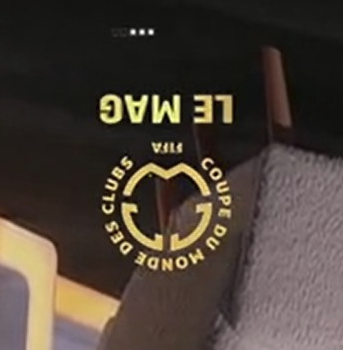
club world cup (without le mag at bottom)- 121092 french variant (only tv screenshot in low res) - there is very likely a spanish variant, too. technically, the monogram logo should be mirrored horizontally to turn the w into an m (monde / mundial) something like this:
-
uniffac u-20 coupe - 2000273420 alt (w/ effect) alt (without kinshasa 2023) historical
-
caf can u-17 (without morocco 25) - range of variants here (french and english): https://cafplay.scoreplay.io/link?id=109079&token=06f4b66f-c84b-486e-accb-0c7de4b9805b https://cafplay.scoreplay.io/link?id=109081&token=3d22ef67-6854-4e76-8c14-5acc33694b01 13100132


-
caf can u-20 (without egypt 25) - 13100131 167279
-
alt/secondary for - 2000005031 2000005030 2000005026 2000005024 67101207 67101206 67101205 67101204
-
bolivia is an older variant, this one’s better - i had redrawn it a few years back:
-
uganda anniversary logo - in use for the caf can qualification campaign 2024/2025 (black background is supposed to be transparent): https://tndnewsuganda.com/2024/10/10/fufas-new-logo/
-
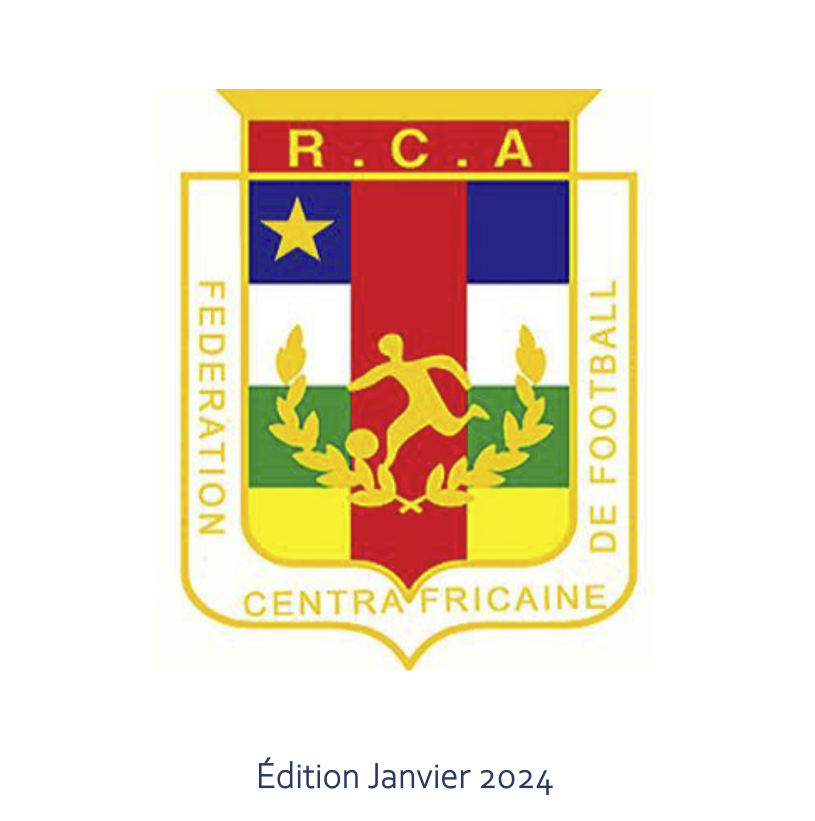
central african republic - federation/team - different name order compared to previous logo

-
cwc logo with trophy element https://discoveratlanta.com/fifaclubworldcup2025/
-
you could add them to the alt folder for the time being, unless it complicates the workload for you
-
thanks!
-
@Derek is the hajduk challenge available somewhere? i’d like to share it in a croatian forum.
-
because i'm part of the staff and was helping you, albeit your question didn't make much sense in the first place, this is the reason why markitos didn't answer himself. i'm even helping you now by telling you that your comments can be perceived as disrespectful in tone.
-
this is a mexican club, and thus incorrect. please make sure you are posting the correct logos.
-
those are the ones he finds. if we find better resolutions, we post them in the thread.
-
the typeface is different, it’s the wikipedia version, which was traced and is incorrect. the correct logo is this:
-
brace yourselves for newcastle’s upcoming new logo -> https://www.newcastleunited.com/en/news/updating-our-crest-together