






Derek
Administrators
-
Joined
-
Last visited
Everything posted by Derek
-
I'd say go again on the club logo a bit more and there perfect mate. Very nice kits though, even for United 😅
-
An interesting start to the season to say the least. I've made quite a few changes to the squad in terms of exits, introduced the Genenpress and been battered by the heavyweights. Transfers As mentioned I shipped out some of the deadwood and ageing players to reduce costs and bring in some fresh faces of quality. I could have held on to Lirola but Esteves and Pozo seem capable of surpassing his ability. I only made two signings myself which were Jefferson Keven from Santos for €21.5m and Takuhrio Nakai from Real Madrid B for €18m. I'm quite excited about both as Keven will slot right into the starting XI but also has huge potential. Nakai has started off well with some assists which have proven key in the last two games but theres more ahead for him I'm sure. Finances Our finances are quite strong after the summer window with funds available in the winter window if required. First & Second XI This is definitely a more youthful side with bags of potential thanks to my signings and the ones of@Markitos. I think Nakai will dislodge Almada this season, especially if he continues with assists and hopefully adds some goals. Competitions It's been a rocky start as the new recruits adjust and the team get used to the new formation/tactics. We we're battered by both PSG and Liverpool but dominated the other games. Magno has been injured for most of the games so far which hasn't helped but he's back now. Antiste got a red card against Rennais which meant a 2-2 draw ended up a good result. The Champions League draw looks an interesting one which sees us go up against Ajax, Porto and Wolfsburg.
-
How the hell did you get those sponsors? 🤣
-
Very good start @Brommers92 they look great. Some feedback would be to bring the logos up and enlarge them but bring sponsor down. Example
-
-
So after fast forwarding to July 2nd to review the new signings Markitos had made I've come to the following conclusions. Too many players at the club with a total of 78. I will do some work on this but Esteves and Giorgi were good signings which will go straight into the starting XI. The others will take time but Mingo could feature as a back-up CB. I'm contemplating slightly changing the system with the DM becoming an AM but I'm undecided just yet. I think the areas that could do with improvement are GK, CB and a back-up LB is required. I may promote Noc/Hajii for that LB spot as they have some potential. Funds are tight though after Markitos spent €49m 🤣, well spent in fairness but I've €21m left. I would consider offers for Lirola, Wilson and Lemina who are not in my plans at all currently.
-
-
-
-
-
Thanks @Johno I will add this to the pack for next month as it will need to be replaced to fix it.
-
-
Thanks @tatuzzo76 I'm going to try this now. My teams are mainly setup in this formation so this is perfect for me.
-

-
-

-
-
-
-
-
-
It was an FM21 skin called FusionDB. I'm not sure if the guys made an FM22 version.
-
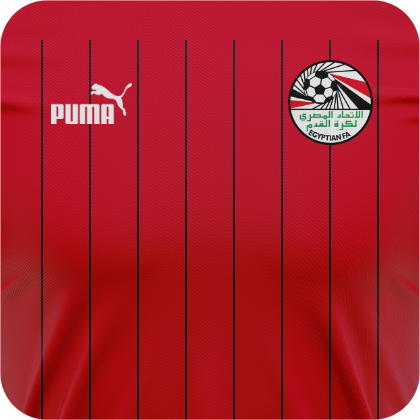
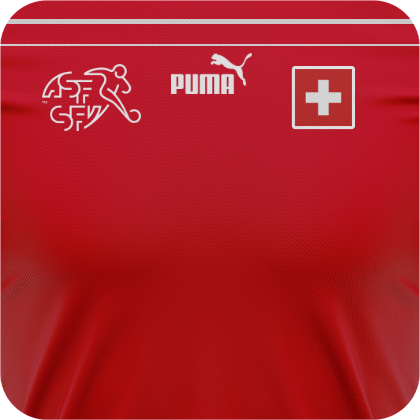
Dutch Eredivisie 2022-23 Ajax Home English Premier League 2022-23 Chelsea Third German Bundesliga 2022-23 Frankfurt Home Hertha Berlin Home & Away RB Leipzig Home & Away Italian Serie A 2022-23 Juventus Away Scottish Premiership 2022-23 Kilmarnock Home & Away CAF Kits 2022 Ghana Home UEFA Kits 2022 Austria Home Cyprus Home & Away Czech Rep Home Iceland Home Italy Home Portugal Home & Away Switzerland Home
-
-


