





Derek
Administrators
-
Joined
-
Last visited
Everything posted by Derek
-
-
I used to play a bit a few years ago but to be honest I was never really any good. We used to actually play a lot in primary school when on breaks which is a bit odd now that I think of it. 🤣
-
Wow 180m. You're tougher to deal with than Daniel Levy mate with the fees you get from selling players! 🤣 Well done on the Super Cup win over Inter and it's some start to the season you've had being unbeaten. I can smell a league title again 😀 What's the chances of you beating the 102 points total from last season? 😅
-
As Tempelman said you've had a great season mate with a fourth place finish and CL football for next season. I'm curious who you've signed for next season? 🤔
-
-
Here you go mate, I based it on the new kit for this season. I've added a profile pic to match but no worries if you don't use it.

-
I'll place it in the alternatives folder. I will redo all the folders for FM23 with FA logo as the main and the rest as alternatives.
-
SL Benfica Facebook request based on the above Palermo design.
-
Palermo Football Club Palermo look set to join the City Football Group and with that in mind I've recreated their logo in a similar style to that of other clubs currently in the group.
-
I'm curious if anyone has come across any teams that don't have a logo in real life? It would be fun to create something for teams without and send to them.
-
Will do mate. It was just too late in the end as most packs were done. At least we have it updated with the main one for now. 👍
-
-
No problem mate. 👍
-
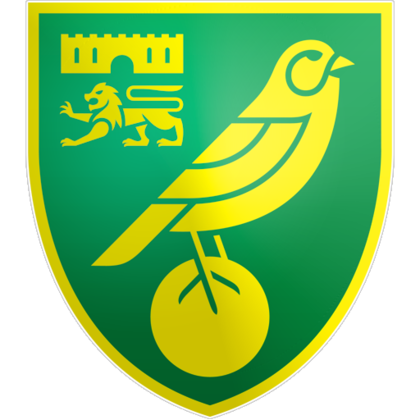
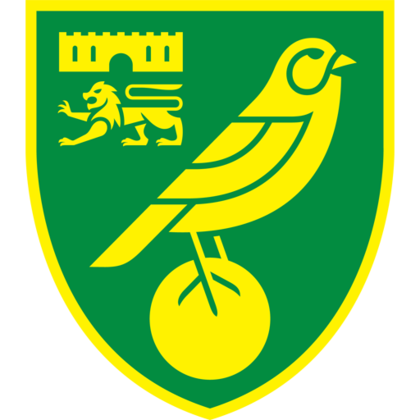
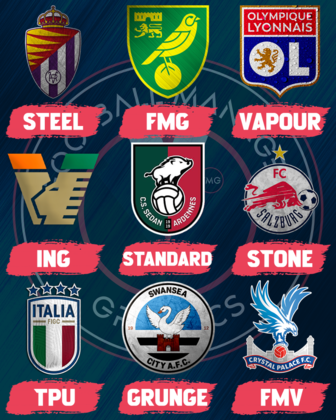
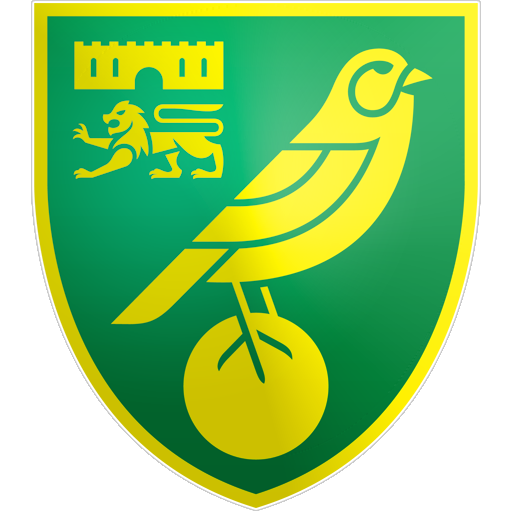
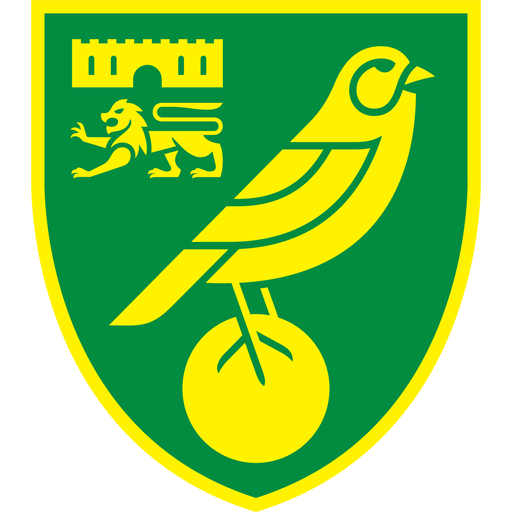
Hi @Siliverin and welcome to FMG. Firstly, the difference between FMG Standard and FMV logos is a combination of effects that are added to the FMV logos. FMV logos have a white stroke around the logos and an effect applied to the logo whereas the FMG Standard Logos have no effects at all. Example: Standard left and FMV right Secondly, I can see you've corrected the text but the answer is when pasting text from another site it's best to paste it and then select 'Paste As Plain Text Instead'. Here is an image which show the different logo styles side by side using logos from our recent updates.
-
All updates released. Thanks to all the researchers and members for their help as always.
-
Important Information
Terms & Conditions




Account
Navigation
Search
Configure browser push notifications
Chrome (Android)
- Tap the lock icon next to the address bar.
- Tap Permissions → Notifications.
- Adjust your preference.
Chrome (Desktop)
- Click the padlock icon in the address bar.
- Select Site settings.
- Find Notifications and adjust your preference.
Safari (iOS 16.4+)
- Ensure the site is installed via Add to Home Screen.
- Open Settings App → Notifications.
- Find your app name and adjust your preference.
Safari (macOS)
- Go to Safari → Preferences.
- Click the Websites tab.
- Select Notifications in the sidebar.
- Find this website and adjust your preference.
Edge (Android)
- Tap the lock icon next to the address bar.
- Tap Permissions.
- Find Notifications and adjust your preference.
Edge (Desktop)
- Click the padlock icon in the address bar.
- Click Permissions for this site.
- Find Notifications and adjust your preference.
Firefox (Android)
- Go to Settings → Site permissions.
- Tap Notifications.
- Find this site in the list and adjust your preference.
Firefox (Desktop)
- Open Firefox Settings.
- Search for Notifications.
- Find this site in the list and adjust your preference.